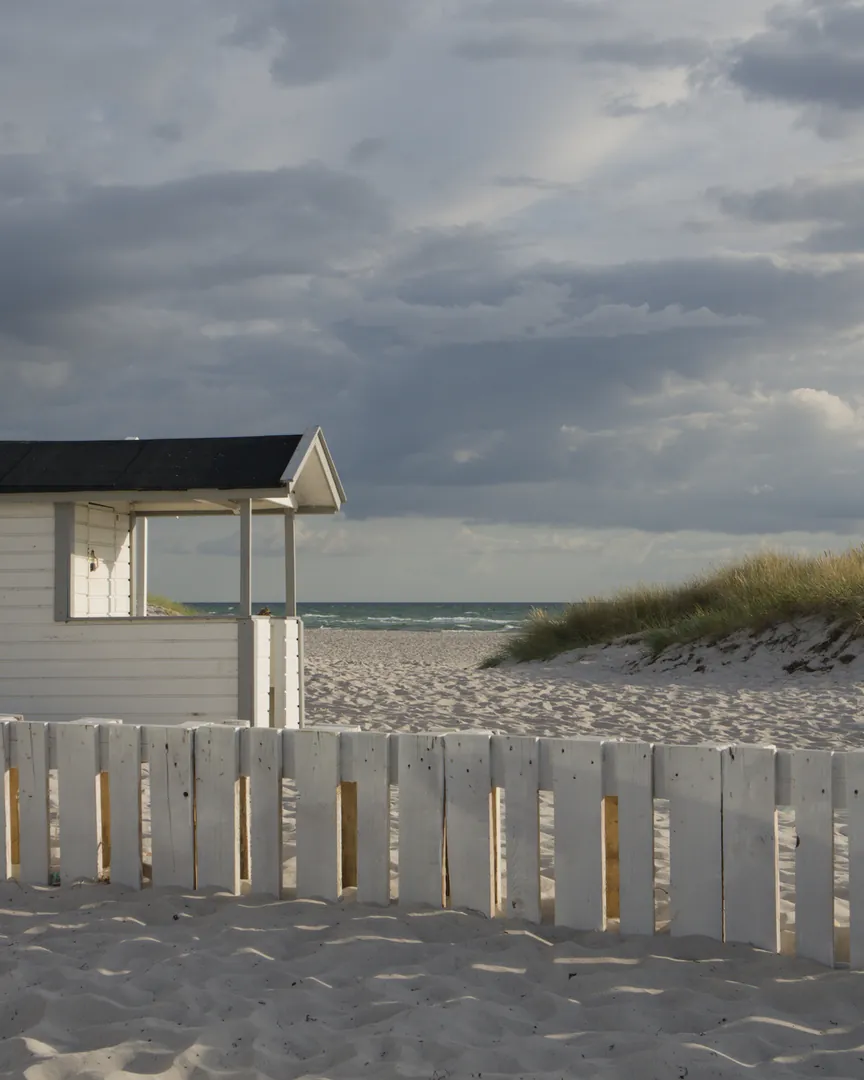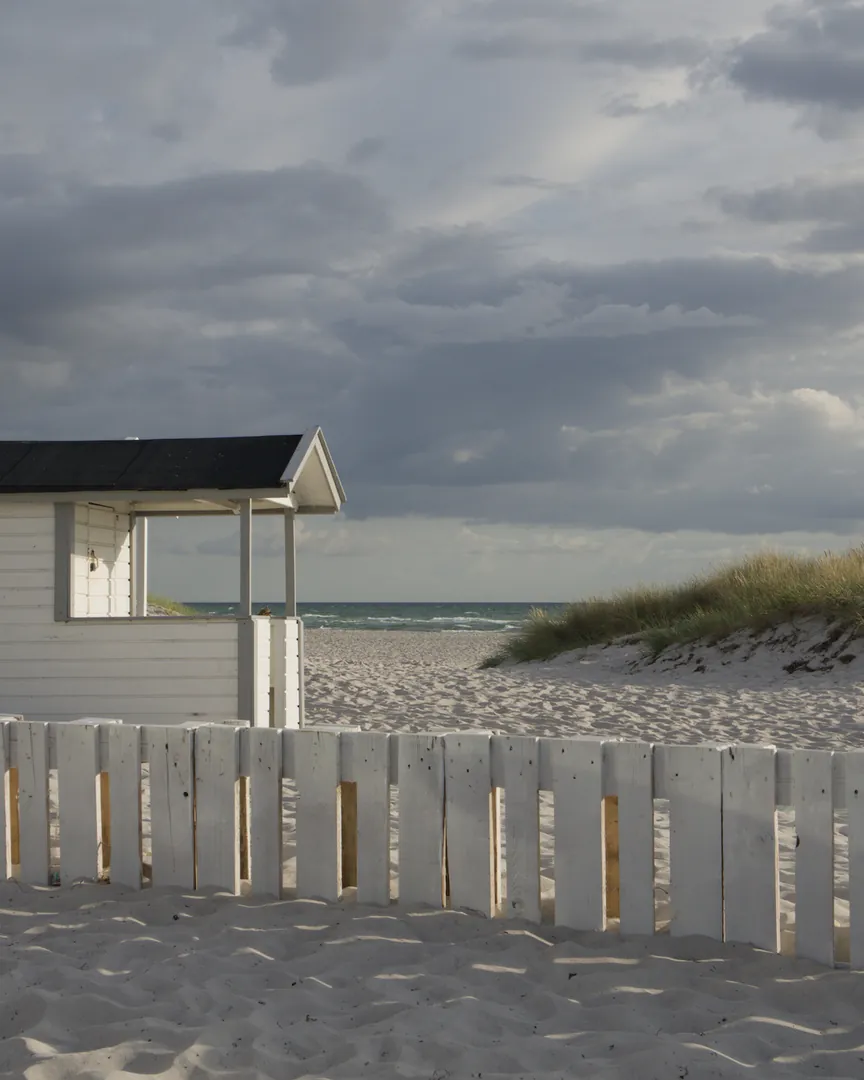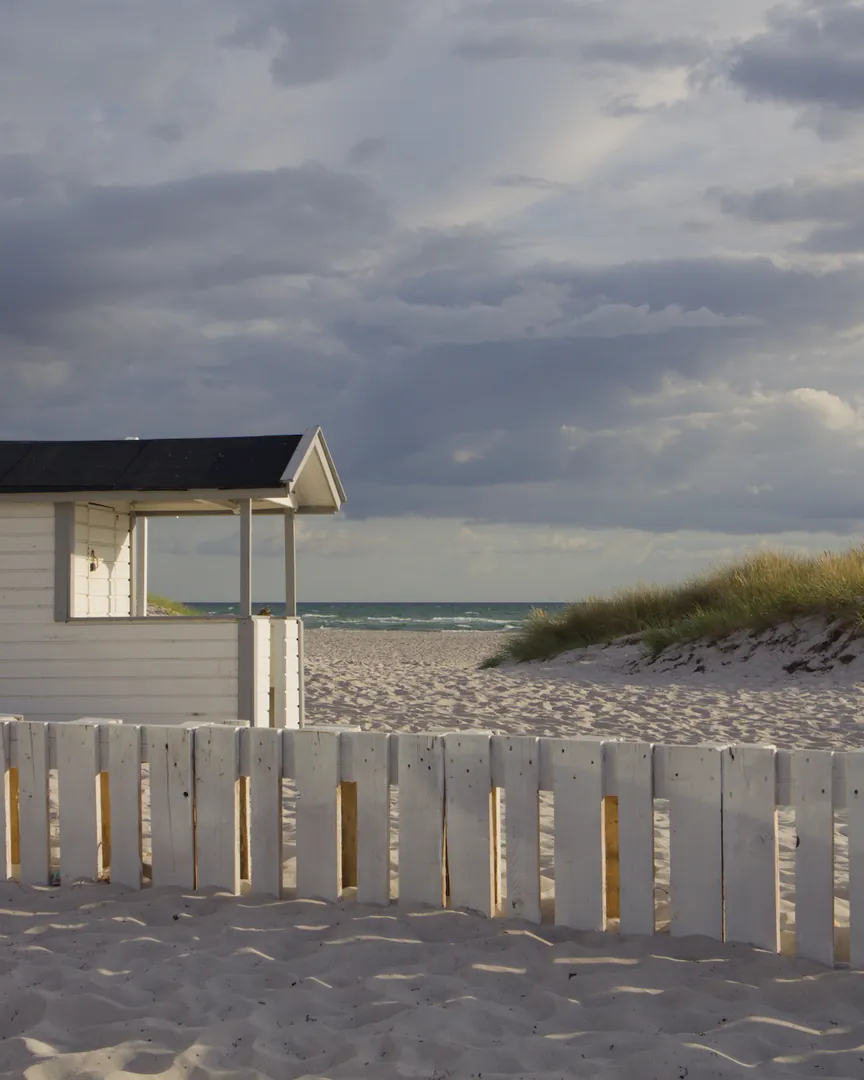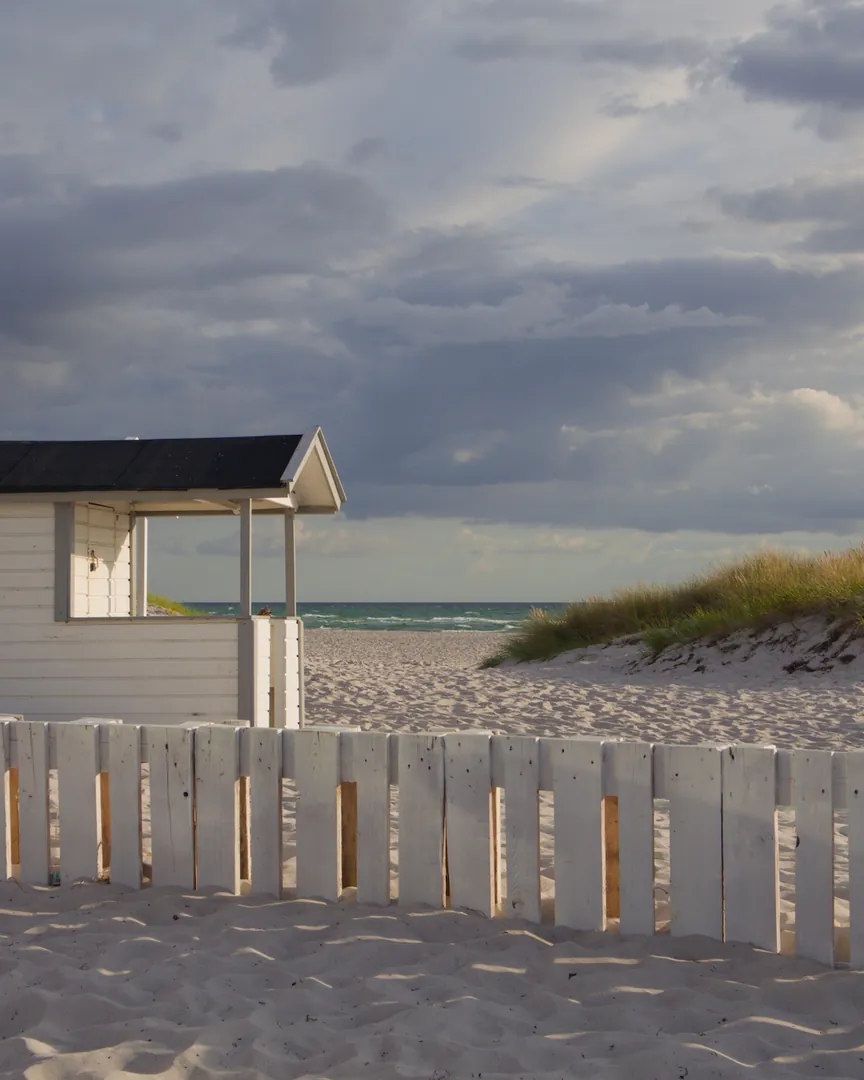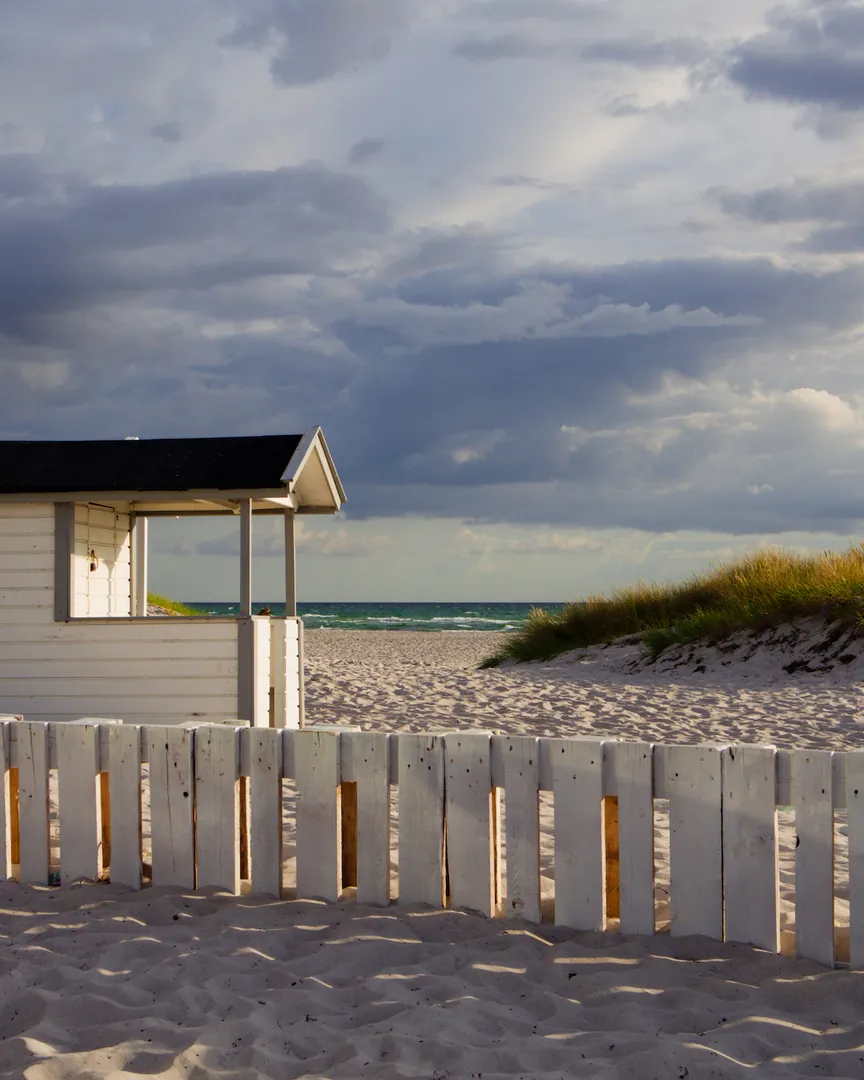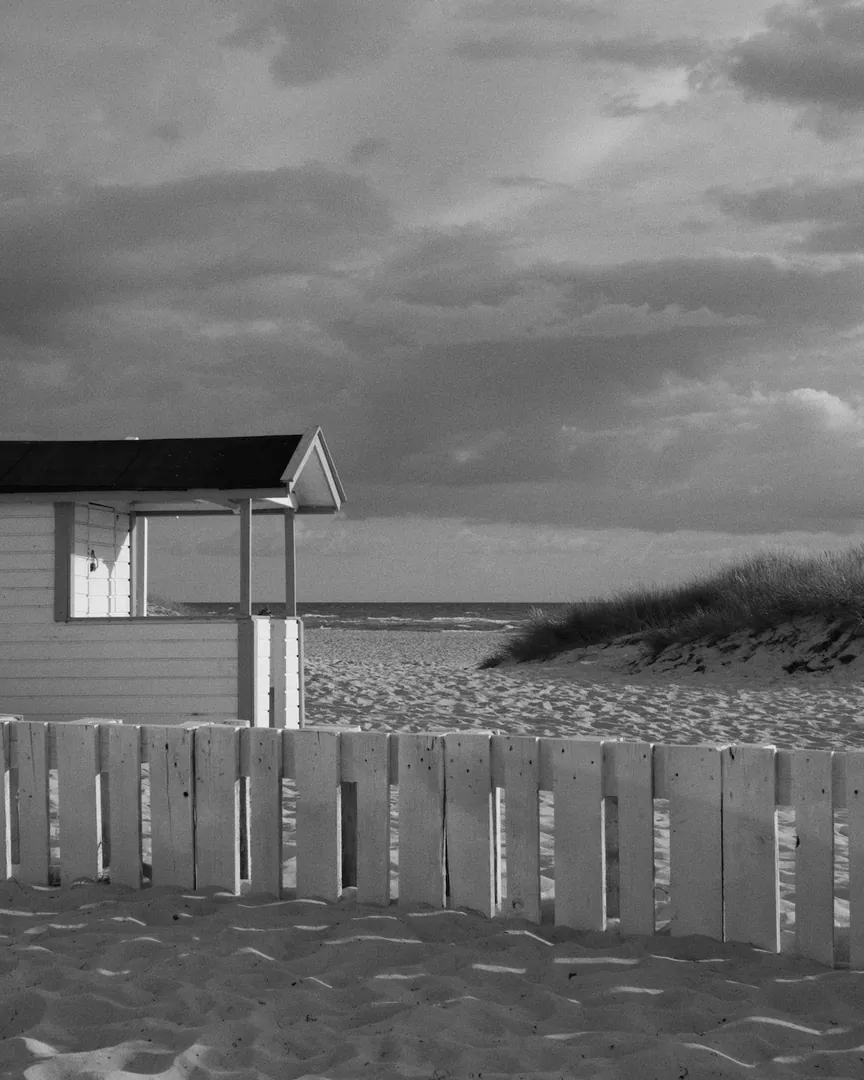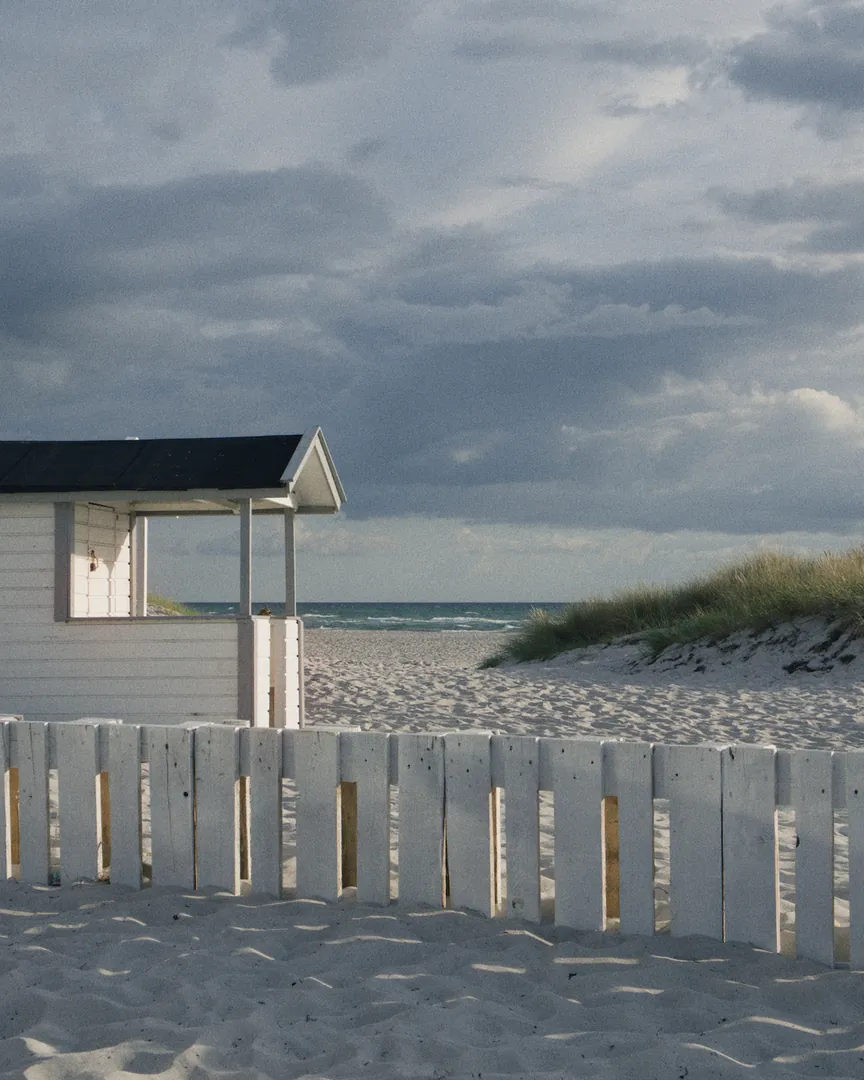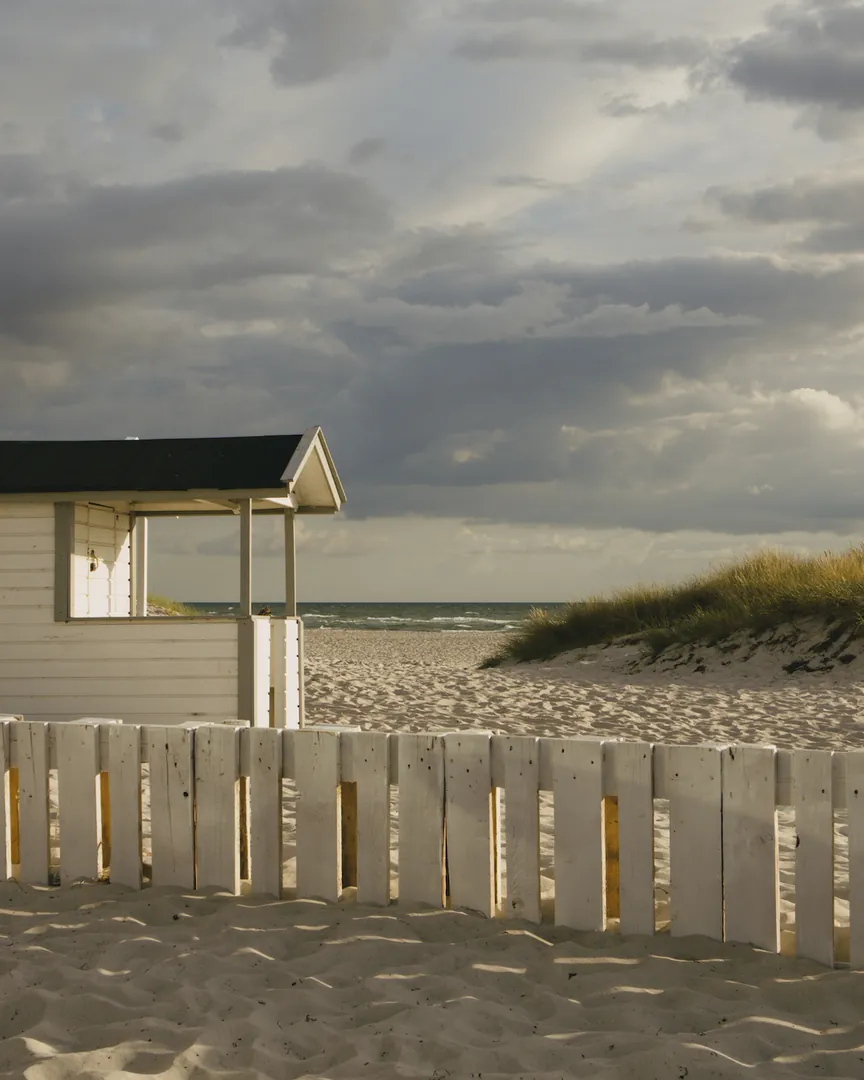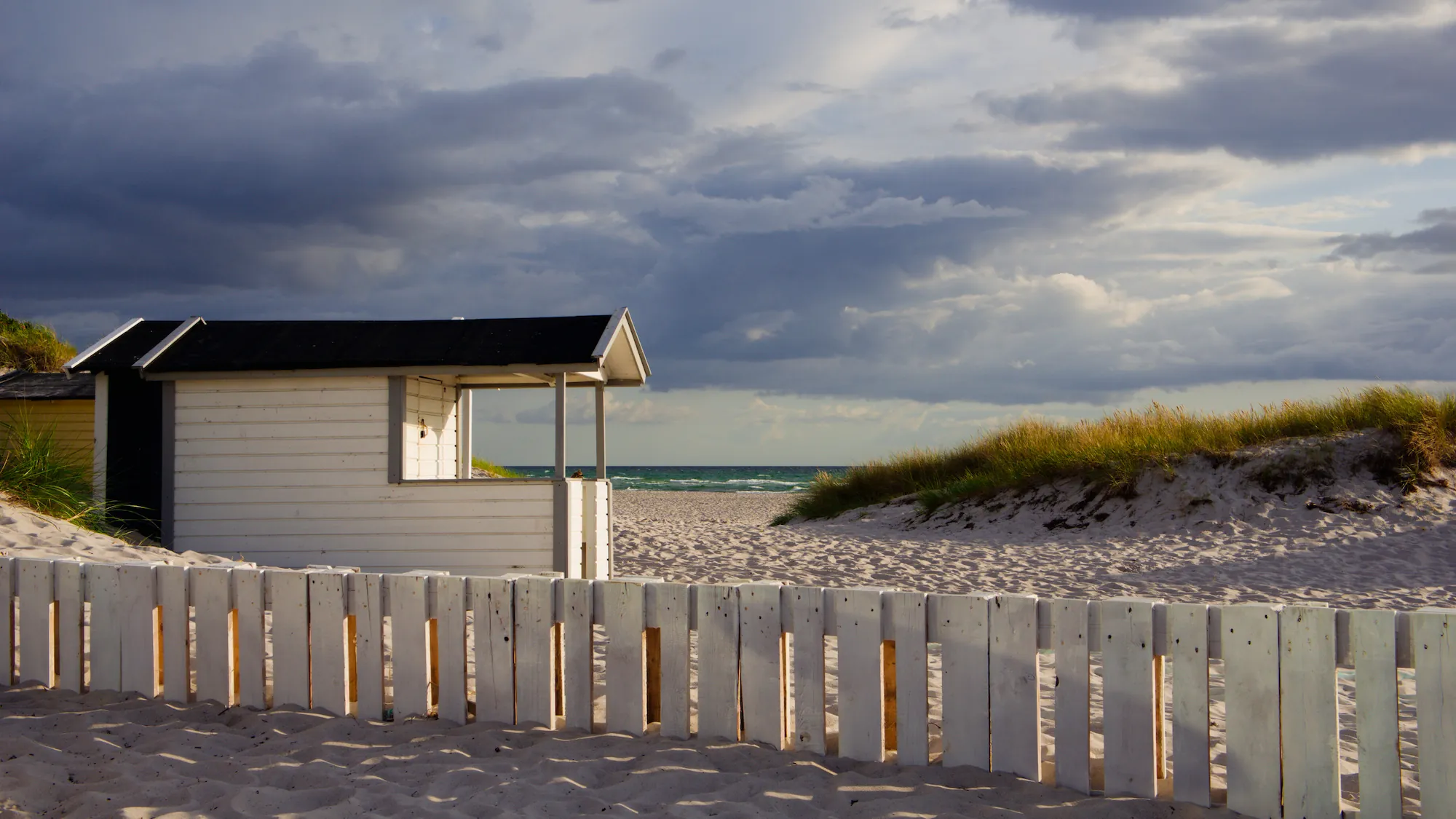
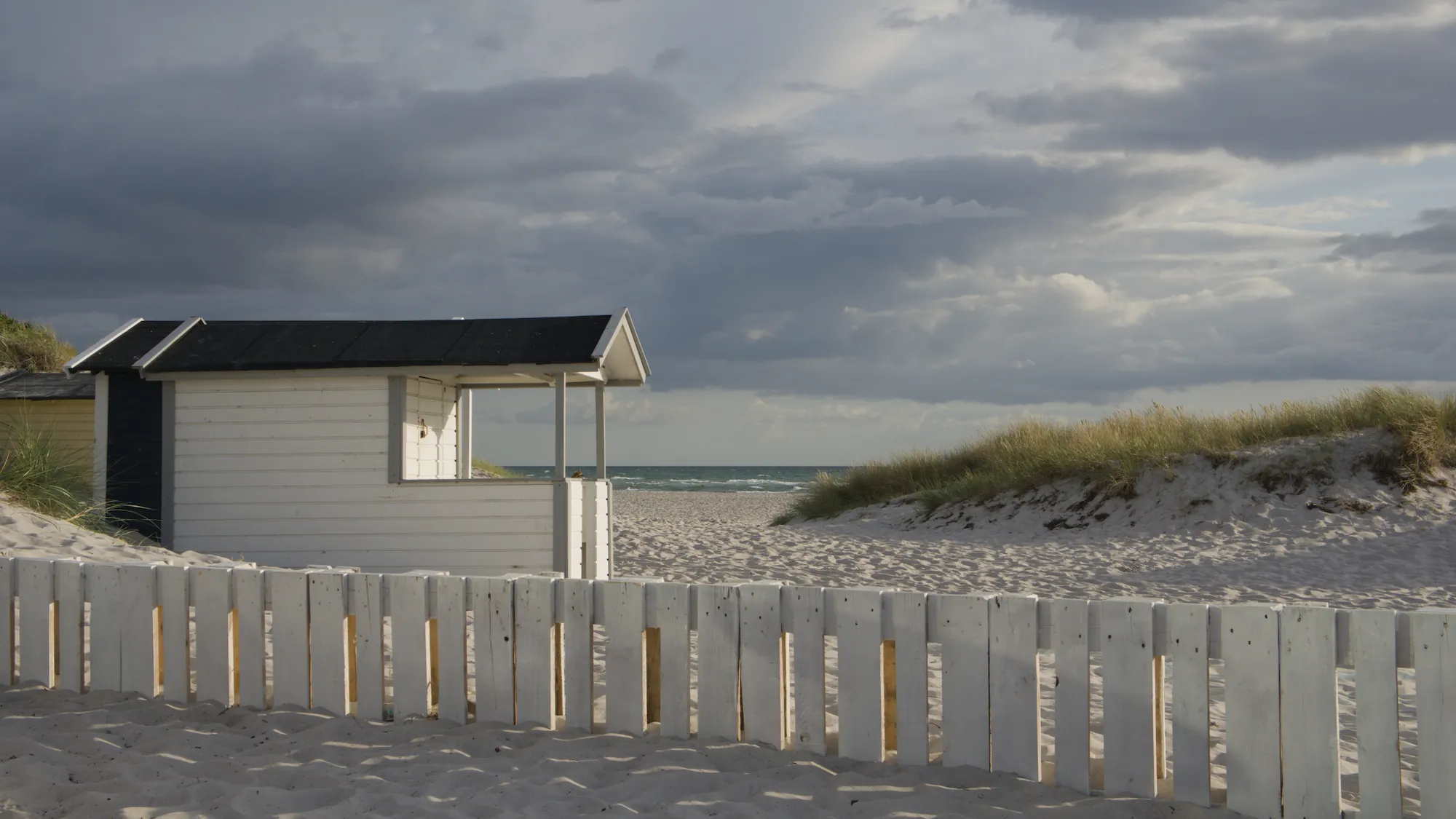
Quieter than the 400: muted colors, neutral highlights, very fine grain.
- ISO
- 160
- Process
- C-41
One archive of film looks, two ways to use it: develop your photos in our Mac app, or add the looks to the editor you already use.
SoftwareGrain Archive Lab
See the app — $49PresetsFilm presets
See the presets — $2086 looks, one per film, filed by family. Each frame lists the software it is available for. Hover or tap a frame to see the photo before the preset.
Filter by softwareQuieter than the 400: muted colors, neutral highlights, very fine grain.
Warmer and richer than the 400: golden skin, full reds and yellows.
A cool palette: cyan-leaning blues, clean greens, a touch of magenta.
Warm, slightly muted color with orange-leaning reds, discreet blues and moderate contrast.
No published datasheet
Faithful color with deeper blues, natural skin and moderate contrast, in the spirit of a portrait film.
Muted colors, a green-yellow cast, shadows that fall off fast and coarse grain.
No published datasheet
Saturated reds and greens, restrained blues, a faint magenta drift and firm contrast.
No published datasheet
Firm contrast, fuller blues and greens, a light warm cast and visible grain, between vivid and muted.
No published datasheet
Natural, lively color with raised blacks, a light green cast in the shadows and marked grain.
Soft, slightly restrained pastel palette with natural skin, fresh greens and very fine grain.
Vivid reds and blues, blue-green shadows, slightly pink skin and moderate grain.
Warm, saturated ISO 100 negative look with marked reds, discreet blues and fine grain.
No published datasheet
Toned-down Phoenix: firm contrast, pastel-leaning color, faint halation, marked but finer grain.
Warm, medium-low contrast with muted blues, present greens, visible grain and a light red halation.
No published datasheet
Saturated, fairly contrasty color negative look with dense reds, deep blacks and fine grain.
Medium contrast, frank blues and greens, natural skin and visible grain; a cautious take on a discontinued film.
Very saturated color negative look: vivid reds and blues, deep blacks, fine grain.
Cool green-blue cast, firm greens and reds, medium contrast and visible grain, after Fujicolor C200.
Warm red-orange cast, vivid greens and a firm tone curve, with coarse, strong grain.
No published datasheet
Warm, saturated color negative with orange-leaning reds, deep blues and a visible grain structure.
Clean, saturated blues and cyans, deep blacks and very fine grain, with muted yellows and oranges.
Cool, muted color with a green-blue cast, raised blacks, washed-out whites, visible grain and a red halation halo.
No published datasheet
Vivid color negative look with medium contrast, warm skin, blue-green shadows and fine grain.
Saturated Fuji color negative look: lush greens, marked magentas, a firm curve with no shoulder and visible grain.
A lab scan of motion picture negative: long, flat curve, dense colors.
Deeper blacks, denser color and blue-teal shadows on a daylight scene; no halation, no tungsten balance.
Accurate daylight color and very fine grain; firmer curve than the 250D style, denser greens and blues.
Soft ECN-2 scan look: pastel cyan-leaning blues, slightly golden skin, very fine grain.
Steeper curve, deep blacks, frank colors and warm skin, with a faint magenta lean in the highlights.
Flat curve, pastel color, warm skin and a discreet red-orange halation around bright highlights.
No published datasheet
Very saturated slide look: electric blues, strong contrast, dark blacks and a faint magenta bias.
Very saturated slide look, warmer than Velvia, with strong reds and yellows and marked contrast.
Deep blues, a slight warmth and moderate slide contrast, with fine grain and less vivid greens.
Saturated but realistic slide look: firm blues, denser greens, neutral grays, fine visible grain.
Restrained Kodachrome: deep blacks, dense warm reds, blues kept clear of cyan, and a bit less contrast than the 64.
Kodachrome-style slide look with gentler contrast than the 64, a warm drift and visible grain.
Moderate saturation, a slight warm cast and steeper midtones than Provia 100F, with restrained blues.
Neutral, moderately saturated slide look with soft contrast, clean whites and no added grain.
Fine, even grain, deep blacks and held highlights, with slightly more contrast than HP5 Plus.
Soft gray black and white with gentle midtones, rolled-off highlights and very fine grain.
Soft-contrast black and white with lifted blacks, held-back whites and visible grain.
No published datasheet
Contrasty black and white with slightly lifted blacks, bright highlights and visible grain.
Neutral gray with rich blacks, medium contrast and visible cubic-style grain, from a cinema negative curve.
Clean black and white with very fine grain, light blue skies and darker skin, in soft, open contrast.
Soft-contrast black and white with open shadows, rounded highlights and moderate grain.
Soft-toed black and white with moderate contrast, open highlights and very fine grain.
Firm-contrast black and white with deep blacks, a lighter sky and very fine grain; neutral gray, no shoulder.
Medium-to-soft black and white with smooth mid-tones, near-neutral blacks and a fine, classic grain.
No published datasheet
Neutral gray with a long toe, no shoulder and fine grain: softer than the Tri-X 400 style, sheet-film feel.
No published datasheet
Neutral gray with a flat spectral response, crisp whites and open shadows, and fine, light grain.
Slow, extremely fine-grained black and white with open highlights, a long soft toe and neutral grays.
No published datasheet
High-contrast black and white with deep blacks, dark reds, denser skin and very fine grain.
No published datasheet
Low-contrast black and white with lifted blacks, bright highlights, a soft glow and medium grain.
Orthopanchromatic ISO 100 gray mix with open shadows, capped whites and classical grain.
High contrast, short latitude, vivid reds and greens, darker blues, near-neutral cast.
No published datasheet
Contrasty instant black and white with a raised black point, highlights under white and a faint warm tint.
No published datasheet
Discontinued peel-apart instant film: firm contrast, vivid reds, cooler blues, no grain.
No published datasheet
Greens turn purple, blues turn turquoise, yellows turn pink.
No published datasheet
False-color look: blue skies turn orange, skin and warm tones turn blue, greens turn turquoise.
No published datasheet
Muted, low-saturation color with hard contrast, deep blacks and coarse grain; reds stay strongest.
No published datasheet
Muted pastel color, soft lifted blacks and heavy grain, for a 1990s snapshot look.
No published datasheet
Redscale look: deep red shadows, orange midtones, yellow highlights, strong contrast.
No published datasheet
Red-orange cast with lifted, muddy blacks, low contrast and visible grain, redder in the shadows.
No published datasheet
Greens turn red-magenta, skies and sea go deep blue, contrast is steep, grain is fine.
All 86 looks, on your Mac or in your editor.
Grain Archive Lab develops them with grain and halation: $49 once, with a free trial. Or one preset pack per software, the files yours to keep.
Interpretations built from published data, not calibrated copies.
A film’s look also depends on processing, printing and scanning; a preset only reproduces what can be measured on a digital image.
Characteristic curves, granularity and spectral sensitivity, taken from published datasheets.
Tone curve, color balance rgb, rgb primaries, color equalizer, color calibration and grain. No LUT in the darktable style.
Before/after colorimetric measurements, published on each preset’s page along with its limits.
The finished darktable style is rendered on a grid of colors; that rendering becomes a 3D LUT, with each software’s own grain. What a LUT cannot hold, such as halation, is left out.
| Area | Before | After | Reading |
|---|---|---|---|
| Sky | 55.3 · 27.5 · 274° | 52.8 · 43.3 · 280° | more saturated, toward indigo |
| Sea | 38.4 · 22.2 · 270° | 30.0 · 40.1 · 282° | deeper, toward indigo |
| Skin | 78.2 · 16.4 · 44° | 82.6 · 19.5 · 40° | pinker |
L* lightness · C* chroma · h° hue angle. Rendered with darktable-cli 5.6 from the RAW files shown on this page.
Each preset has its own page: sources, settings explained module by module, before/after measurements and known limits.
Read the public documentationThree steps in each software, about a minute. The full walk-throughs: the darktable installation guide, installing the Photomator presets and installing the Lightroom presets.
.dtstyle files, compatible with darktable 5.6 and later.
Styles module › import. The presets are filed under The Grain Archive › Color, Cinema, Slide, Black & white, Instant and Effects.
One click on the style, after your exposure and sigmoid settings.
B&W presets turn off the main color calibration instance to avoid a color cast. You can turn it back on in the history stack.
The pack holds one file, The Grain Archive.adjustments.
In the presets panel, right-click the header of any collection, choose Import… and select the file. The presets appear as one collection, The Grain Archive.
Apply the preset, then adjust the exposure. Use its intensity to dose the look.
A Photomator preset replaces every adjustment already on the photo. Effects that depend on neighboring pixels, such as halation, are left out. The grain is Photomator’s own Grain adjustment.
The pack holds The Grain Archive.zip, the file to import: leave it zipped.
File › Import Profiles & Presets, then select The Grain Archive.zip. The presets appear under Yours, the profiles in a group of the same name.
Apply the preset, before or after your own adjustments. Use the Amount slider of its profile to dose the look.
The look’s profile and Lightroom’s own Grain, in the Effects panel: your other settings stay as they are. Effects that depend on neighboring pixels, such as halation, are left out.
Grain Archive Lab for your Mac, or the presets for the software you edit in, one pack per software. Each can be tried for free.
Software · Grain Archive Lab
Film emulation software for Mac
$49
One-time payment · lifetime licence for the current major version and all its updates
Free trial: no account needed, TRIAL watermark
Both come from the same archive of film looks. Grain Archive Lab develops your photos from start to finish on a Mac; a preset brings the color of a film into the editor you already use, where it can only move that editor’s sliders. The app runs its own engine, which is what the film’s grain and halation and the Digital Era cameras take.
| Grain Archive Lab | Presets | |
|---|---|---|
| What it is | A Mac app that sorts, develops and outputs your photos | Presets you add to darktable, Photomator or Lightroom |
| Film looks | 95 film looks: the 86 of the presets, and 9 more | 86 film looks per software |
| Color and tone of the film | Yes | Yes |
| Grain | Built in, set from the film’s datasheet | Your software’s own grain |
| Halation | Yes, set per photo, with bloom | In a few darktable styles; not in the Photomator and Lightroom presets |
| Push and pull, with the exposure index | Yes | No |
| Printing: density, contrast, C/M/Y lights | Yes | With your software’s own tools |
| Digital Era cameras | 3 eras: definition, noise, sharpening and JPEG of the period | No |
| Film frames, borders, contact sheets | Yes | No |
| Works with | On its own, or from Lightroom and Capture One with Edit In | Inside darktable, Photomator or Lightroom |
| System | Macs with Apple silicon, macOS 15 Sequoia or later | Wherever your software runs |
| Price | $49 once, lifetime licence for the current major version and all its updates | $20 once, per software |
| Try first | Free trial: the complete app, with a TRIAL watermark | A free pack of 4 looks for each software |
Which one? Grain Archive Lab if you develop on a Mac with Apple silicon and want grain, halation, film frames and contact sheets. The presets if you would rather stay in darktable, Photomator or Lightroom, or edit on another computer. They are sold separately.
Presets · darktable
$0
Direct download · no sign-up
$20
One-time payment · yours to keep
Presets · Photomator
$0
Direct download · no sign-up
$20
One-time payment · yours to keep
Presets · Lightroom
$0
Direct download · no sign-up
$20
One-time payment · yours to keep
Grain Archive Lab is a Mac app that develops your photos with the film looks and the Digital Era looks: grain and halation built in, film frames and contact sheets. It runs on macs with Apple silicon, macOS 15 Sequoia or later. The presets bring the color of a film into darktable, Photomator and Lightroom, on the computer your editor runs on. The difference, side by side
darktable 5.6 or later, Photomator and Lightroom. Each has its own pack.
The looks are the same. The darktable styles are native modules that you can open and adjust. The Photomator presets carry each look baked into a 3D LUT, with Photomator’s own grain; effects that depend on neighboring pixels, such as halation, are left out. The Lightroom presets apply a profile that carries each look baked into a 3D LUT, with Lightroom’s own grain; effects that depend on neighboring pixels, such as halation, are left out.
In darktable, no. The preset sits on top of your development (exposure, sigmoid) without changing it, and does not overwrite your color balance settings. The only exception: B&W presets turn off the main color calibration to avoid a color cast, and you can turn it back on in the history stack.
In Photomator, yes: a preset replaces every adjustment on the photo. Apply it first, then adjust.
In Lightroom, no: a preset sets the look’s profile and the grain, and leaves your other settings as they are.
Yes, without signing up: the free darktable pack (4 presets), the free Photomator pack (4 presets) and the free Lightroom pack (4 presets), with the public documentation of every preset.
No. They are separate products, one for each software.
No. They are interpretations based on data published by manufacturers and verified by measurement. The real look of a film also depends on exposure, chemical processing, printing or scanning. Each preset’s limits are listed on its page.
You can use the presets on your photos for both personal and commercial work. Reselling or redistributing the preset files is not allowed. Read the full license
Refunds are handled by Link, our payment provider: within 60 days if the files are missing, faulty or not as described, and within 14 days for any reason if you are a consumer in the EU or the UK. Details in the terms.
darktable stays free and open source. What you pay for is the research, tuning and measurement behind each preset. The free darktable pack and the public documentation let you judge the method before you buy.
By email: hello@thegrainarchive.com