darktable preset inspired by CineStill800T
Cool, restrained colors and a red-orange halo around highlights.
- Film
- GA — 012 · sheet, datasheet, sources
- Pack
- Full pack
- darktable
- 5.6 or later
- In darktable
- Styles › Pellicules › Cinéma
- File
- Pellicules - Cinéma - CineStill 800T.dtstyle
A darktable 5.6 style built from the Vision3 500T datasheet and 800T reviews: native modules, no LUT, measured on real RAW files. In the full pack.
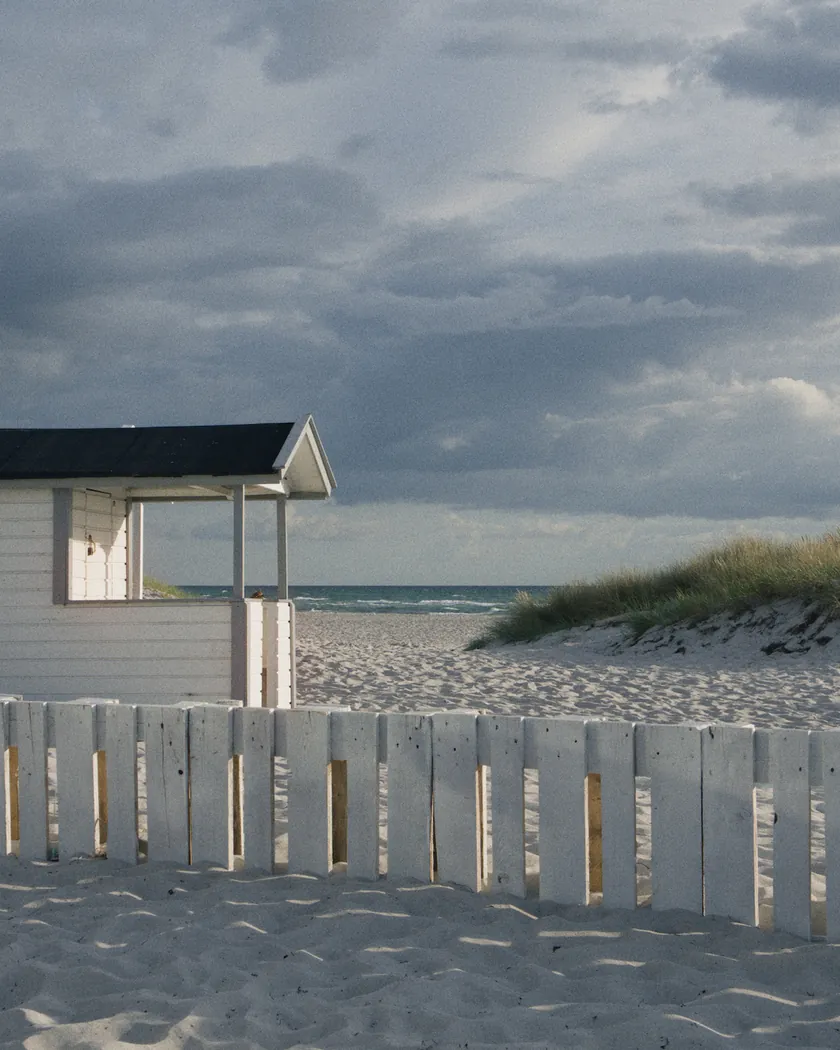
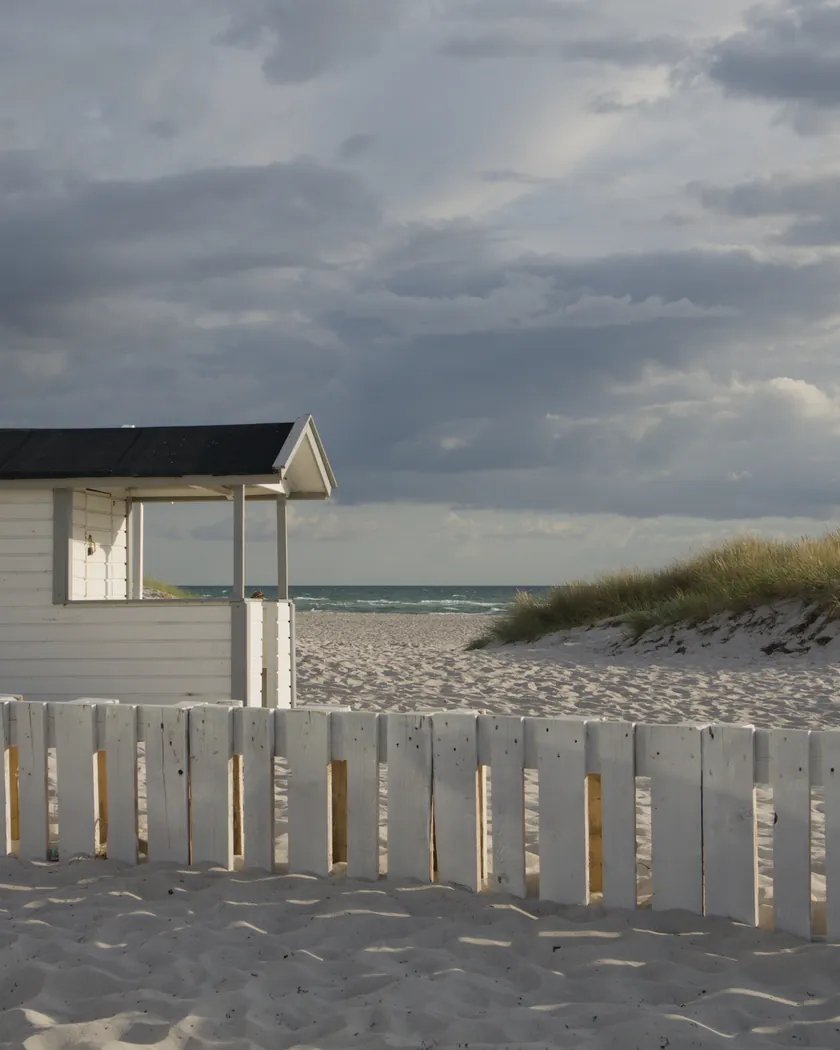
Translation into darktable
| Module | Role | Settings |
|---|---|---|
| rgb primaries | Greens turned slightly toward cyan, reds a little purer | Green hue +0.03 rad, red purity 1.05 |
| color balance rgb (instance “film”) | Blue shadows, barely cool midtones, restrained color | Shadows 240° / 0.03, midtones 240° / 0.006; chroma −8 %, saturation −4 % |
| color balance rgb (instance “halation”) | Red-orange light added in and around the brightest areas | Global offset 15° / 0.04, luminance +0.012; parametric mask on input luminance, ramp 0.7 → 1.6 (scene-linear), mask blur 100 px |
| color equalizer | Reds held up, greens and blues restrained, greens toward teal | Saturation: red +10 %, green −12 %, blue −8 %; hue: green +6° |
| tone curve (RGB, linked channels) | Medium contrast: blacks barely lifted, highlights rounded off late | Nodes (0, 0.018) (0.10, 0.085) (0.25, 0.235) (0.5, 0.5) (0.75, 0.765) (0.9, 0.91) (1, 0.975) |
| grain | Visible grain for an ISO 800 film, present into the shadows | Coarseness 1800, strength 24, midtones bias 70 |
Measurements
The measurements come from a few test photos of our own, which are not published on this site. The photos shown here are different.
| Photo | Zone | Baseline | Metric | Before | After | Film expectation |
|---|---|---|---|---|---|---|
| 0775 | whole image | Base rendering | Lsd (contrast) | 14.3 | 15.2 | Medium contrast: slightly higher |
| 1014 | whole image | Base rendering | L5 (blacks) | 2.6 | 3.5 | Shadows with detail: blacks slightly raised |
| 1014 | whole image | Base rendering | C (overall cast) | 8.6 | 8.7 | No overall color cast |
| 1014 | shadow on the ground | Base rendering | b* | -4.6 | -6.9 | Cool, bluer shadows |
| 0775 | sky | Base rendering | C (chroma) | 27.5 | 26.2 | Restrained color |
| 0775 | sea | Base rendering | C (chroma) | 22.2 | 23.2 | Restrained color (not met: slightly more chroma) |
| 0989 | red vest | Base rendering | C (chroma) | 44.5 | 51.1 | Reds slightly oversaturated |
| 0989 | skin | Base rendering | h (hue, °) | 44.2 | 41.2 | Natural skin, slightly cool |
| 0989 | sunlit gravel | Base rendering | a* | 1.9 | 4.4 | Red halation on bright areas |
| 0989 | sunlit gravel | Base rendering | h (hue, °) | 69.0 | 49.9 | Bright areas pulled toward red-orange |
Base rendering: darktable’s default processing of the RAW file, without the preset. Luminance conversion (black and white): the same photo converted with plain luminance weights, to isolate the effect of the film’s spectral sensitivity.
What the style changes
The style sets six darktable modules. It aims at 800T on a photo whose white balance is already set: cool, restrained color, held-up reds, blue shadows and a red glow around the brightest areas, as the reviews describe on the CineStill 800T film page. All figures below come from renders made with darktable-cli 5.6.0 at 1000 px, measured in CIELab.
- Red halation. A color balance rgb instance named “halation” adds red-orange light through a parametric mask on input luminance: nothing below 0.7 in scene-linear values, full effect from 1.6, then a 100 px blur that spreads the mask around the bright areas.
- The offset is additive, so it is almost invisible on white but clear on the darker surroundings, which is where film halos show.
- A control render shows the mask picks mostly sunlit white walls, gravel and white shirts. The lightest skin on the overexposed photo 0989 is barely touched, and the sky not at all.
- On sunlit gravel, a* rises from 1.9 to 4.4 with the instance and stays at 2.0 without it. On the contact sheet, a red band appears under a white lintel and a red edge along dark shoes.
- Cool shadows, no overall cast. The “film” instance tints shadows blue and midtones very slightly cool, and lowers chroma and saturation. A shadow on the ground goes from b* −4.6 to −6.9, while the chroma of the whole of photo 1014 stays at 8.7.
- Held-up reds, restrained greens and blues. color equalizer raises red saturation and lowers green and blue; rgb primaries turns greens slightly toward cyan and makes reds purer. A red vest goes from C 44.5 to 51.1 (47.5 without the halation instance); sky chroma drops from 27.5 to 26.2.
- Medium contrast. The tone curve slightly raises the blacks and rounds off the highlights late. Contrast rises a little (Lsd 14.3 → 15.2 and 30.7 → 31.4); the darkest 5 % of the frame go from L 2.6 to 3.5. The curve acts on each channel without color preservation, and its nodes are in perceptual lightness: 0.5 is about middle gray.
- Visible grain, stronger than in the Gold 200 and Portra 400 styles and present into the shadows, where Kodak’s granularity curves for Vision3 500T peak.
Where the Portra 400 and Gold 200 styles warm the image, this one cools it: grounds and shadows turn blue-gray instead of brown. Skin keeps its chroma (16.4 → 16.7) and loses 3° of hue, because of the cool tint, not the halation.
What it leaves alone
- Your white balance. The style does not simulate tungsten balance and adds no strong blue cast. It keeps only the cool tendency that reviews describe on corrected scans.
- Your base development. The style contains no exposure, no sigmoid or filmic and no LUT. Those settings stay as you made them.
- Your color balance rgb. The style’s two color balance rgb instances are named “film” and “halation”: they are added next to yours, which stays untouched.
- But not your rgb primaries, color equalizer, tone curve or grain. When you apply a style from the lighttable or the darkroom, each of its modules replaces the instance of the same module with the same name, if the photo has one, and is added otherwise. These four modules carry no instance name, so they replace any settings you had already made in them. Your earlier settings remain in the history.
- Your pipeline order. The style file carries no module order list, so it does not impose one on your image.
Exporting with a style, or rendering with darktable-cli, works differently: every module of the style is added as a separate instance. Our measurements were made that way, on darktable’s default rendering. The details are in Install and apply darktable styles.
Limits
- An interpretation, not a calibration. CineStill publishes no curves for 800T. The Kodak curves used are those of Vision3 500T with its rem-jet, processed in ECN-2, not of 800T in C-41. No film was scanned or measured to tune the style.
- Approximate halation. The mask follows lightness above a threshold, not the energy of a light source. Small, very bright points, such as reflections on the sea, get almost no halo; on film they produce the most.
- Not tested at night. The test photos contain no night scene, the film’s main use. The settings were tuned in daylight to stay discreet.
- The halo also tints large white areas slightly pink. The brighter the photo, the more the mask covers: exposure changes the effect.
- Resolution-dependent halo. The mask threshold is in scene-linear values, after your exposure setting. The blur is fixed at 100 px at full resolution, the maximum in the interface, so the halo is relatively larger on a lower-resolution sensor.
- The sea gains a little chroma (22.2 → 23.2) from the blue shadow tint, against the “restrained” color of the reviews. The difference is small.
- Conflicting sources. Reviews disagree on the grain and on whether C-41 adds or removes contrast. The style keeps medium contrast and visible grain.
Tips
- For the unfiltered daylight look (blue to teal), lower the temperature in your photo’s color calibration: the style itself does not do it.
- Dose the halation with the opacity of the “halation” instance, or switch it off. Without it, the style comes closer to Kodak Vision3 500T with its anti-halation layer.
- Apply it early. If you plan to fine-tune the tone curve, rgb primaries, color equalizer or grain yourself, apply the style first: it would replace those settings if you made them before.
- Installation: see Install and apply darktable styles.
Get the preset
GA — 012 / P · darktable preset
800T
for darktable