Grain Archive Lab · Film emulation software for Mac
The halation effect, around the lights that cause it
Halation is the red or orange glow around bright lights on some films. In the app it starts from the brightest parts of your photo, so it stays where the light is and leaves the rest alone.
Free trial: no account needed, TRIAL watermark


Where halation comes from
Most films have a layer that stops light from reflecting back into the emulsion. Without it, light from a strong source goes through the film, bounces off the base and comes back to the red-sensitive layer first: a red glow forms around street lights, lamps and bright reflections.
Motion picture films are protected by a black backing called rem-jet. Films sold without it, such as CineStill 800T, are known for their red halos. The film sheets of the archive say which films have it.
What you can set
The looks of films known for halation come with it. On any look, the Halation section of the inspector, in Advanced, sets it:
- Amount
- How strong the glow is.
- Spread
- How far it reaches from the light.
- Threshold
- How bright a light must be to cause it: higher, and only the brightest lights glow.
- Hue
- The color of the glow.
- Bloom
- In its own section: a soft glow on all the highlights, not only red, with Radius and Softness, which smooths the whole photo.
Easy or Advanced
In Easy, the inspector shows three versions of the look on your photo, Subtle, Standard and Strong: click one. Advanced shows every setting, starting from the version you chose. On a look with halation, Strong makes it stronger and Subtle lighter.
How to do it in Grain Archive Lab
- Open your photos in a session, then go to Develop (⌘2).
- Choose a look of a film known for halation, a tungsten motion picture look for night scenes for instance.
- In Advanced, set Halation: Threshold first, to choose which lights glow, then Amount and Spread.
- Hold \ to see the photo without its look, or compare before and after side by side.
Questions
What is the difference between halation and bloom?
Halation is red and comes from light reflected inside the film, around the brightest lights. Bloom is a softer, neutral glow over all the highlights. The app has both, set apart.
Can I add halation to a look that has none?
Yes. Any look can have halation: raise its Amount in Advanced.
Which photos does it suit?
Photos with small, bright lights against darker areas: night streets, lamps, the sun through leaves, reflections on water.
In the Film Library
The films behind the looks: their history, datasheets and sources.
What else it does
-
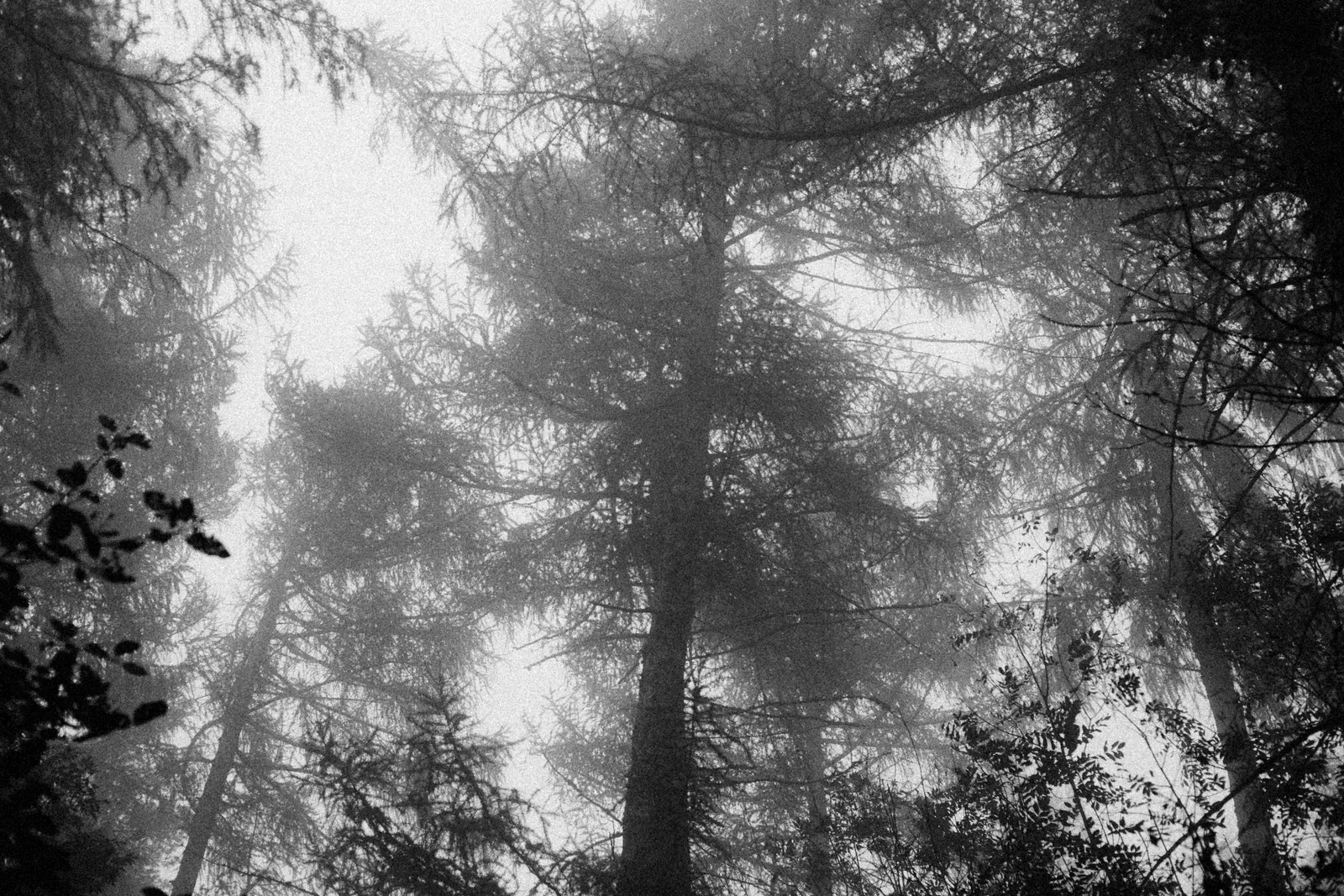 Film grainThe grain of each film, from its datasheet, coarser when you push it.
-
 Light leaksStreaks, spots and edge glows, as many as you want, dragged where you want them.
-
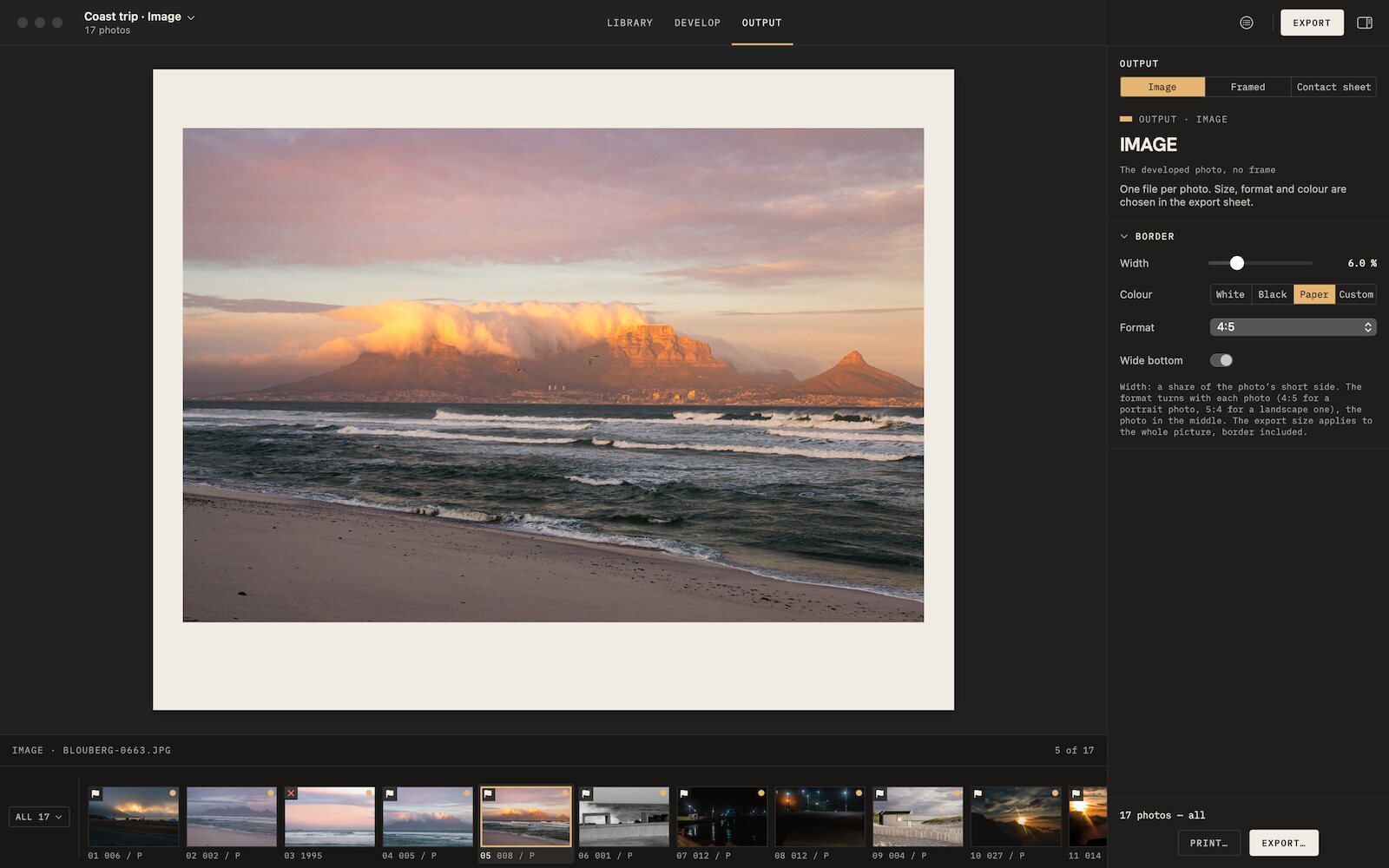 Film borders and framesAnalog borders, film frames, slide mounts and instant prints, photo by photo.
-
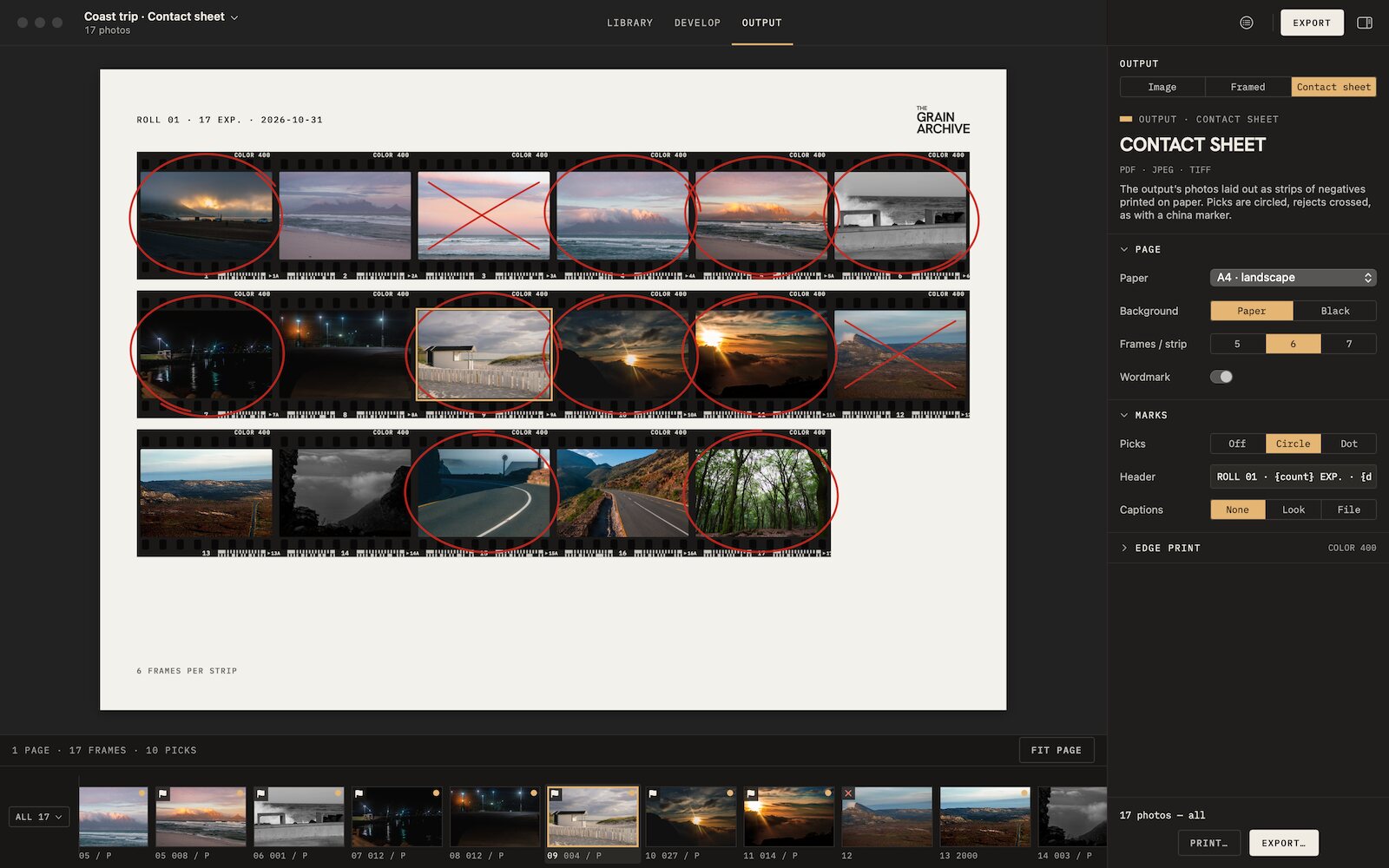 Contact sheetsThe whole session on paper, picks circled, rejects crossed out, to print or export.
-
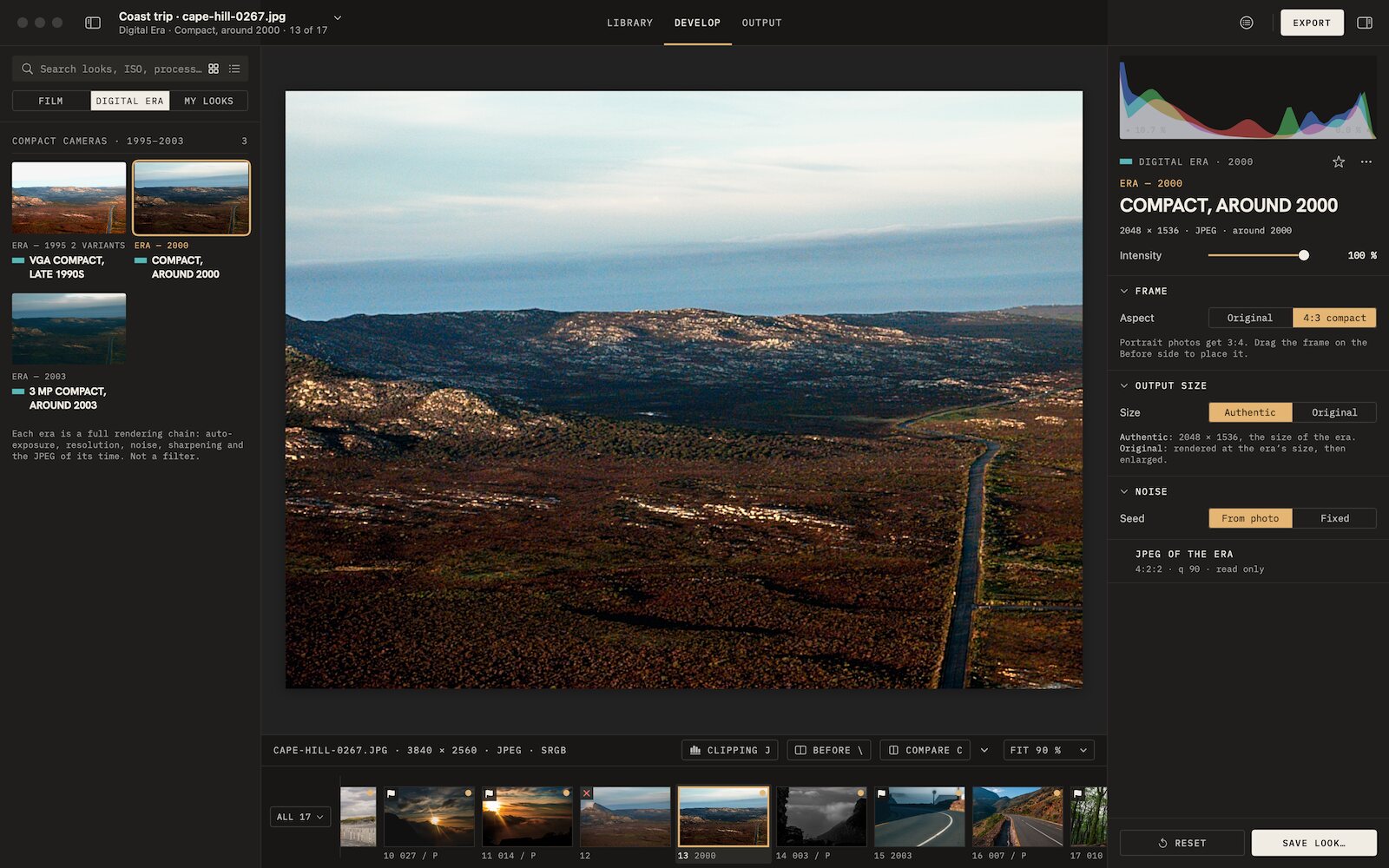 Digicam look3 eras of compact digital cameras, from VGA to 3 MP, their whole chain.

Film emulation software for Mac
Grain Archive Lab
95 film looks and the Digital Era, developed on your Mac: grain and halation built in, film frames and contact sheets.
Free trial: no account needed, TRIAL watermark · One-time · current major version and all its updates · Macs with Apple silicon, macOS 15 Sequoia or later