Grain Archive Lab · Film emulation software for Mac
The digicam effect, made the way the cameras made it
The look of a compact digital camera from around 2000 is not a color filter. It comes from its whole chain: how it exposed, the noise of its small sensor, its few megapixels, the halos of its sharpening and the JPEG of its time. The app’s Digital Era looks run that chain on your photos.
Free trial: no account needed, TRIAL watermark
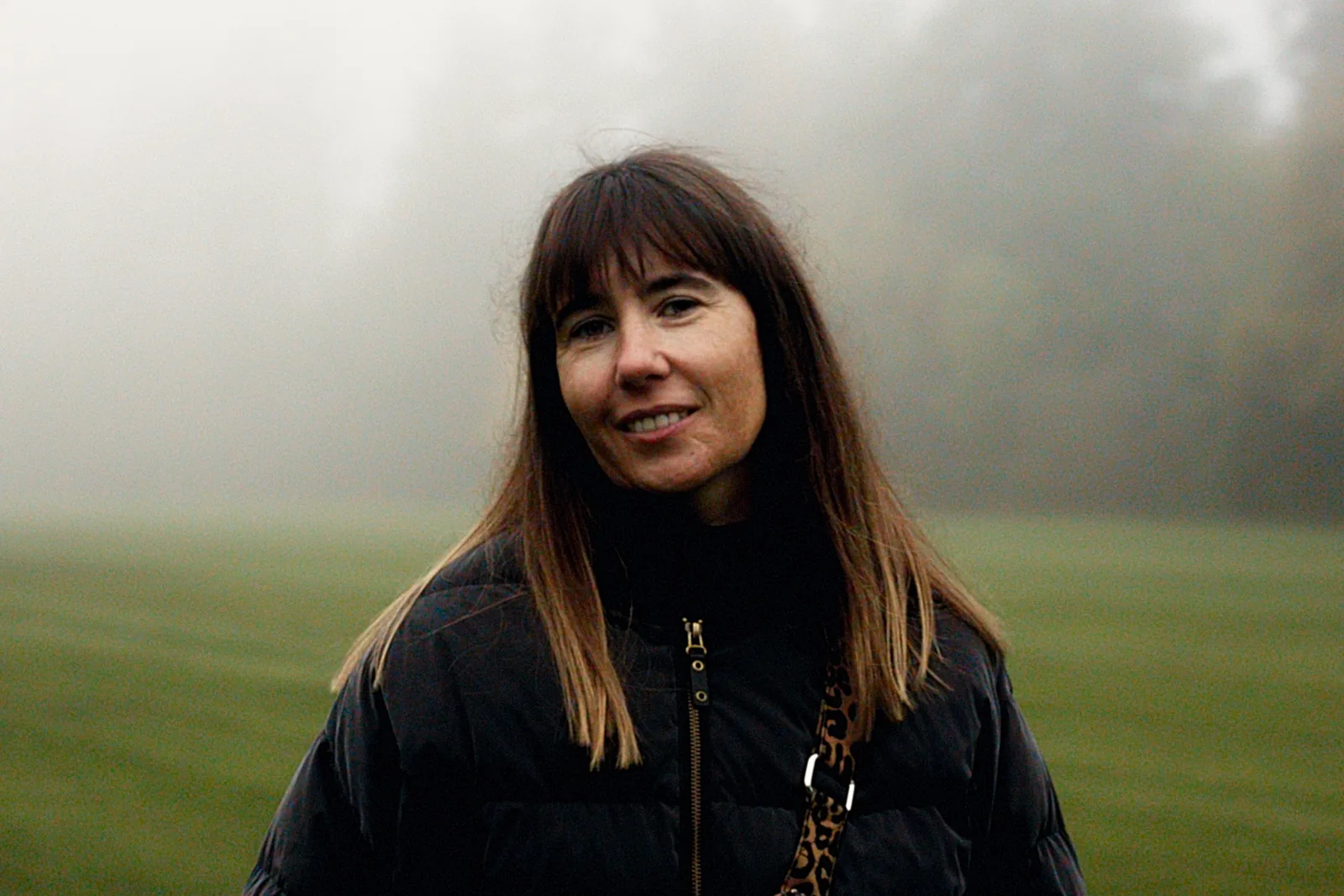
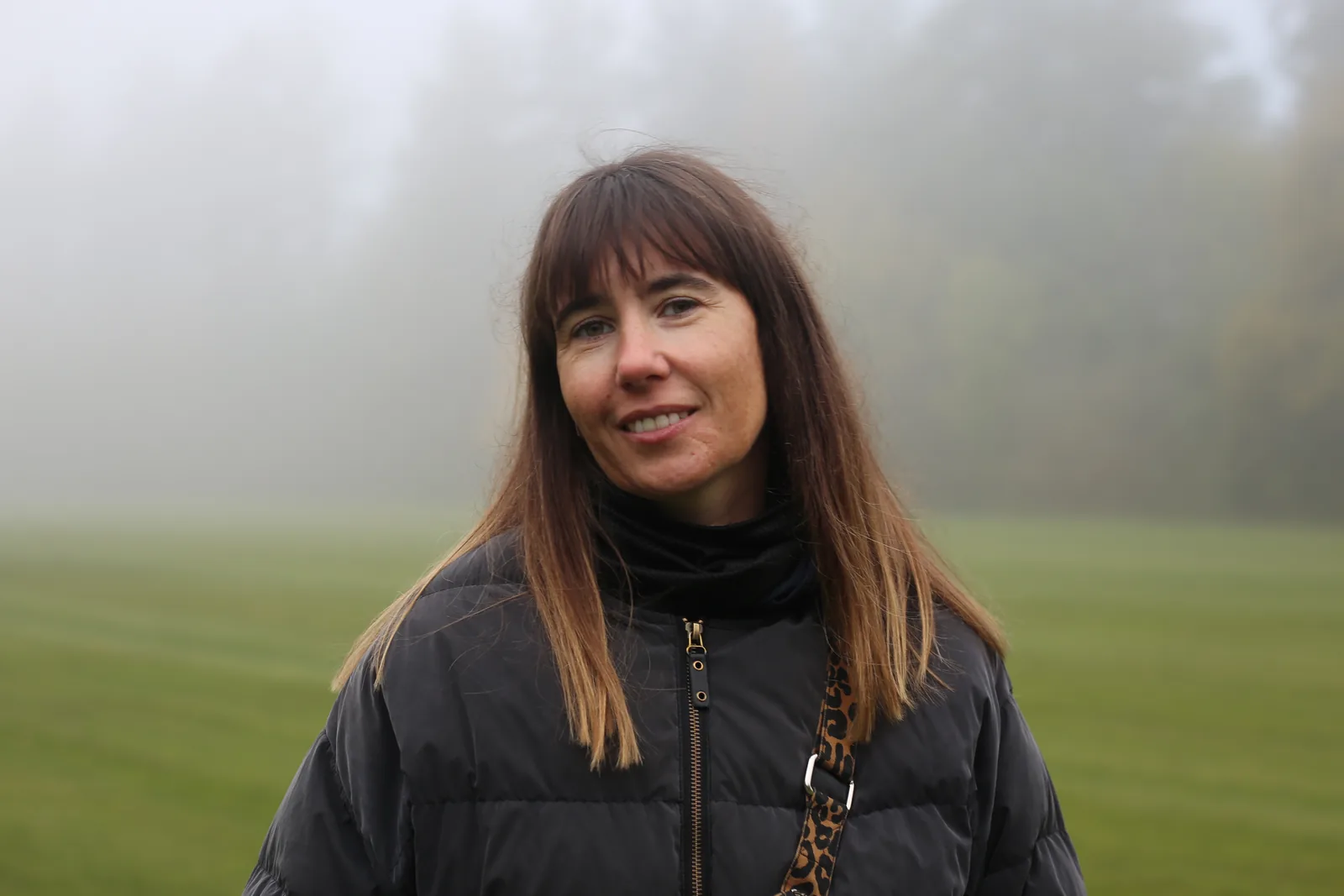
3 eras of compact cameras
Each era stands for the compacts of its time, oldest first:
- ERA — 1995
- VGA compact, late 1990s
- ERA — 2000
- Compact, around 2000
- ERA — 2003
- 3 MP compact, around 2003
What you can set
In the inspector, for a Digital Era look:
- Light, Medium, Full
- In Easy: how much of the era, from a hint to the whole chain.
- Desirable or Faithful
- The look as people remember it, or closer to the camera’s own files.
- Aspect
- 4:3, the frame of the compacts of the time, placed where you want on the photo, or your photo’s own.
- Output size
- Authentic keeps the size of the time, a few megapixels at most; Original keeps your photo’s size.
Made for modern photos
Start from a RAW or a JPEG of your camera or phone. The era gives it the exposure, the noise, the definition and the JPEG of its time, and the file can come out at the size those cameras made.
How to do it in Grain Archive Lab
- Open your photos, then go to Develop (⌘2).
- In the browser on the left, open the Digital Era tab and point at an era: the viewer shows it on your photo.
- Click it, then choose Light, Medium or Full, or set Aspect and Output size in Advanced.
- Export from Output, at the size of the time or at your own.

Questions
Is it a filter?
No. Each era is a full rendering chain: auto-exposure, resolution, noise, sharpening and the JPEG of its time, in that order.
Which cameras are they?
Each era stands for the compact cameras of its time, not for one model.
Can I keep my photo’s full resolution?
Yes. Output size › Original keeps your photo’s size; Authentic gives the size of the time.
Is there a date stamp?
No. The app gives the photo the look of the camera, not of its date imprint.
What else it does
-
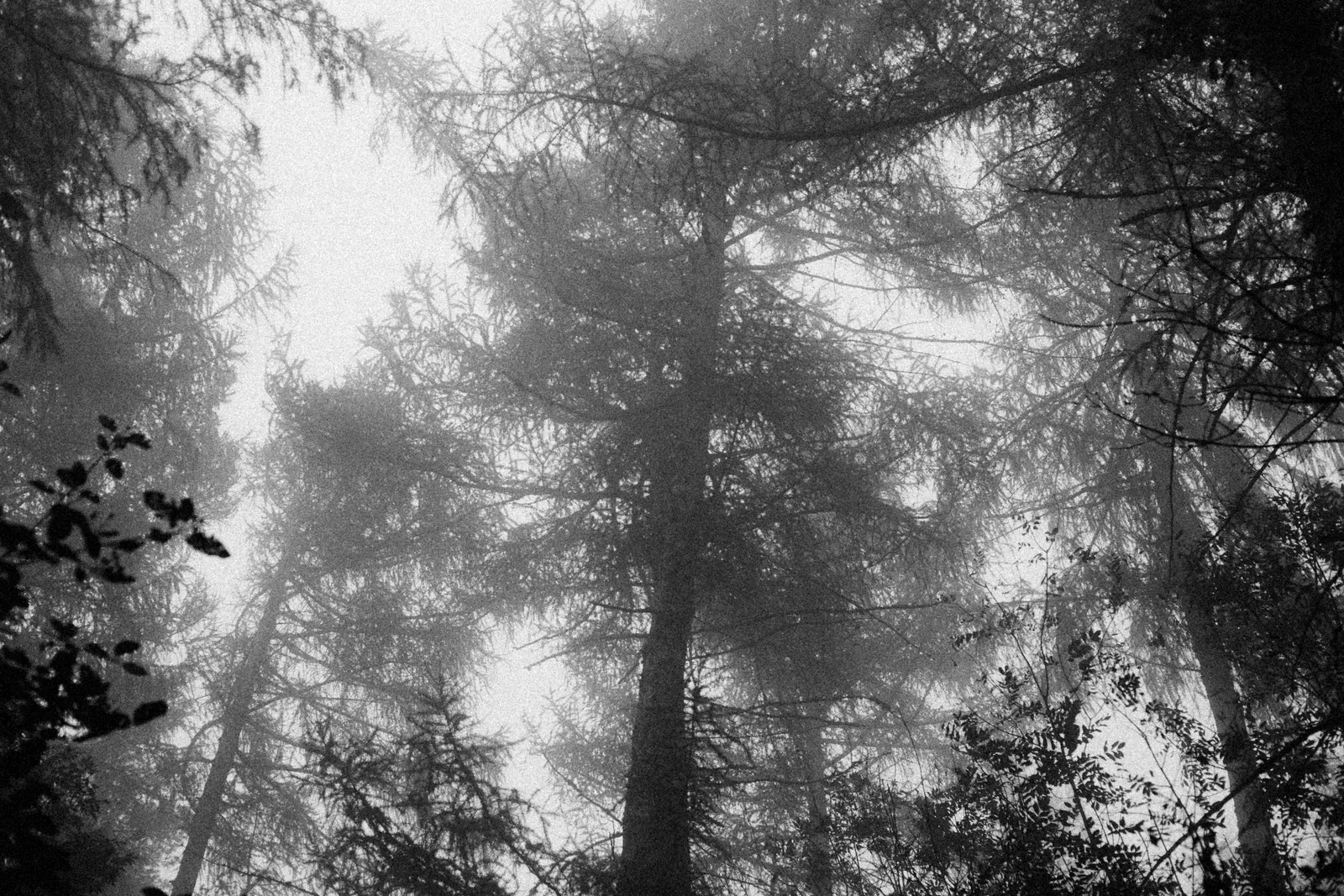 Film grainThe grain of each film, from its datasheet, coarser when you push it.
-
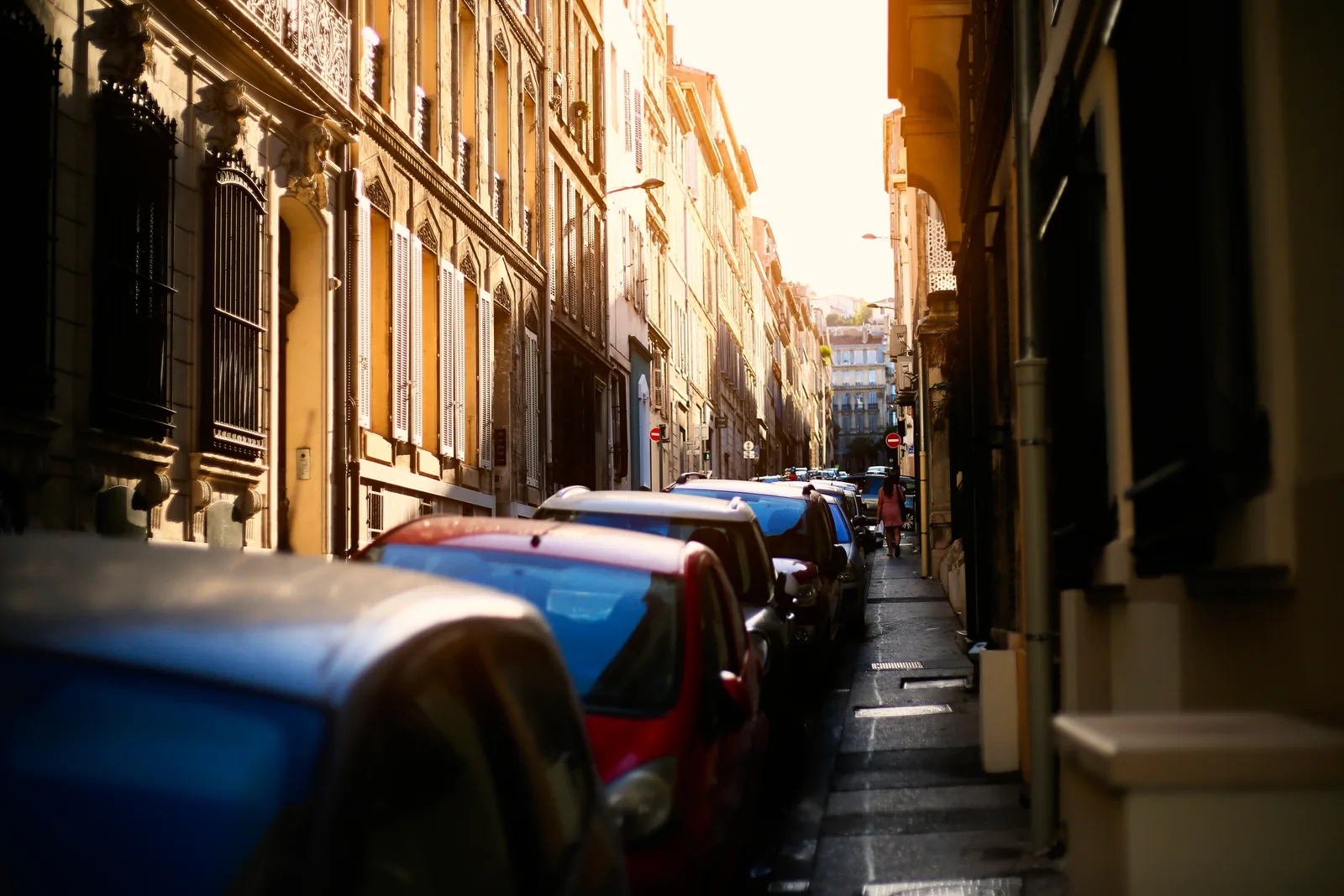 HalationThe red glow of films without an anti-halation layer, around your brightest lights.
-
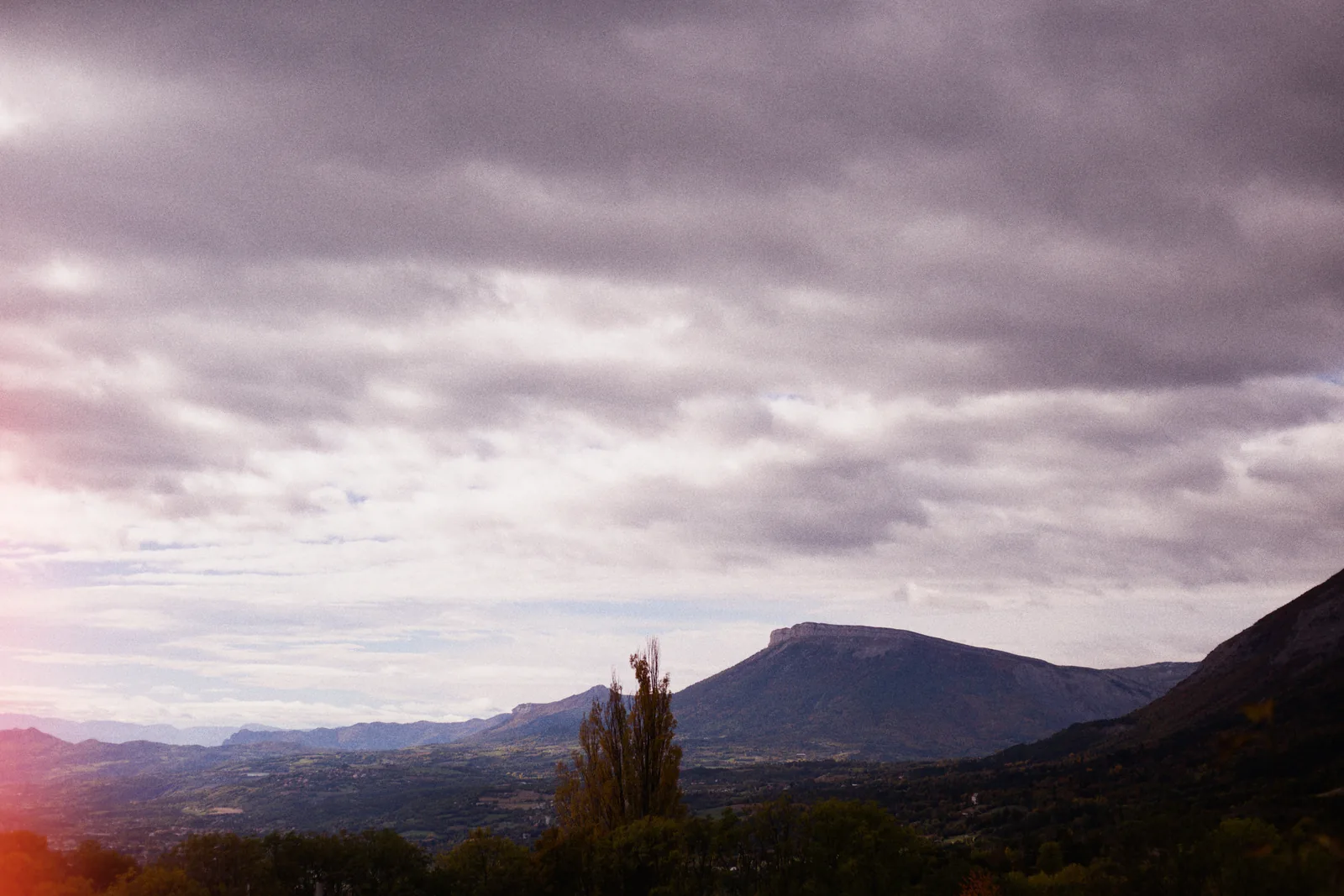 Light leaksStreaks, spots and edge glows, as many as you want, dragged where you want them.
-
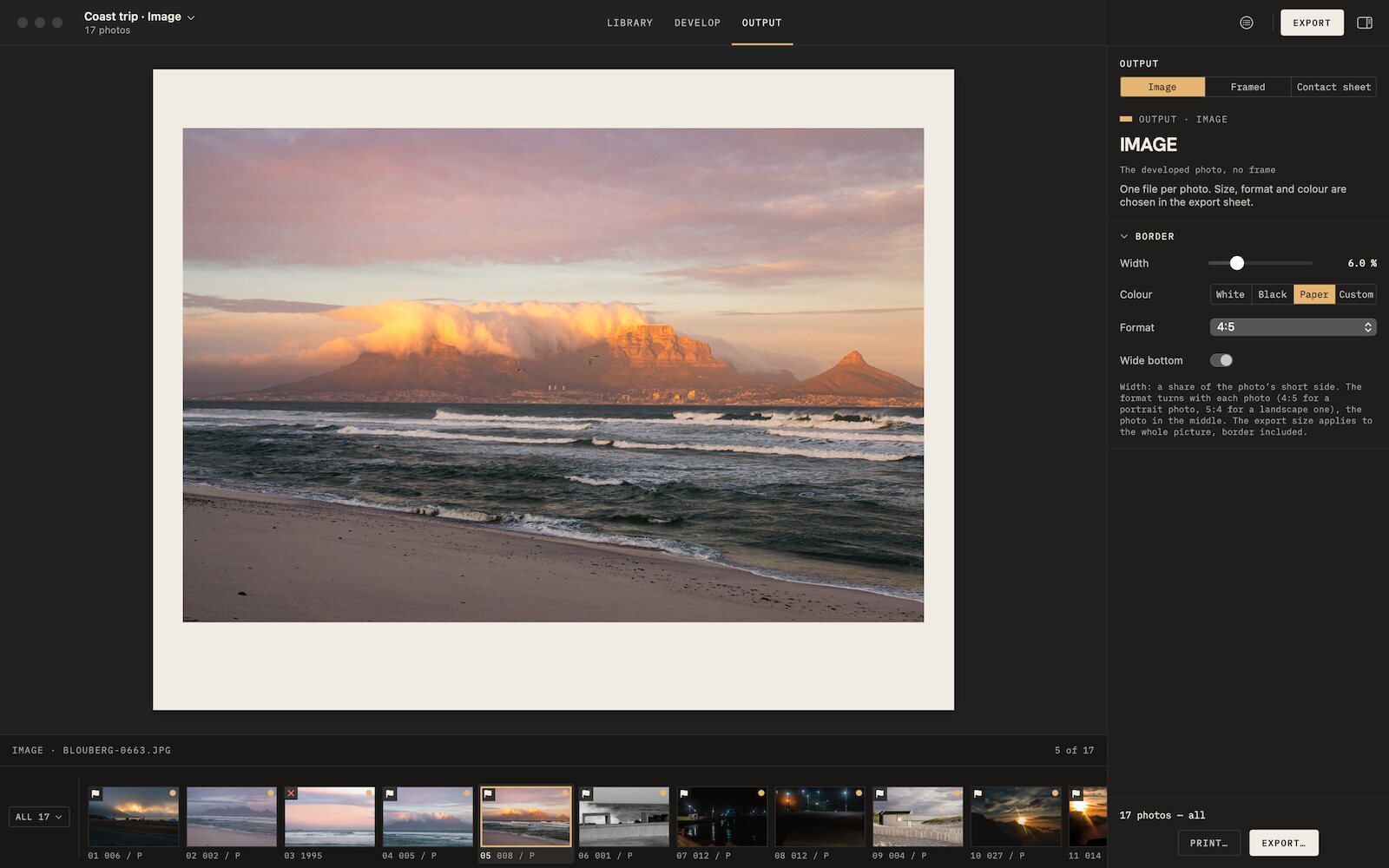 Film borders and framesAnalog borders, film frames, slide mounts and instant prints, photo by photo.
-
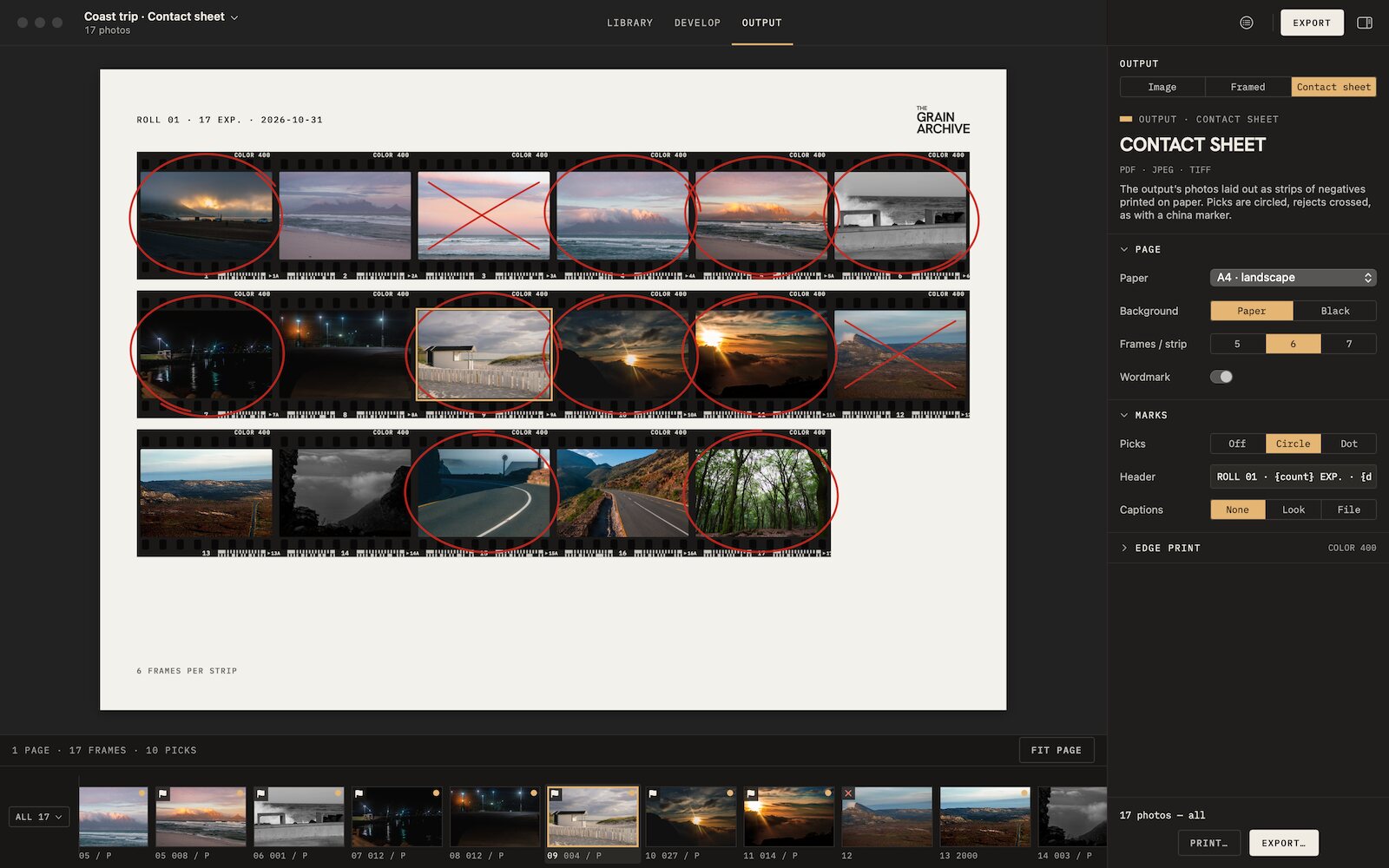 Contact sheetsThe whole session on paper, picks circled, rejects crossed out, to print or export.

Film emulation software for Mac
Grain Archive Lab
95 film looks and the Digital Era, developed on your Mac: grain and halation built in, film frames and contact sheets.
Free trial: no account needed, TRIAL watermark · One-time · current major version and all its updates · Macs with Apple silicon, macOS 15 Sequoia or later