Grain Archive Lab · Film emulation software for Mac
Light leaks, placed by hand on your photo
A light leak is light that reached the film where it should not: a worn door seal, a back opened too soon, the end of a roll. In the app you add your own, as many as you want, and drag them where they belong.
Free trial: no account needed, TRIAL watermark
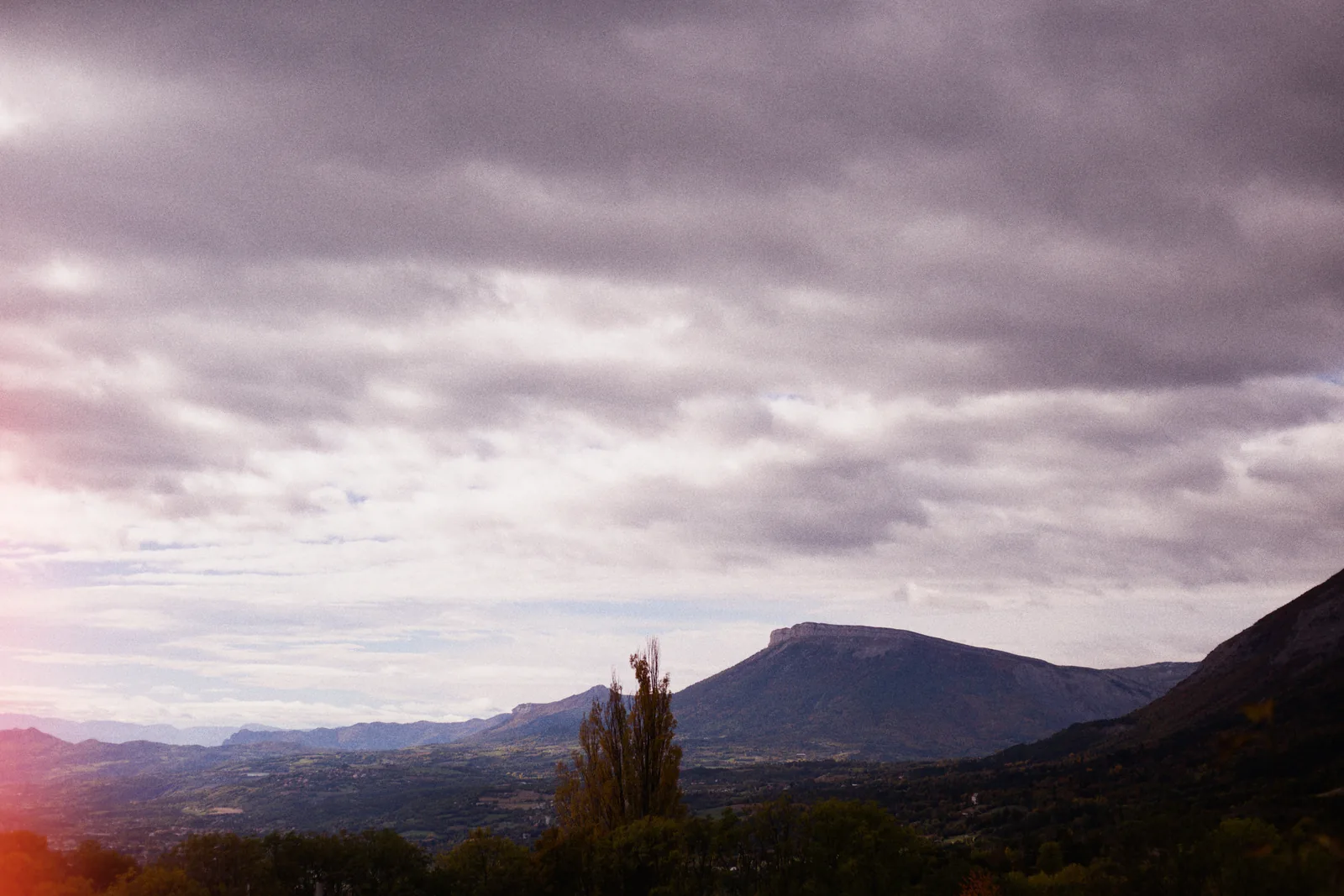
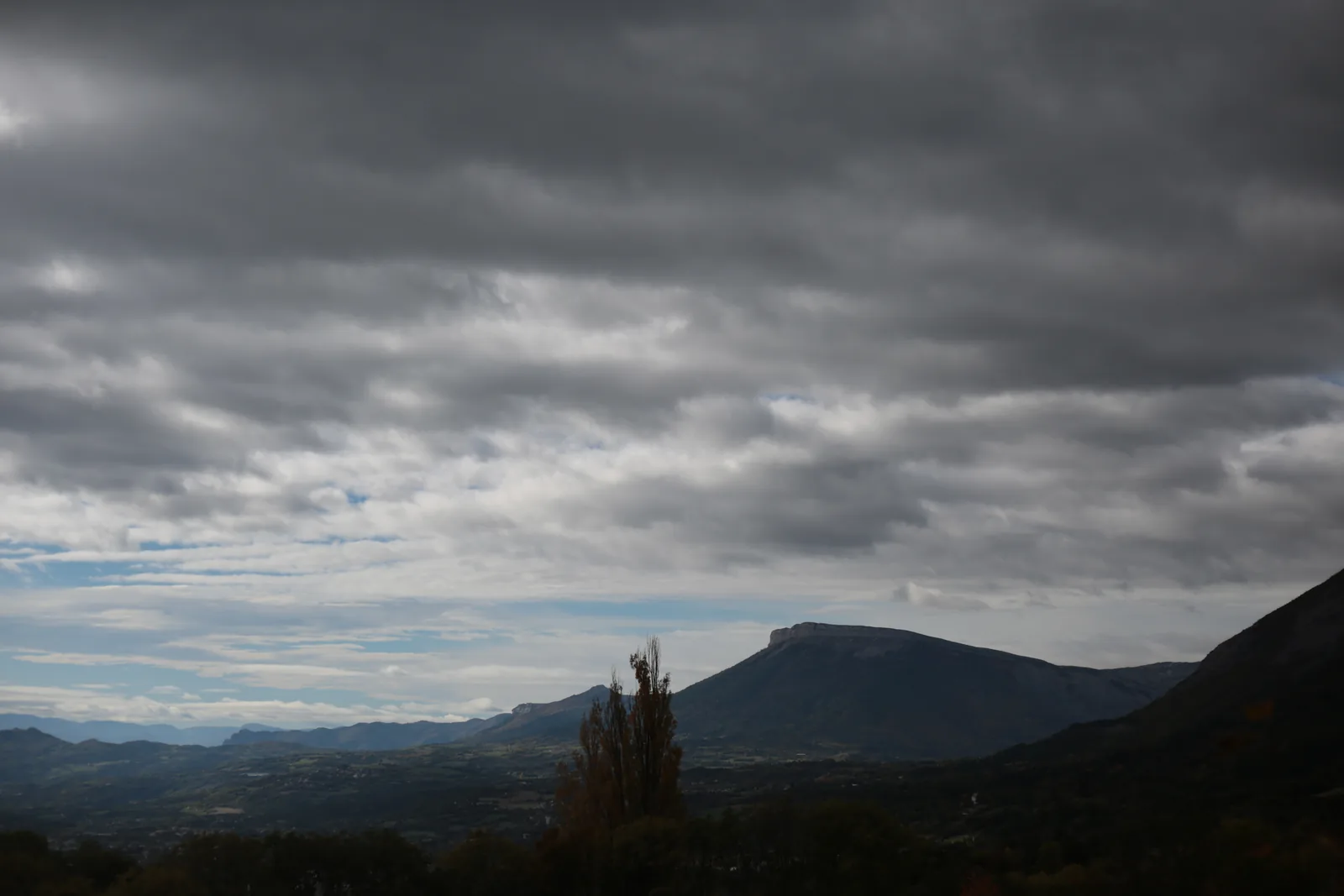
Three kinds of leak
The + of the Light leaks section adds one. Each is one of three shapes:
- Streak
- A band of light across the picture, as from worn seals or the hinge of the back.
- Round
- A spot, as from a pinhole or a blotch.
- Edge glow
- A glow coming in from one side, as when the back is opened or at the end of the roll.
Where you want it
Leaks (L), in the bar under the photo, shows the leaks over it: drag one to move it, and its handles set its size and its angle. In the inspector, set the one you chose: strength, size, width, angle, softness and color.
Their colors follow the film of the look, unless you choose your own.
On the photo, the print or the film
In Develop, leaks fall on the photo itself. In Output, they can also fall on the photo with its border or frame, as on a print, or on the strip of film, where a leak on one frame can spill onto the next ones. The contact sheet has none.
How to do it in Grain Archive Lab
- In Develop, choose a look for the photo.
- Under it, in Light leaks, click + and choose Streak, Round or Edge glow.
- Press L to show the leaks on the photo, then drag them into place and set their size and angle with the handles.
- Set strength, softness and color in the inspector, then export from Output.
Questions
Are the leaks random?
No. You place each one, and it stays where you put it, in the preview and in the exported file.
How many leaks can a photo have?
As many as you want.
Can I remove a leak later?
Yes. Your photos are never changed: leaks are settings, which you can change or remove at any time.
In the Film Library
The films behind the looks: their history, datasheets and sources.
What else it does
-
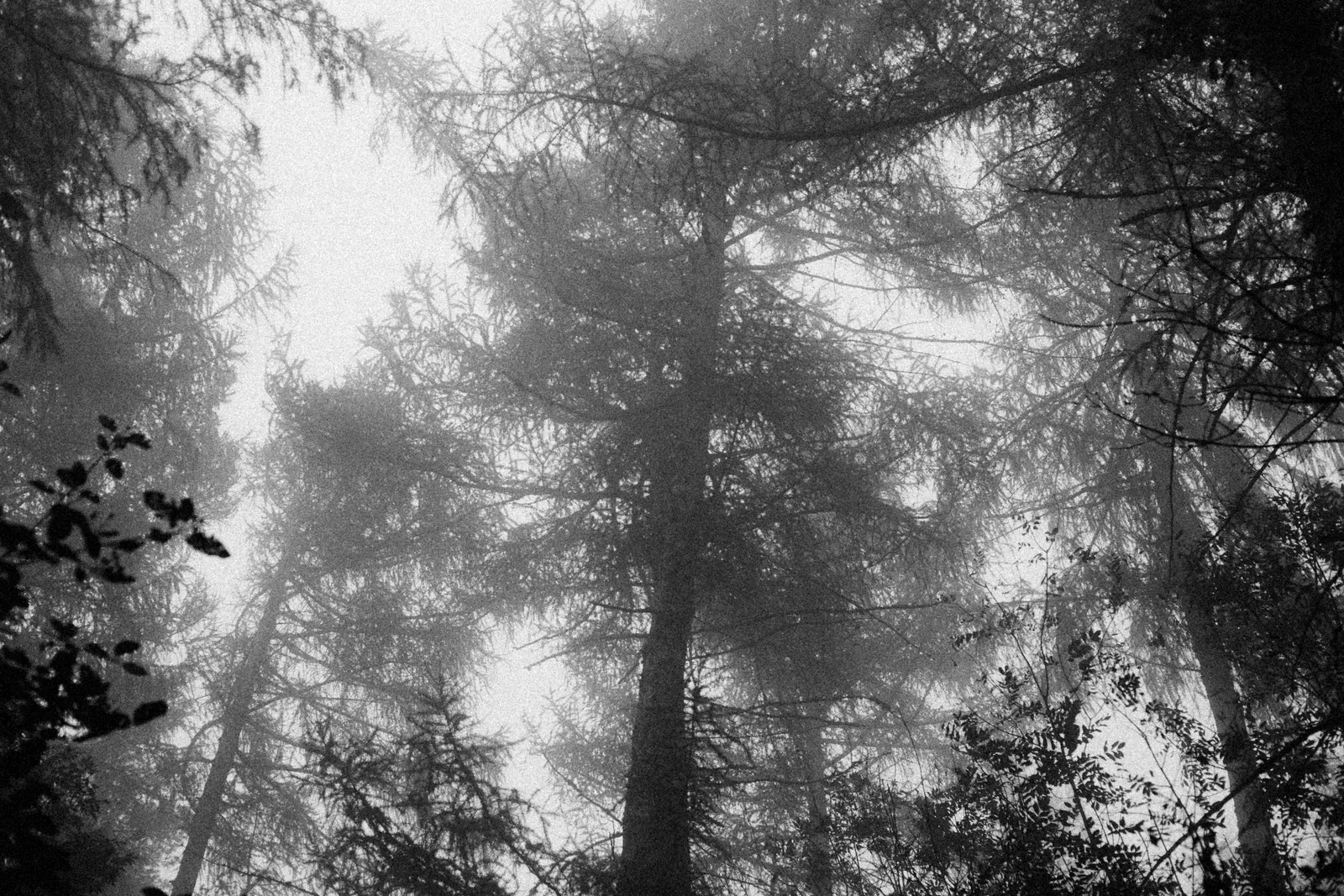 Film grainThe grain of each film, from its datasheet, coarser when you push it.
-
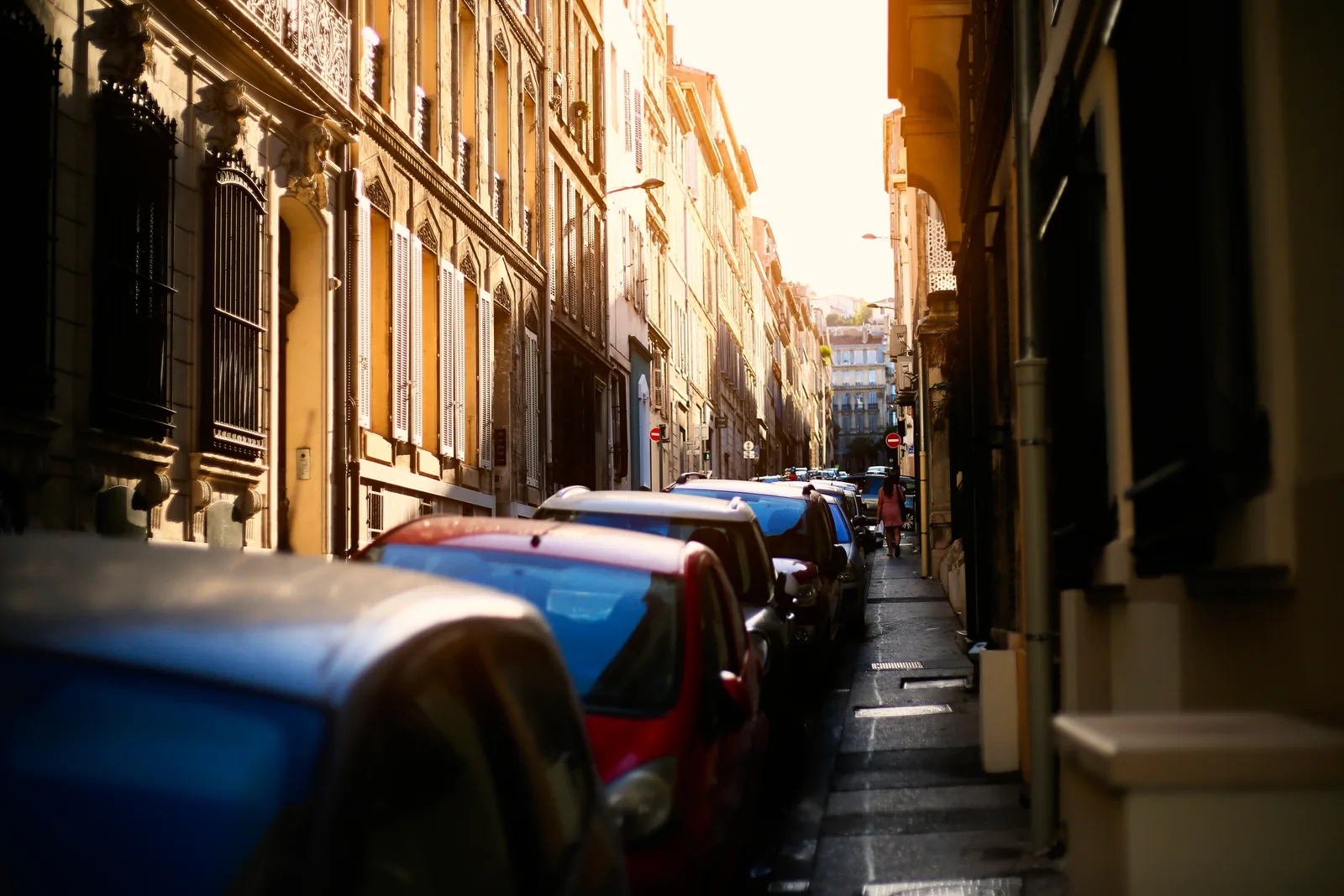 HalationThe red glow of films without an anti-halation layer, around your brightest lights.
-
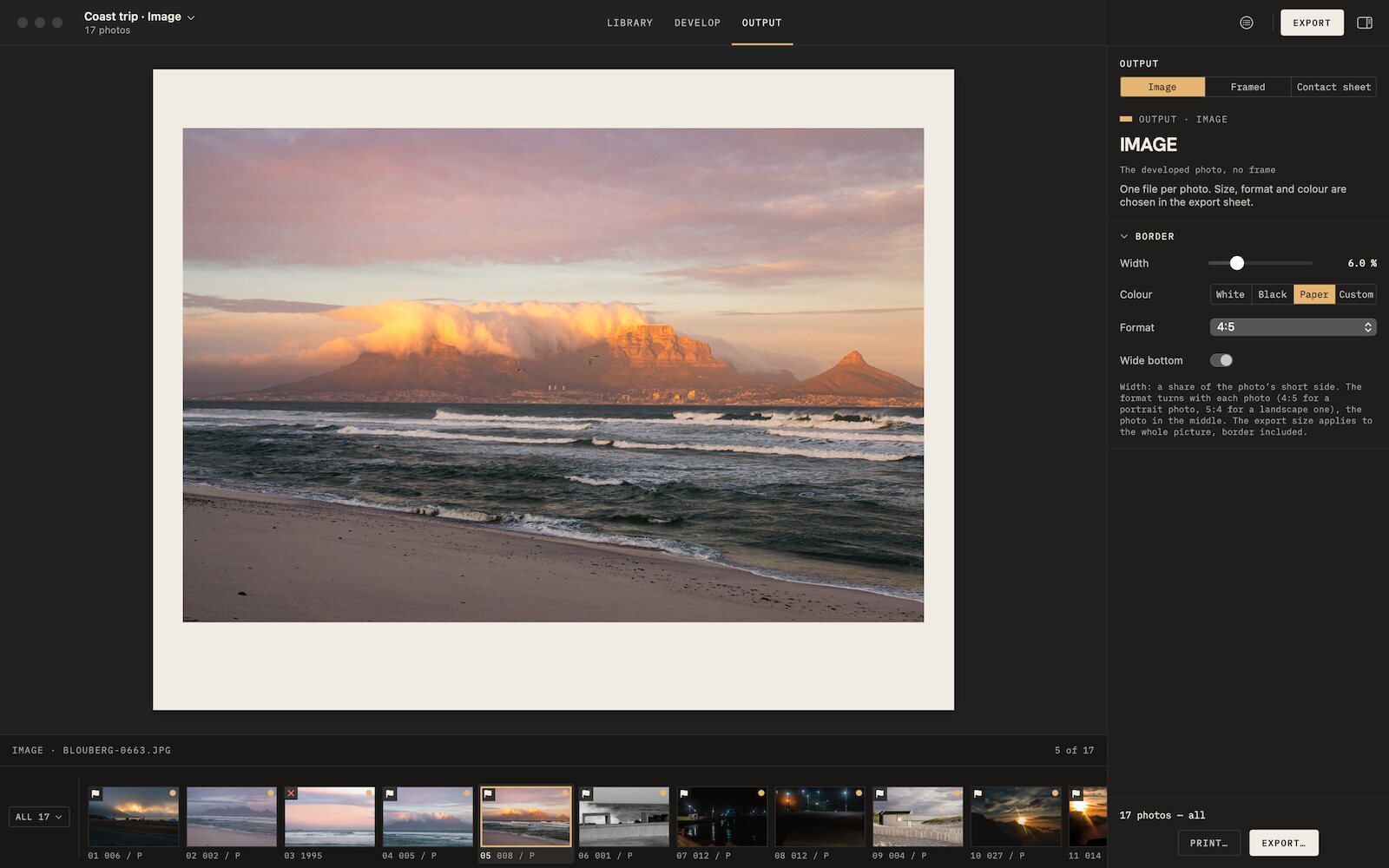 Film borders and framesAnalog borders, film frames, slide mounts and instant prints, photo by photo.
-
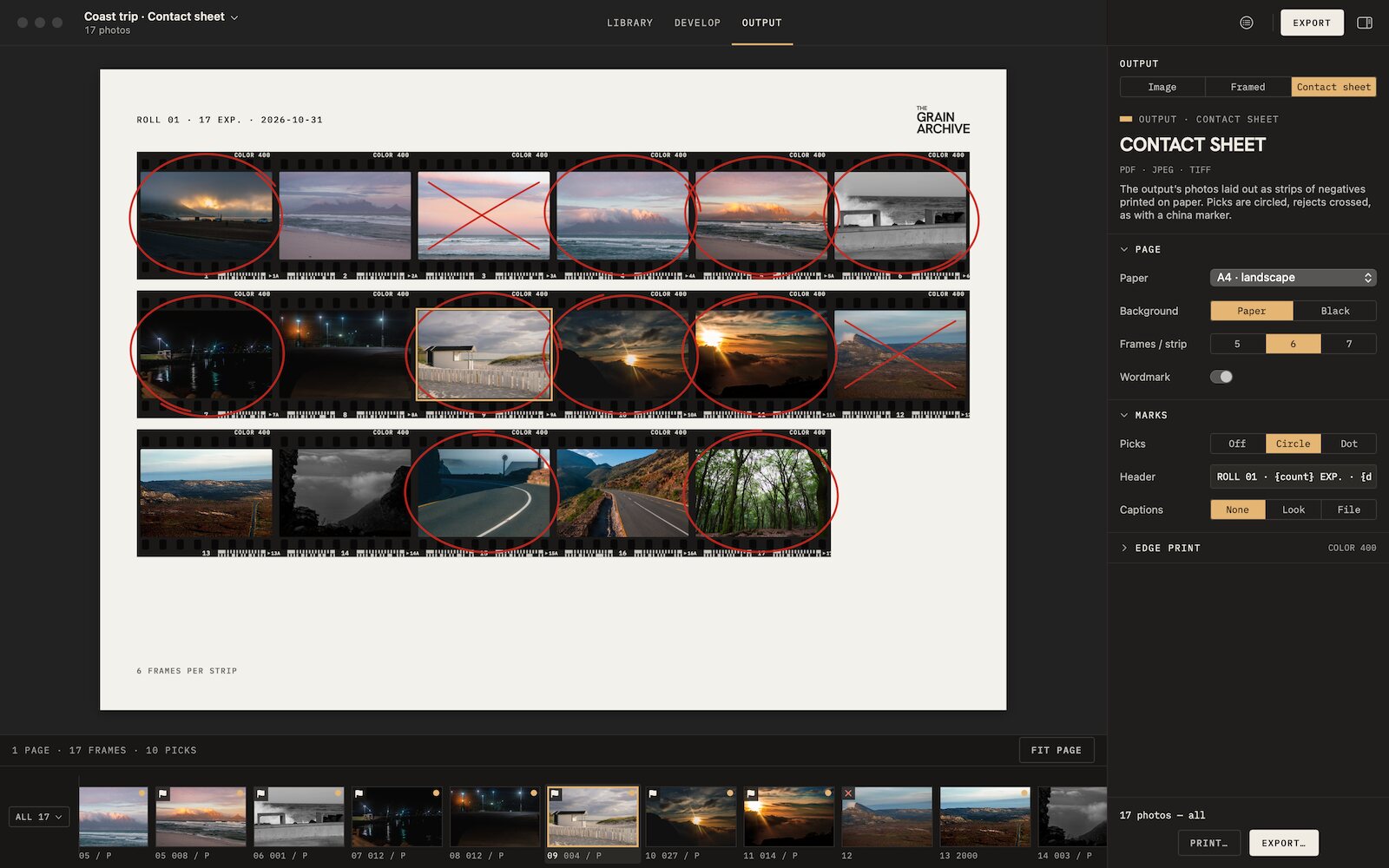 Contact sheetsThe whole session on paper, picks circled, rejects crossed out, to print or export.
-
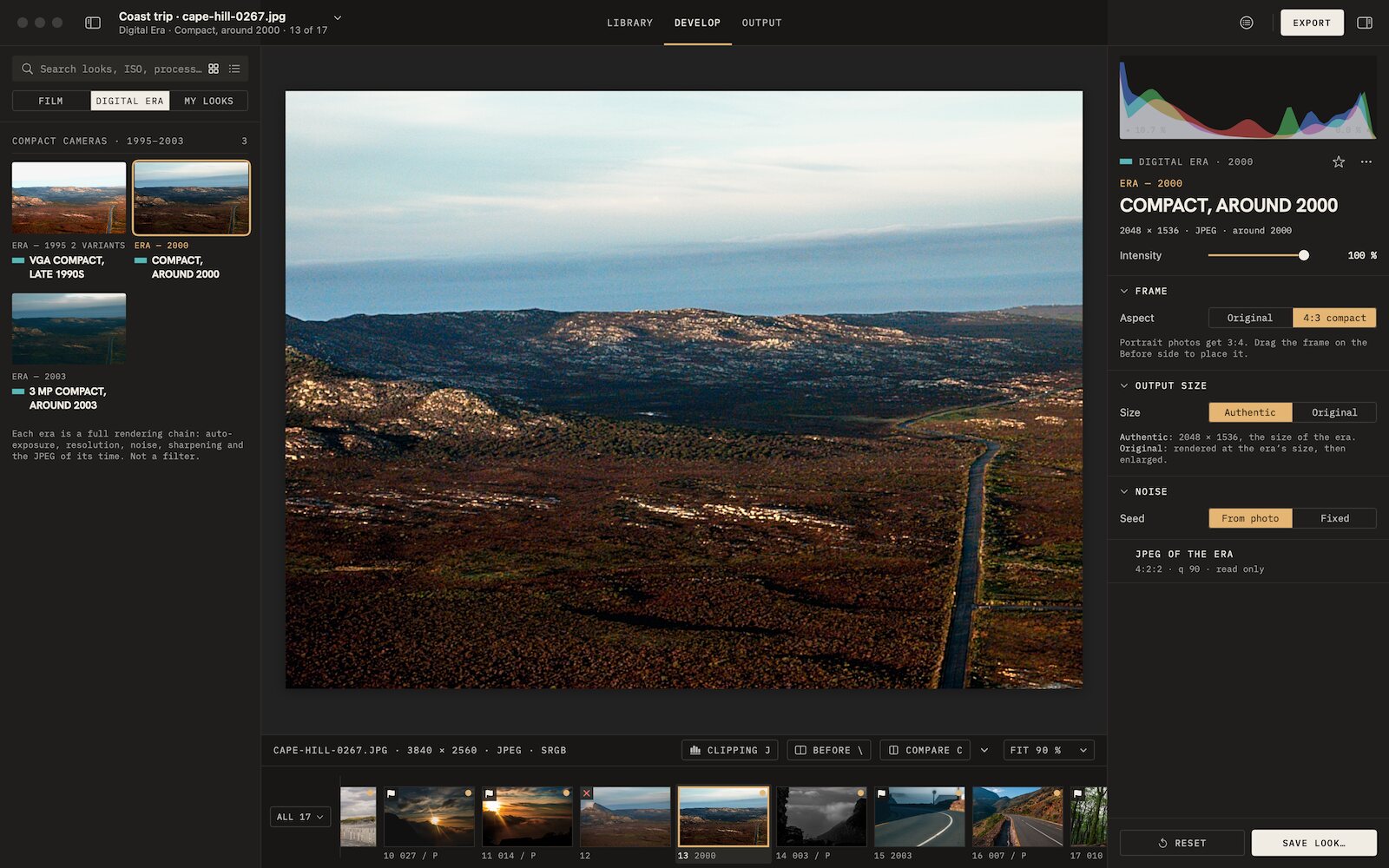 Digicam look3 eras of compact digital cameras, from VGA to 3 MP, their whole chain.

Film emulation software for Mac
Grain Archive Lab
95 film looks and the Digital Era, developed on your Mac: grain and halation built in, film frames and contact sheets.
Free trial: no account needed, TRIAL watermark · One-time · current major version and all its updates · Macs with Apple silicon, macOS 15 Sequoia or later