Grain Archive Lab · Film emulation software for Mac
Film borders and film frames for your photos
In Output, each photo gets its own border or frame, drawn by the app at the size of the export: the black edge of a filed negative carrier, deckled paper, an instant print, a slide mount, or one frame of 35 mm or 120 film. Or lay the whole session on a strip of film.
Free trial: no account needed, TRIAL watermark
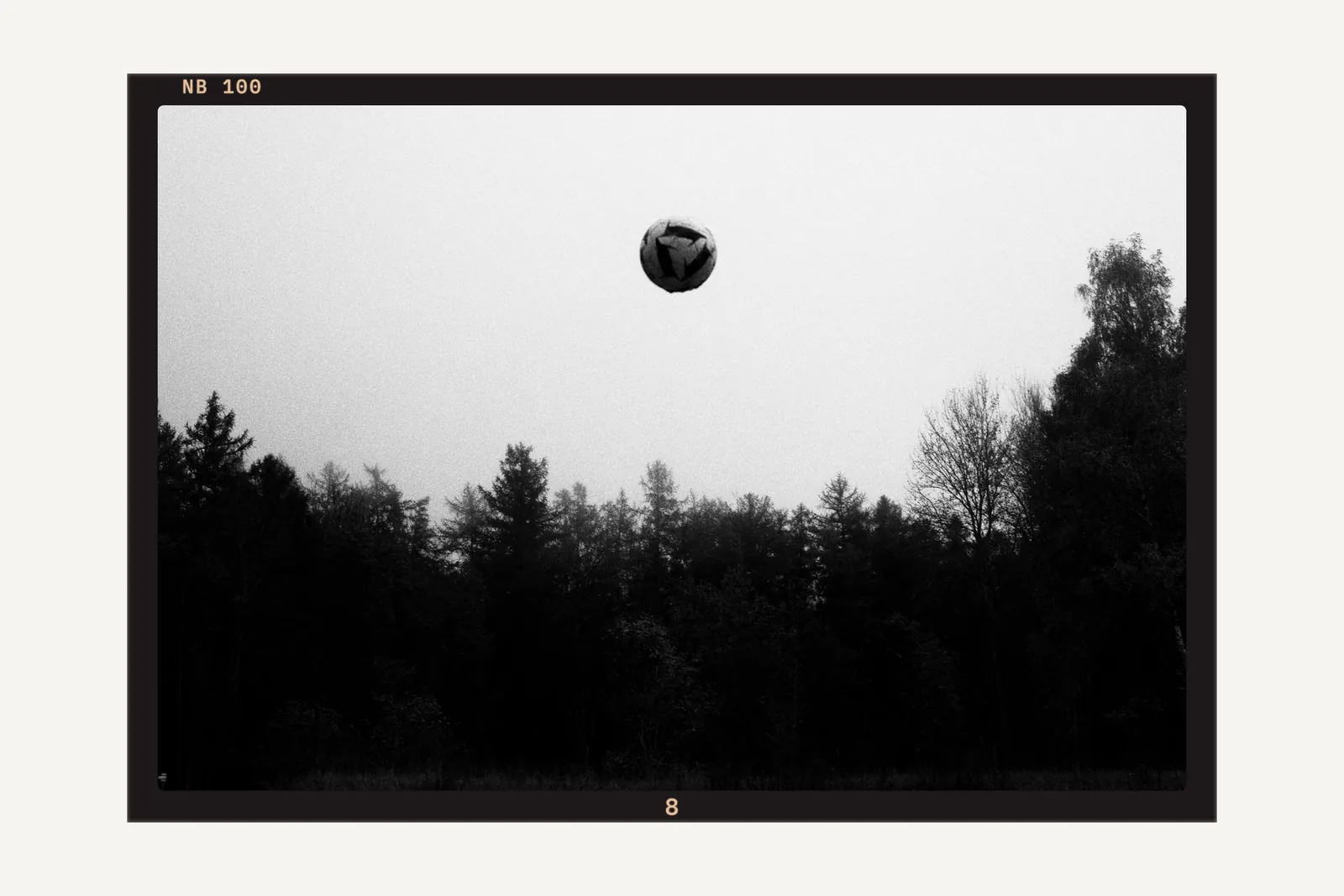
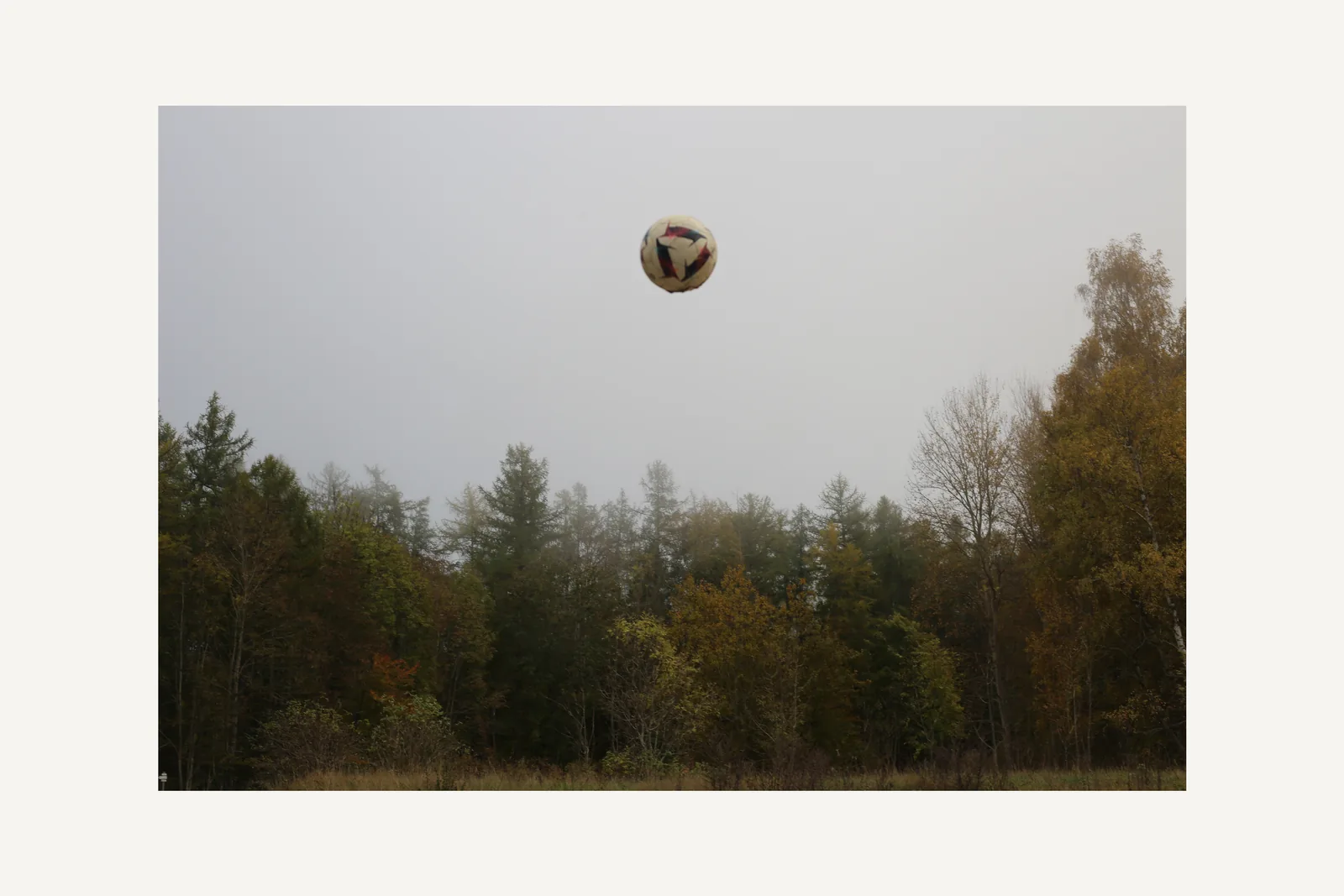
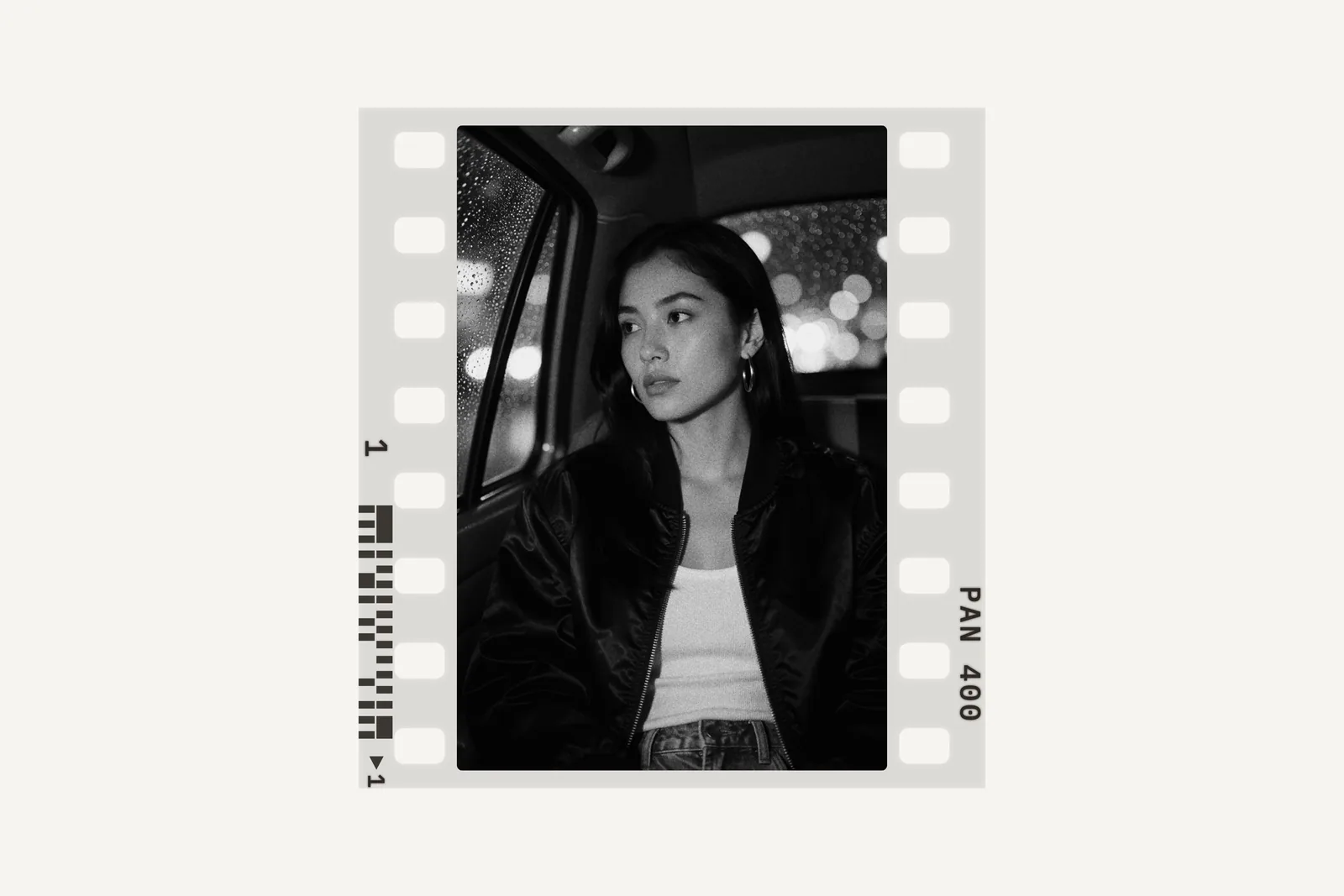
Analog borders
A border around the photo, by width, color (white, black, paper or your own) and format (the photo’s own, 1:1, 4:5, 3:2 or 16:9), wider at the bottom if you want. Its style:
- Plain
- A band of color around the photo.
- Negative carrier
- Filed carrier: the black film edge a filed carrier lets through on the print; wide, with the notches of the file.
- Paper
- Scorched, deckle edge, torn by hand, rounded corners, and brushed emulsion: black brush strokes around the photo.
- Instant
- Peel-apart, black and white or color: the reagent edges of a peel-apart print.
Film frames
Or a frame of its own around each photo:
- 35 mm
- One frame of film, with its perforations and edge print.
- 120
- One frame of medium format film: 6×4.5, 6×6, 6×7 or 6×9.
- Slide mount
- A 35 mm frame in a 50 × 50 mm mount.
- Instant print
- Mini, square, wide or integral format.
Drawn, not pasted
Borders are drawn by the app, not pasted from a scan: New Variation draws other edges until one suits the photo. The edge print of the film is generic, with no brand name, and gives the speed of the look.
Apply to Selection gives a photo’s border or frame to the selected photos; Apply to All, to every photo of the session. The preview, the export and the print are the same.
How to do it in Grain Archive Lab
- Develop your photos, then go to Output (⌘3), Image.
- Choose None, Border or Frame for the photo shown, then its style.
- Move through the photos with ← →, or Apply to Selection or to All.
- Export or print from Output: one file per photo, with its border or frame.


Questions
Can each photo have a different frame?
Yes. Each photo has its own border or frame; a photo you have not set takes the session’s default, which Apply to All changes.
Can I put the whole session on a strip of film?
Yes: Output › Film lays every photo on one strip of 35 mm or 120 film, and exports the strip as one file.
Are the frames the real sizes?
They follow the published sizes of each format: the 24 × 36 mm frame and its perforations, the 120 formats, the 50 × 50 mm slide mount and the instant print cards.
Do the borders work at any export size?
Yes. Their sizes are a share of the photo’s short side, so a border looks the same on screen and at any export size.
In the Film Library
The films behind the looks: their history, datasheets and sources.
What else it does
-
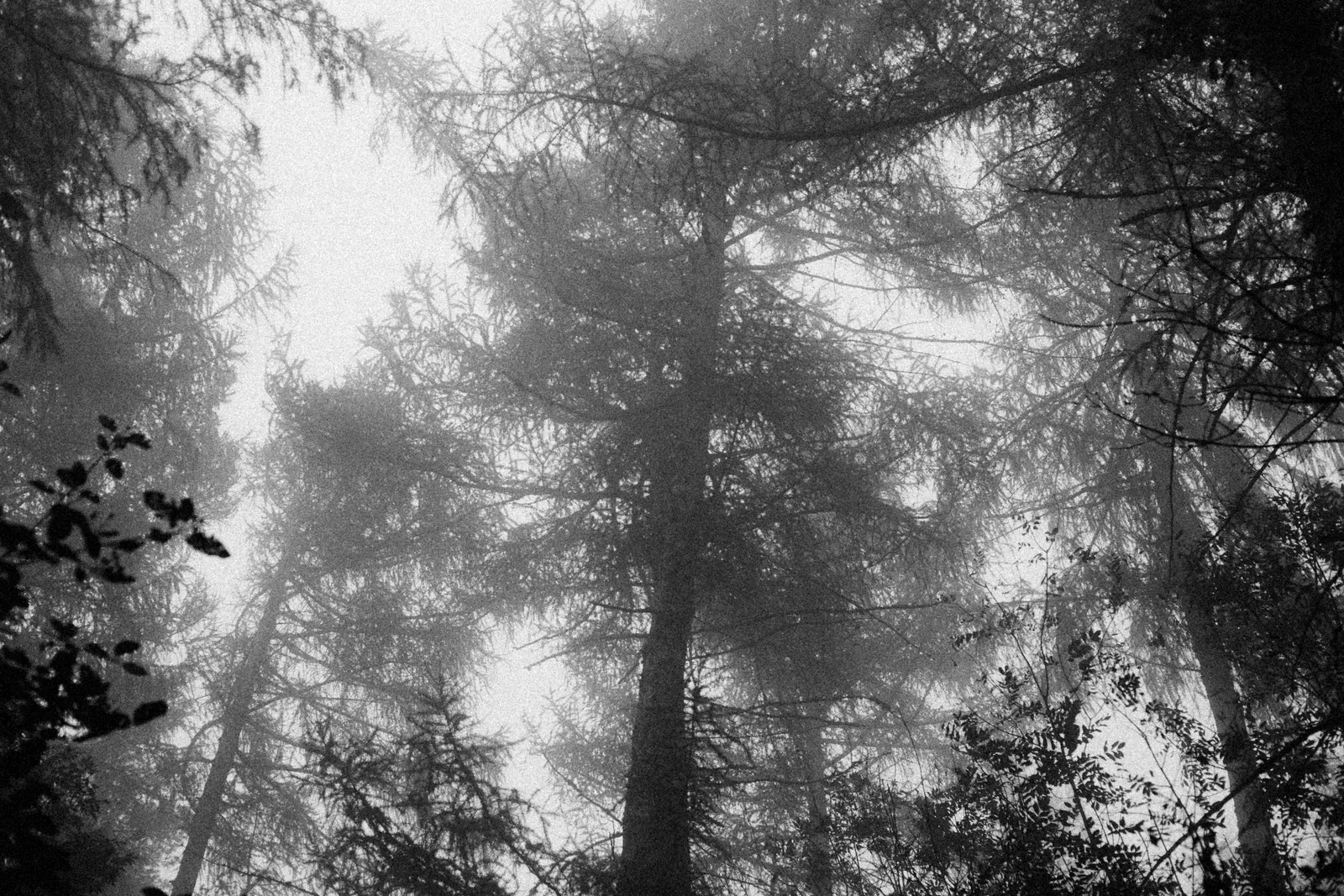 Film grainThe grain of each film, from its datasheet, coarser when you push it.
-
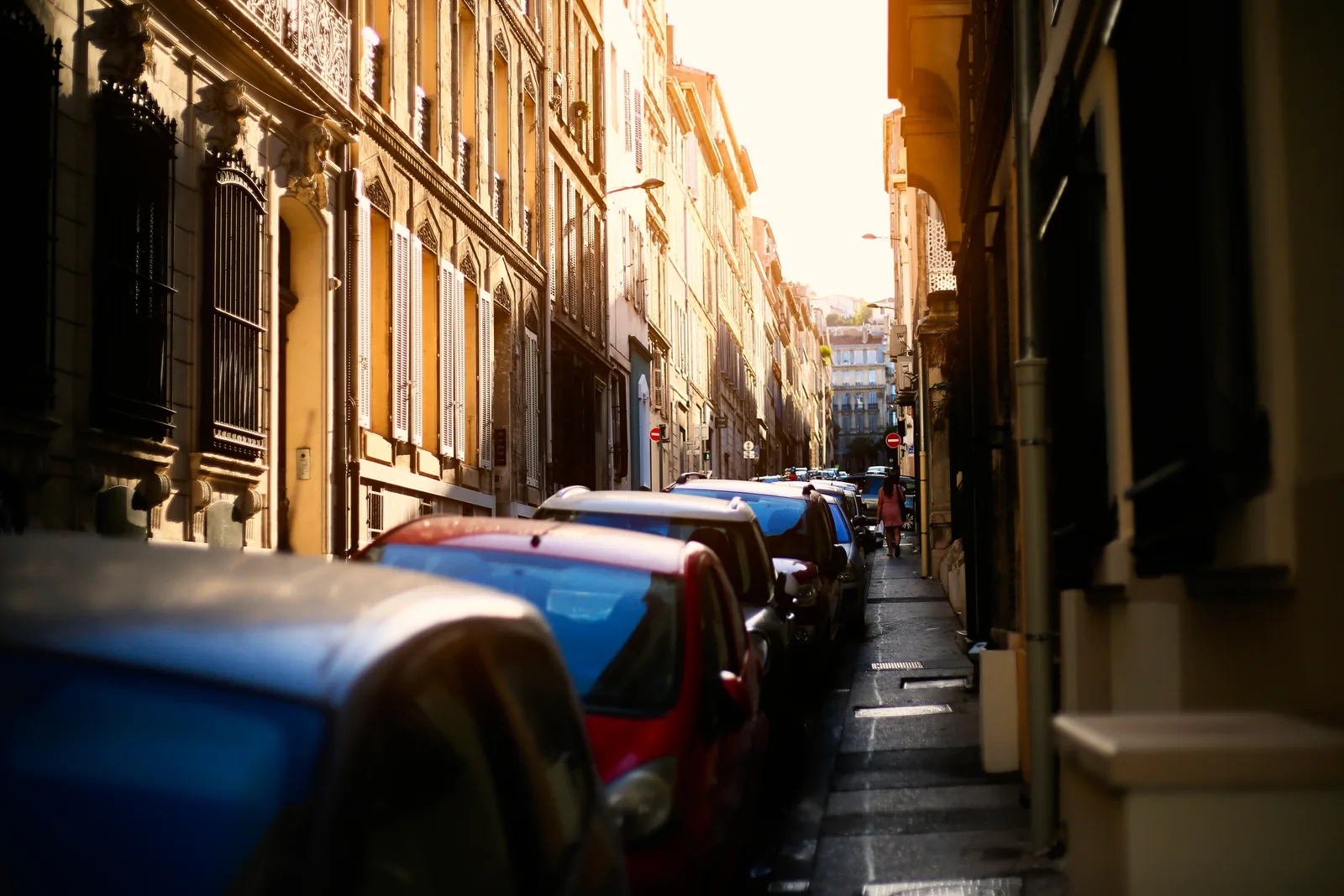 HalationThe red glow of films without an anti-halation layer, around your brightest lights.
-
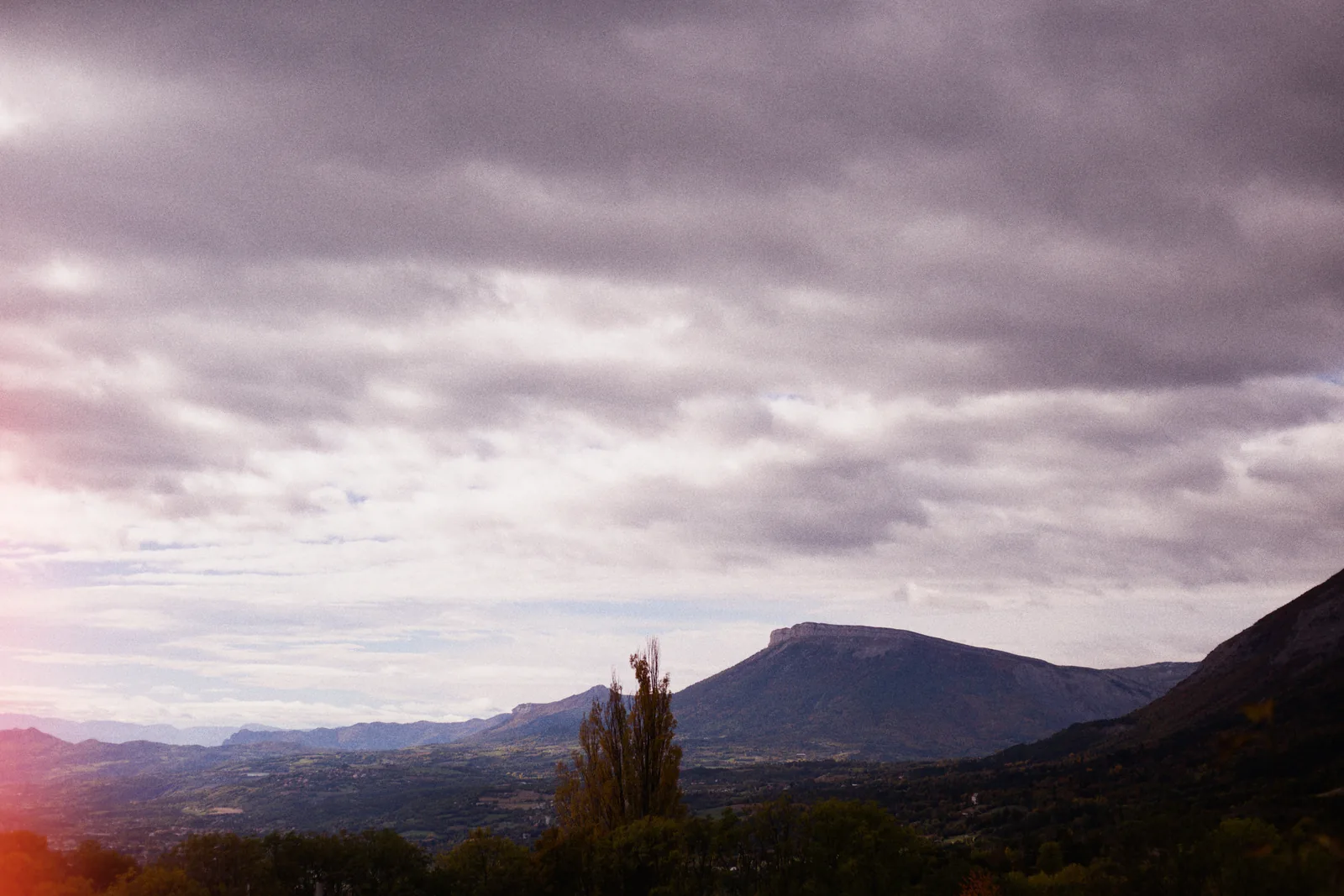 Light leaksStreaks, spots and edge glows, as many as you want, dragged where you want them.
-
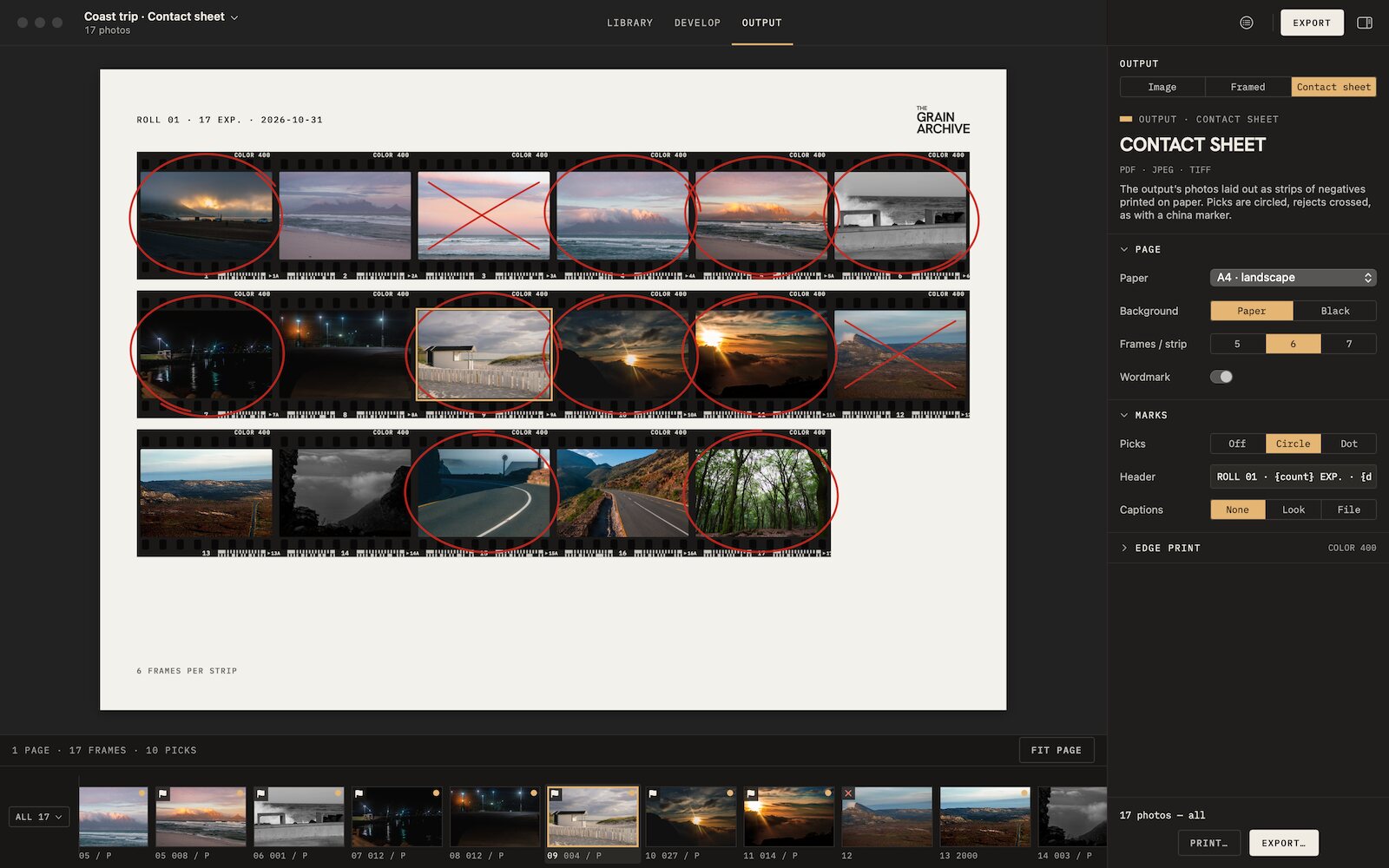 Contact sheetsThe whole session on paper, picks circled, rejects crossed out, to print or export.
-
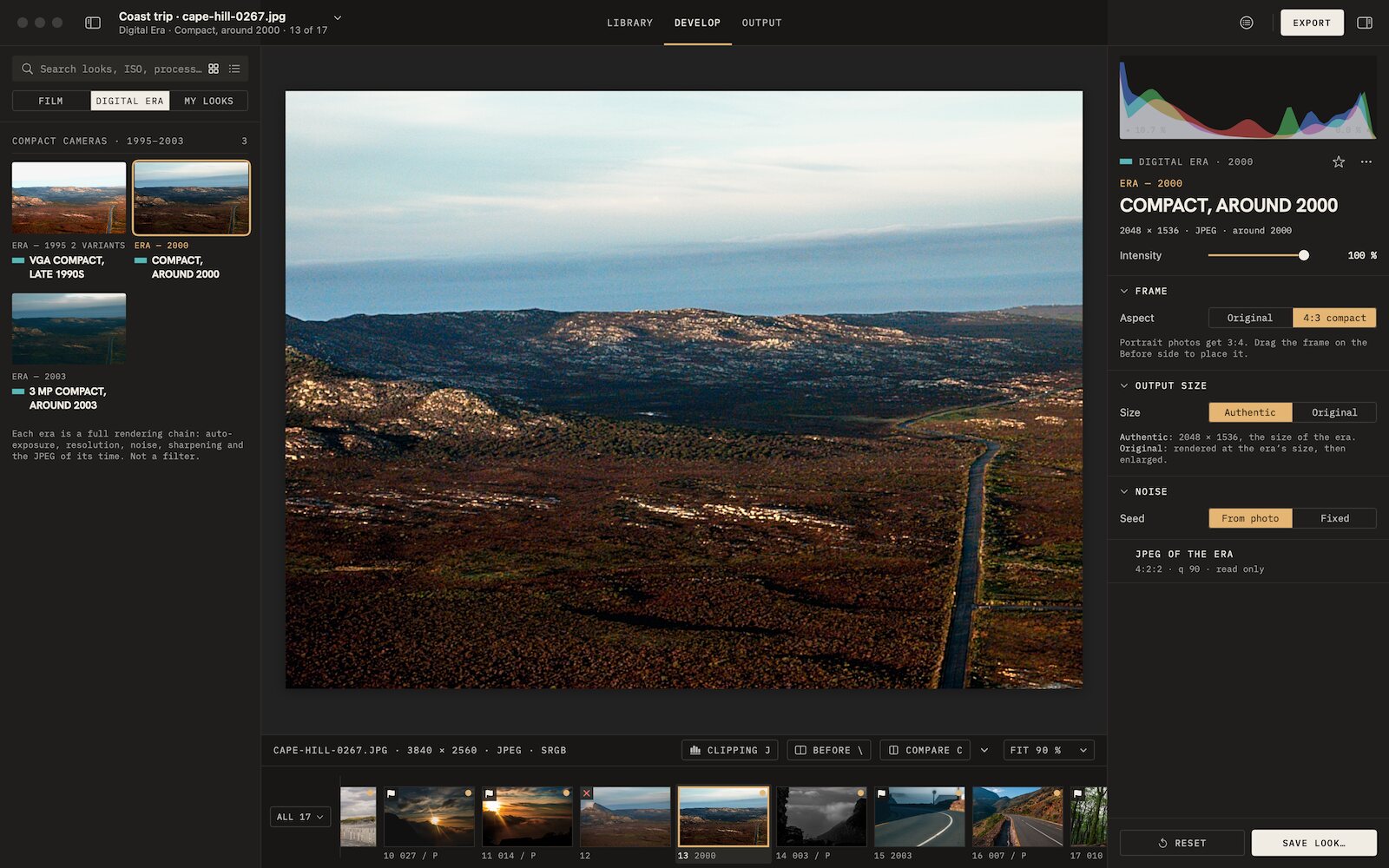 Digicam look3 eras of compact digital cameras, from VGA to 3 MP, their whole chain.

Film emulation software for Mac
Grain Archive Lab
95 film looks and the Digital Era, developed on your Mac: grain and halation built in, film frames and contact sheets.
Free trial: no account needed, TRIAL watermark · One-time · current major version and all its updates · Macs with Apple silicon, macOS 15 Sequoia or later