Grain Archive Lab · Film emulation software for Mac
A contact sheet maker for your Mac
A contact sheet shows a whole roll at once, the way photographers chose their frames. The app lays your session on one, strip by strip, marks the photos you kept, and prints it or exports it.
Free trial: no account needed, TRIAL watermark
Your choices, on the sheet
The photos you kept and rejected in Library show on the sheet, as with a china marker: picks circled or dotted, rejects crossed out, or no marks at all. The sheet shows the photos of the output: the selection, or every photo shown by the filter.
What you can set
One setting for the whole sheet:
- Film
- The strips of 35 mm or 120 film the photos sit in, numbered across the strips, with their edge print.
- Paper
- Paper size and orientation; the strips on the paper or on black.
- Marks
- Circle: picks circled, rejects crossed out. Dot: a dot on the picks, a stroke through the rejects. Or off.
- Header
- A line such as ROLL 01 · 36 EXP. · the date, which you can change.
- Captions
- None, the look of each photo, or its file name.
Print it or send it
Print the sheet, or export it as PDF, JPEG or TIFF to send to a client, a model or a lab.
How to do it in Grain Archive Lab
- Open a folder as a session and sort it in Library: P to keep, X to reject.
- Go to Output (⌘3) and choose Contact sheet.
- Set the film, the paper, the marks, the header and the captions.
- Print it, or export it as PDF, JPEG or TIFF.

Questions
Do the photos need a film look?
No. The sheet shows each photo as you developed it, with or without a look.
Can I make a contact sheet of a folder without sorting it?
Yes. With the filter on All, every photo of the session goes on the sheet; turn Marks off for a sheet without marks.
Does it work with RAW files?
Yes. The app opens the RAW files of the cameras macOS supports, as well as JPEG, HEIC, TIFF and PNG.
In the Film Library
The films behind the looks: their history, datasheets and sources.
What else it does
-
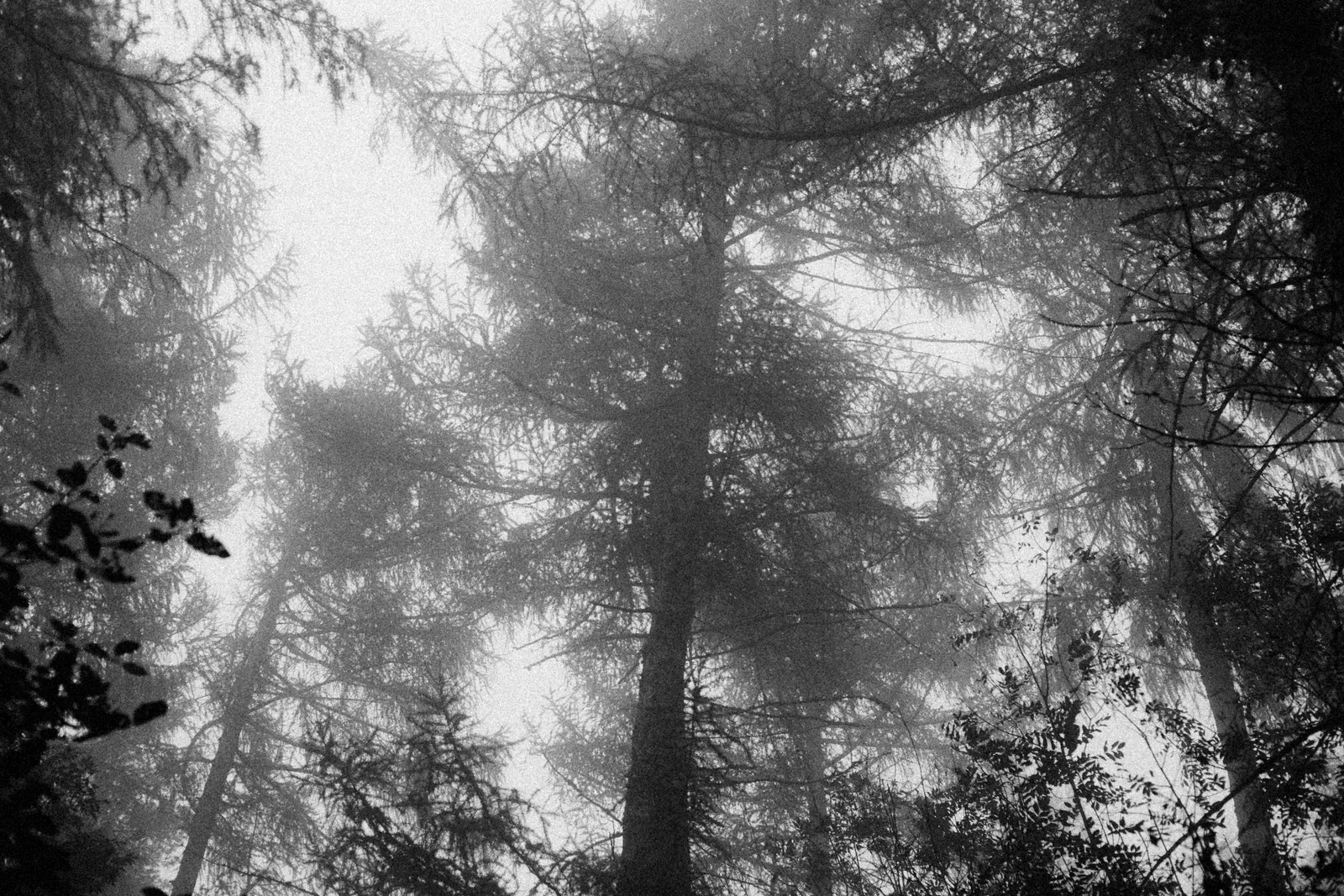 Film grainThe grain of each film, from its datasheet, coarser when you push it.
-
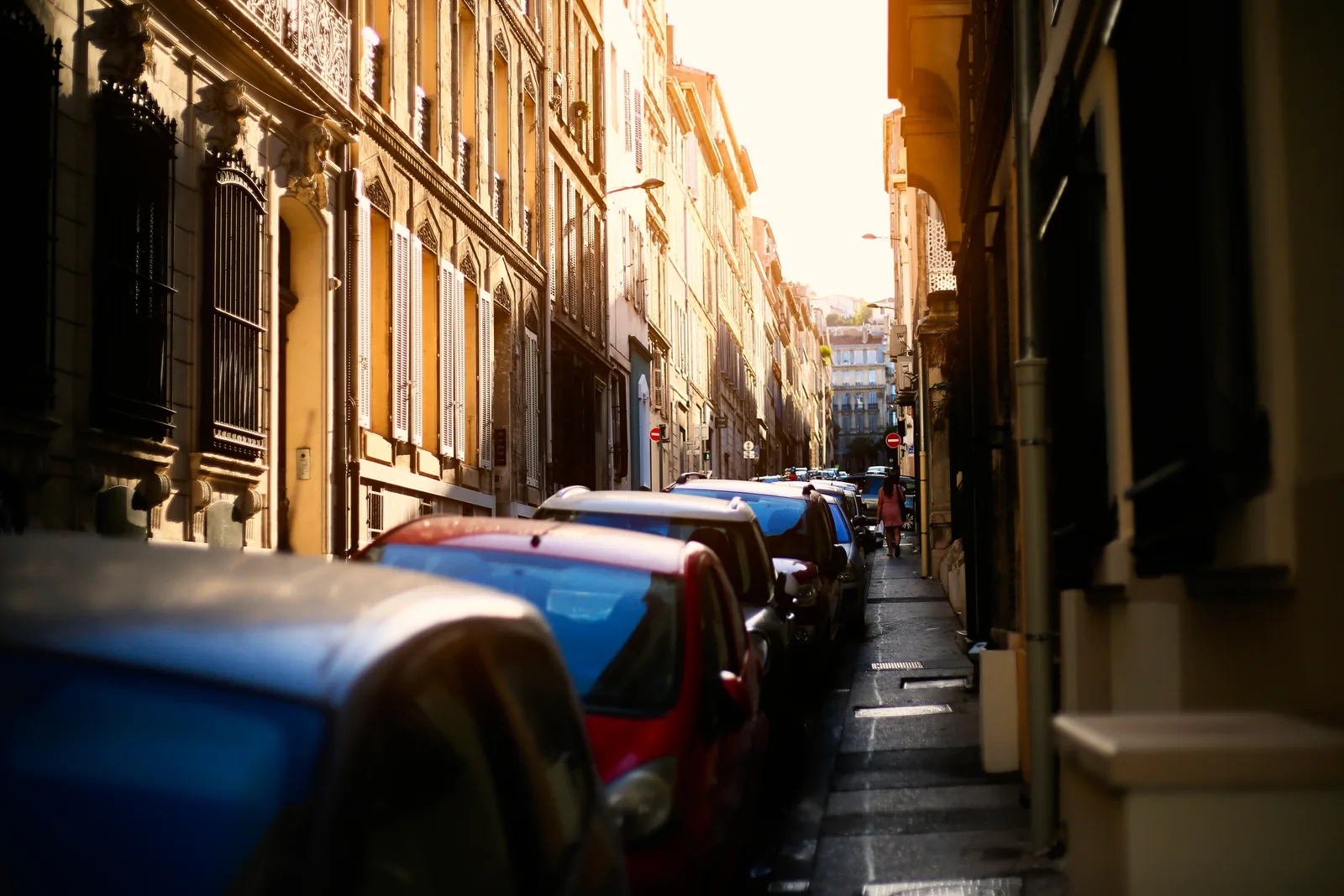 HalationThe red glow of films without an anti-halation layer, around your brightest lights.
-
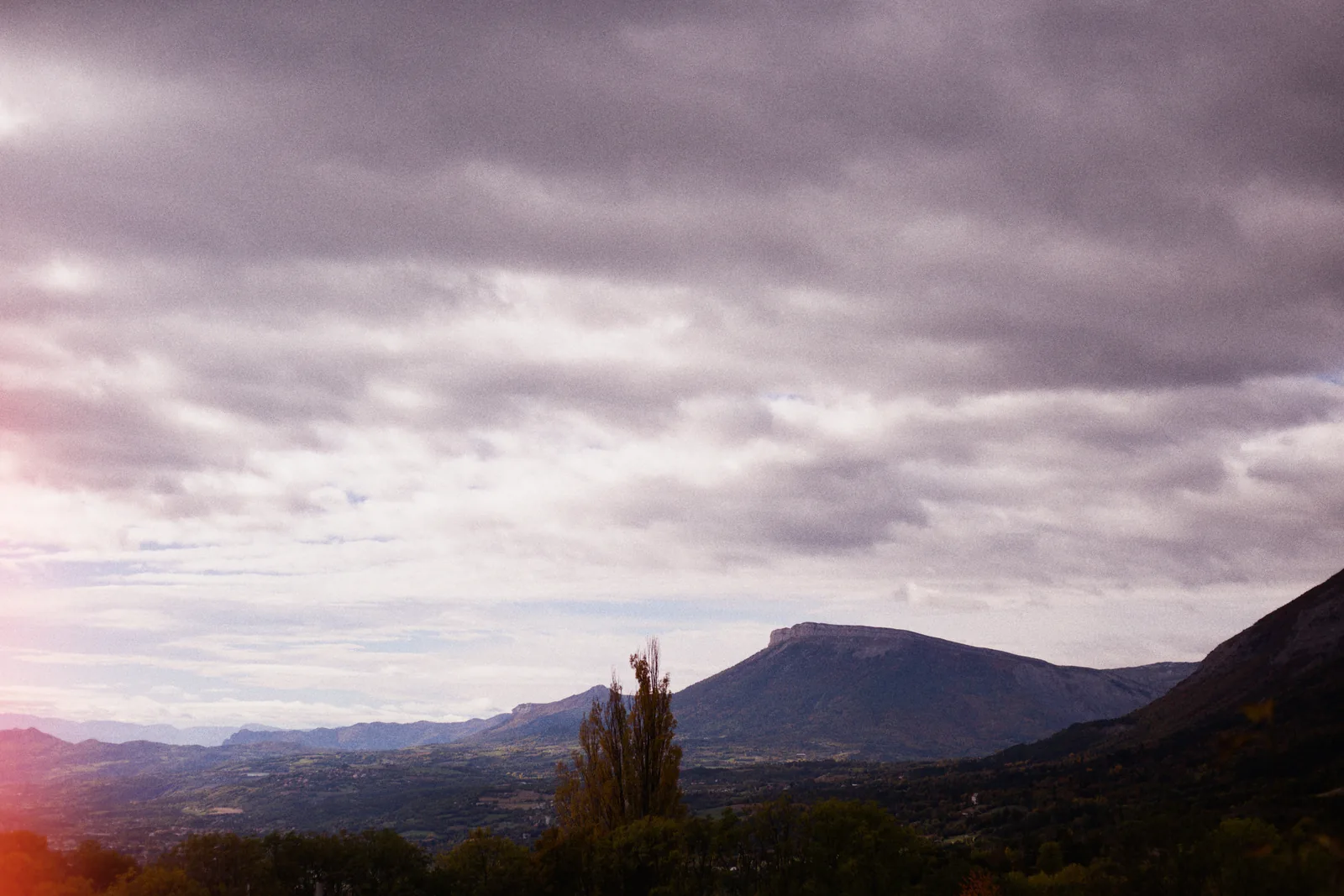 Light leaksStreaks, spots and edge glows, as many as you want, dragged where you want them.
-
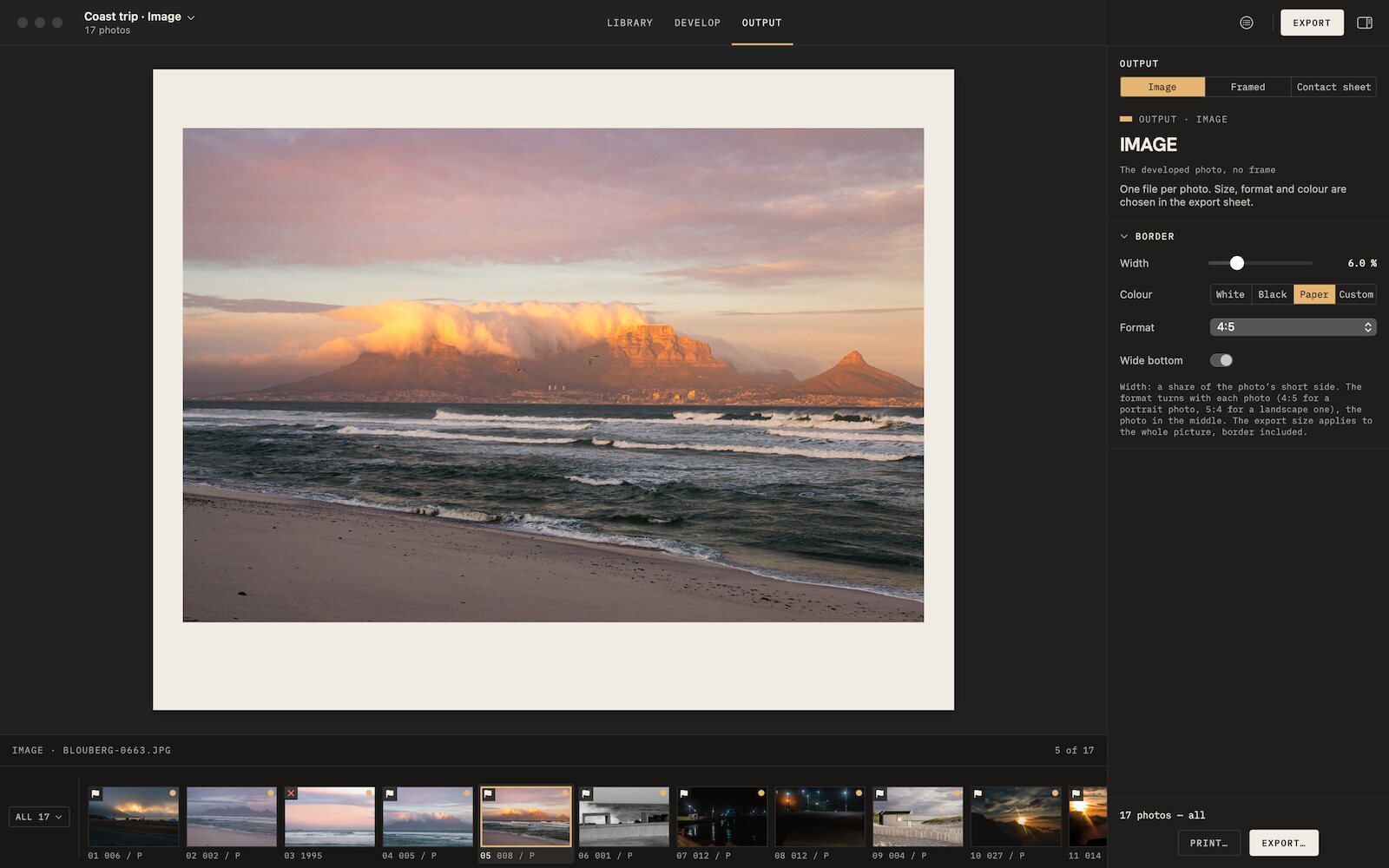 Film borders and framesAnalog borders, film frames, slide mounts and instant prints, photo by photo.
-
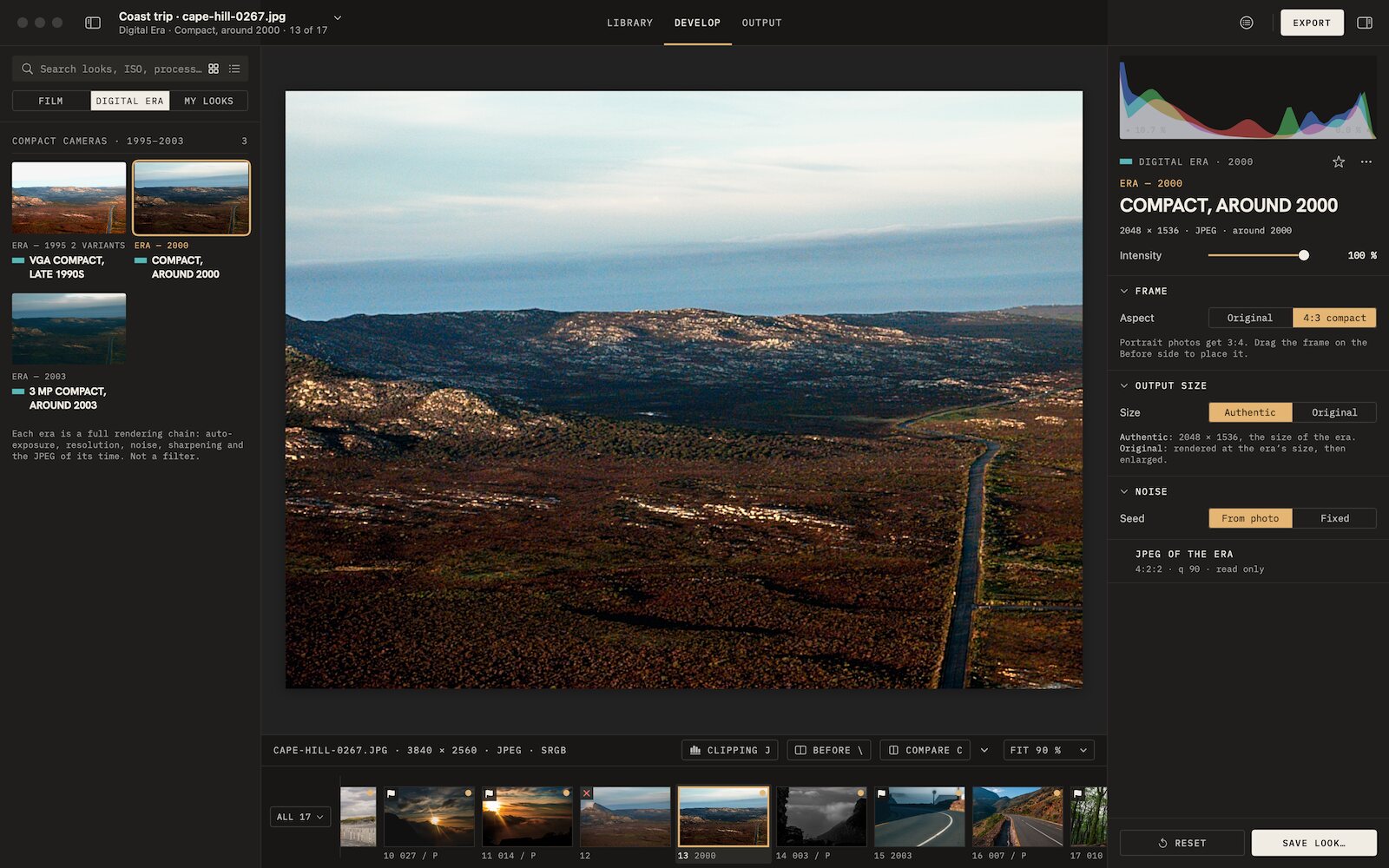 Digicam look3 eras of compact digital cameras, from VGA to 3 MP, their whole chain.

Film emulation software for Mac
Grain Archive Lab
95 film looks and the Digital Era, developed on your Mac: grain and halation built in, film frames and contact sheets.
Free trial: no account needed, TRIAL watermark · One-time · current major version and all its updates · Macs with Apple silicon, macOS 15 Sequoia or later