darktable preset inspired by FomaFomapan 100 Classic
Strong contrast, crushed blacks, a look from another era.
- Film
- GA — 024 · sheet, datasheet, sources
- Pack
- Full pack
- darktable
- 5.6 or later
- In darktable
- Styles › Pellicules › N&B
- File
- Pellicules - N&B - Fomapan 100 Classic.dtstyle
A darktable 5.6 style built from the Fomapan 100 Classic datasheet: native modules, no LUT, measured on real RAW files. In the full pack.
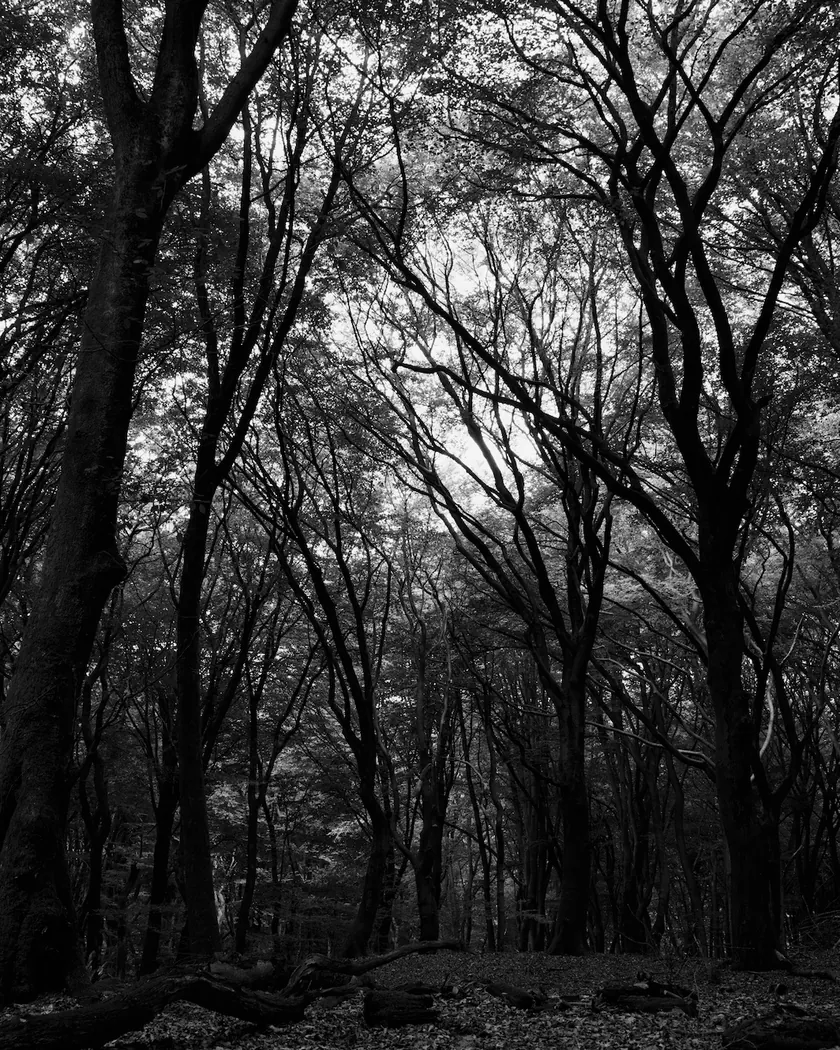
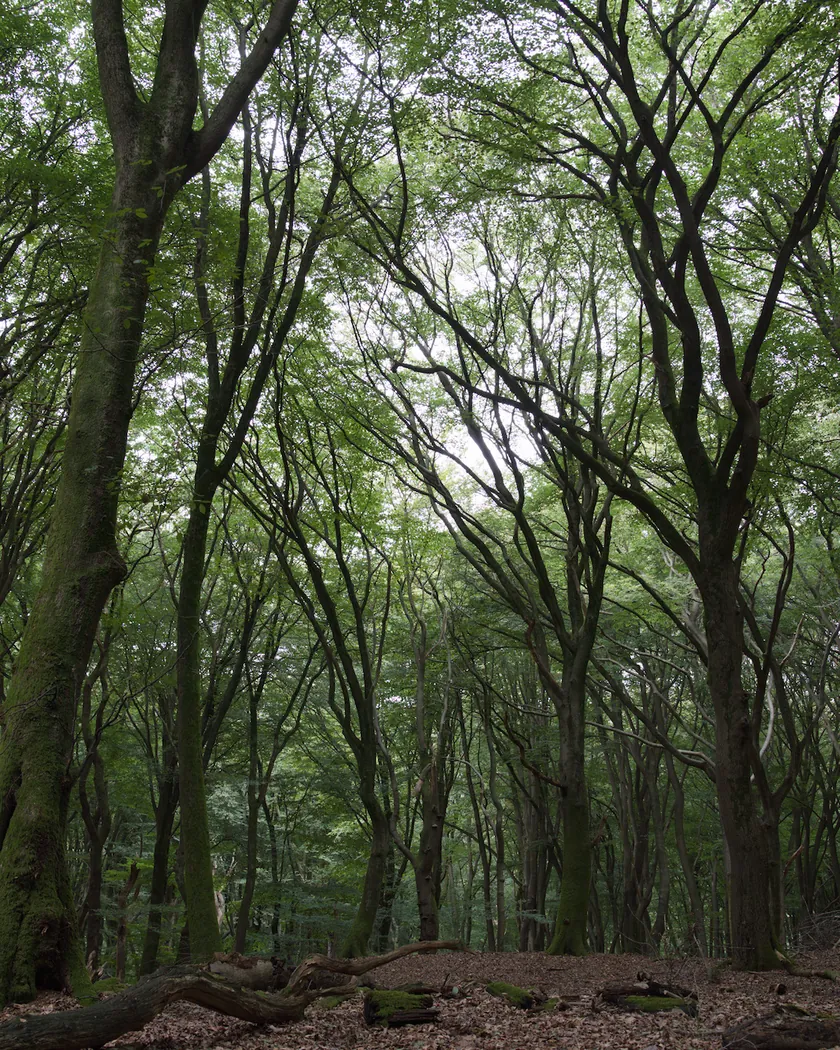
Translation into darktable
| Module | Role | Settings |
|---|---|---|
| color calibration (main instance) | Switched off, so chromatic adaptation cannot tint the gray; left at darktable's default settings so it can be switched back on | Disabled; “as shot in camera”, CAT16 |
| color calibration (instance “N&B”) | Black-and-white conversion with weights integrated from the Foma spectrogram, with its 2850 K tungsten light corrected. The chart has no scale: the curve is assumed to span about one log unit, as on Ilford's charts | Gray = 0.2966·X + 0.2988·Y + 0.4046·Z |
| tone curve | Shadows that drop fast, midtones pulled apart, soft shoulder: whites that do not quite reach 1 | Nodes (0, 0) (0.1, 0.02) (0.25, 0.15) (0.5, 0.5) (0.7, 0.76) (0.85, 0.89) (1, 0.965) |
| grain | Sized from the RMS granularity of 13.5: visible for an ISO 100 film, finer than Tri-X 400 (17) | Coarseness 1400, strength 24, midtones bias 80 |
Measurements
The measurements come from a few test photos of our own, which are not published on this site. The photos shown here are different.
| Photo | Zone | Baseline | Metric | Before | After | Film expectation |
|---|---|---|---|---|---|---|
| 0775 | sky | Luminance conversion | L (channel weights only) | 55.2 | 58.6 | Lighter: the film is more blue-sensitive than the eye |
| 0989 | skin | Luminance conversion | L (channel weights only) | 79.3 | 75.1 | Darker skin |
| 1014 | pink T-shirt | Luminance conversion | L (channel weights only) | 47.8 | 46.3 | Slightly darker reds |
| 0775 | whole image | Base rendering | Lsd (contrast) | 14.3 | 19.0 | High contrast: higher |
| 1014 | whole image | Base rendering | Lsd (contrast) | 30.7 | 34.0 | High contrast: higher |
| 1014 | whole image | Base rendering | L5 (blacks) | 2.6 | 0.3 | Crushed blacks |
| 0989 | whole image | Base rendering | Share of pixels ≥ 250/255 (%) | 0.3 | 0.0 | Highlights slow to reach full white |
| 1014 | whole image | Base rendering | C (neutrality) | 8.6 | 0.0 | Neutral gray, no color cast |
Base rendering: darktable’s default processing of the RAW file, without the preset. Luminance conversion (black and white): the same photo converted with plain luminance weights, to isolate the effect of the film’s spectral sensitivity.
What the style changes
The style converts the photo to black and white the way Fomapan 100 sees color, then adds its high contrast, crushed shadows, soft highlights and visible grain. What it is based on is detailed on the Fomapan 100 Classic film page. All figures below come from renders made with darktable-cli 5.6.0 at 1000 px, measured in CIELab.
- Gray from the film’s spectral sensitivity. A color calibration instance named “N&B” mixes the channels with weights computed from Foma’s published spectrogram. The curve is integrated against the CIE 1931 color matching functions, after dividing out the 2850 K tungsten light it was measured under: this is how darktable builds its own film presets, such as “monochrome | ILFORD HP5+”.
- Compared with a plain luminance conversion, and before any curve or grain, the sky gets lighter (L 55.2 → 58.6), while skin (79.3 → 75.1) and a pink T-shirt (47.8 → 46.3) get darker.
- That is within 0.4 L* of the Tri-X 400 weights on all three zones.
- High contrast. Contrast rises from 14.3 to 19.0 on one test photo and from 30.7 to 34.0 on another, more than with the Tri-X 400 (18.0 and 33.5) and FP4 Plus (16.9 and 32.1) styles.
- Crushed blacks. The darkest 5 % of the frame drop from L 2.6 to 0.3 (0.8 with the Tri-X style), and 31.4 % of the pixels end up near black (at most 5/255), against 1.7 % in the base render. A dark vault goes from L 5.3 to 0.5.
- Highlights that arrive slowly. The curve stops at 0.965, so whites never quite reach full white. On an overexposed portrait, no pixel reaches 250/255, against 9.9 % with the Tri-X style; on a bright landscape, the brightest 5 % still rise from 75.2 to 81.0.
- Visible grain. Measured on a sky at 2560 px, the grain comes out at 4.8, between the FP4 Plus style (3.5) and the Tri-X 400 style (6.8), in line with the three films’ RMS figures (10, 13.5 and 17).
- A truly neutral gray. Chroma falls from 8.6 to 0.0: no color cast is left.
What it leaves alone
-
Your base development. The style contains no exposure, no sigmoid or filmic and no LUT. Those settings stay as you made them.
-
But it switches off your main color calibration. The style contains two color calibration instances:
- a disabled one with no instance name, which replaces your main color calibration and switches it off. It is set to “as shot in camera” with CAT16, like darktable’s default, so you can switch it back on;
- the “N&B” instance, which is added and does the black-and-white conversion.
Why: when an active color calibration runs after the black-and-white conversion, its chromatic adaptation tints the gray. We measured a blue cast of b* −4 to −8 in our renders before adding the disabled instance. darktable’s built-in black-and-white presets also bypass chromatic adaptation, and film does not white-balance either.
-
It also replaces your tone curve and grain. When you apply a style from the lighttable or the darkroom, each of its modules replaces the instance of the same module with the same name, if the photo has one, and is added otherwise. The style’s tone curve and grain carry no instance name, so they replace any settings you had already made in those modules. Your earlier settings remain in the history.
-
Your pipeline order. The style file carries no module order list, so it does not impose one on your image.
Exporting with a style, or rendering with darktable-cli, works differently: every module of the style is added as a separate instance, and the disabled color calibration still switches off the existing one. Our measurements were made that way, on darktable’s default rendering. The details are in Install and apply darktable styles.
Limits
- An interpretation, not a calibration. No film was scanned or measured to tune the style.
- An unscaled chart. Foma’s spectrogram has no graduation on its sensitivity axis. We read it as log sensitivity, like Ilford’s charts (a reading that reproduces darktable’s HP5+ preset from Ilford’s HP5 Plus chart), and assumed the curve spans about one log unit. With 0.8 to 1.3 log units instead, the X weight would move between 0.28 and 0.32.
- Contrast from the reviews. Foma’s development times aim at medium-contrast negatives. The style follows the reviews, which describe a contrasty film with shadows that drop fast.
- No halation. Reports of glowing highlights on 35 mm are mixed, so the style does not simulate them.
- The grain. darktable’s grain is procedural noise: it imitates the texture of film grain, not the shape of real silver grains.
Tips
- Skin too dark? Raise the X weight of the “N&B” instance, for example to 0.32 / 0.30 / 0.38.
- See the spectral conversion alone by switching off the style’s tone curve and grain instances.
- Back to color: switch the main color calibration back on and switch off the “N&B” instance.
- Installation: see Install and apply darktable styles.
Get the preset
GA — 024 / P · darktable preset
Fomapan 100 Classic
for darktable