darktable preset inspired by LomographyLomoChrome Color '92
Muted pastel color, soft lifted blacks and heavy grain, for a 1990s snapshot look.
- Film
- GA — 041 · sheet, datasheet, sources
- Pack
- darktable pack
- darktable
- 5.6 or later
- Also for
- Photomator, Lightroom
- In darktable
- Styles › The Grain Archive › Effects
- File
- The Grain Archive - Effects - LomoChrome Color '92.dtstyle
A darktable 5.6 style inspired by LomoChrome Color '92, built from reviews (no datasheet exists): native modules, no LUT, measured on real RAW files. In the darktable pack.
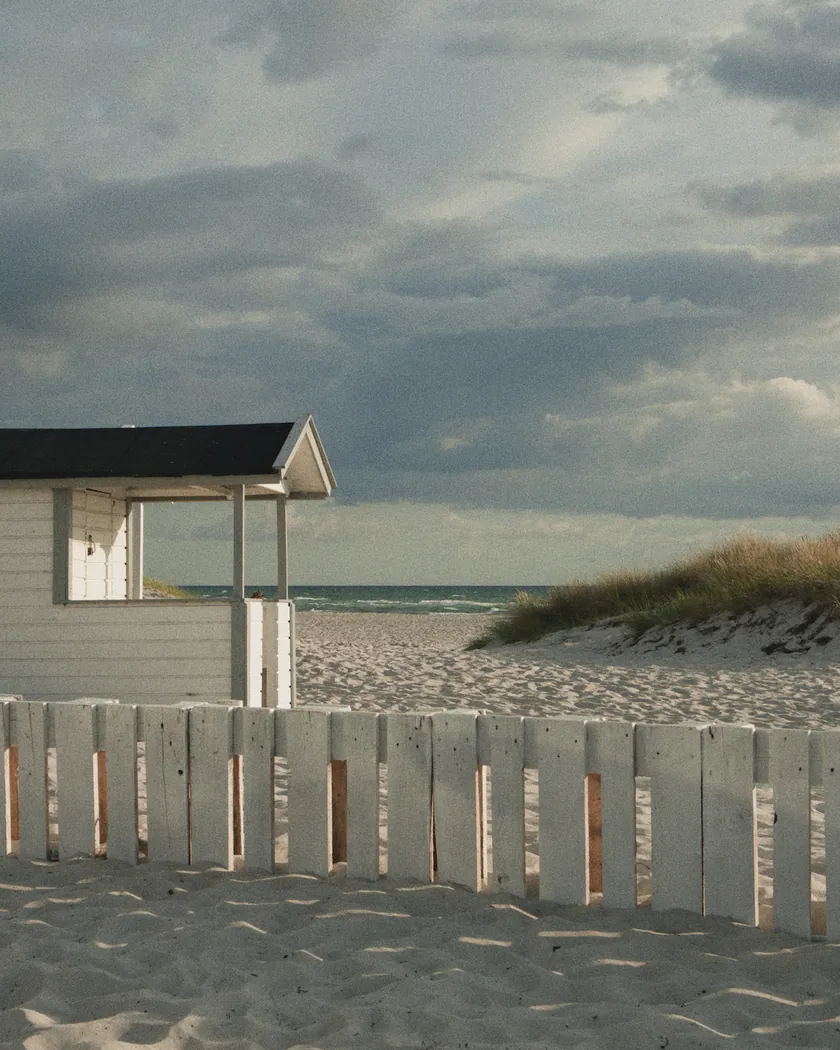
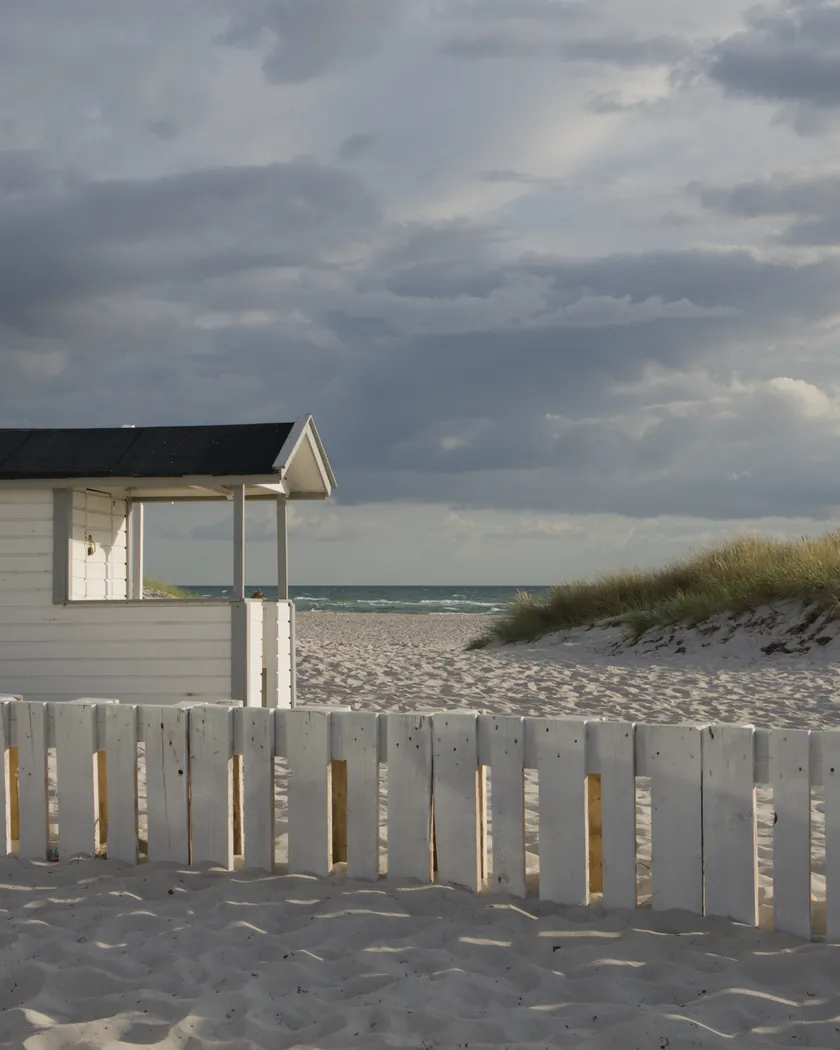
Translation into darktable
| Module | Role | Settings |
|---|---|---|
| rgb primaries | Greens toward yellow (yellow-green highlights), blues slightly toward cyan | Red 0, green −0.05 rad, blue −0.03 rad |
| color balance rgb (instance “film”) | Blue-green shadows, yellow-green highlights, pastel palette | Shadows 205° / 0.03; midtones 60° / 0.008; highlights 105° / 0.025; saturation −10 %, vibrance 0 |
| color equalizer | Reds and blues stand out, skin pastel pink, greens calmed | Red ×1.15; blue ×1.10; orange ×0.92 with hue −22°; green ×0.90 |
| tone curve (RGB, per channel) | Soft contrast, lifted blacks, soft shoulder | Nodes (0, 0.05) (0.10, 0.10) (0.25, 0.23) (0.5, 0.5) (0.75, 0.765) (0.90, 0.905) (1, 0.965) |
| grain | Heavy grain, stronger than the Color Negative 400 style (1700 / 22) | Coarseness 2000, strength 30, midtones bias 65 |
Measurements
The measurements come from a few RAW files of our own, which are not published on this site. The photos shown here are different.
| Photo | Zone | Baseline | Metric | Before | After | Film expectation |
|---|---|---|---|---|---|---|
| Seascape | whole image | Base rendering | Lsd (contrast) | 14.3 | 15.3 | Medium-low contrast |
| Group photo | whole image | Base rendering | Lsd (contrast) | 30.7 | 30.6 | Medium-low contrast |
| Group photo | whole image | Base rendering | L5 (blacks) | 2.6 | 6.3 | Soft, lifted blacks |
| Seascape | whole image | Base rendering | C (chroma) | 21.4 | 19.3 | Muted, pastel palette |
| Seascape | sky | Base rendering | C (chroma) | 27.5 | 24.7 | Muted, pastel palette |
| Seascape | sky | Base rendering | h (hue, °) | 273.6 | 263.6 | Blue hues |
| Seascape | sea | Base rendering | h (hue, °) | 270.1 | 258.4 | Blue hues |
| Portrait | skin | Base rendering | C (chroma) | 16.4 | 17.4 | Muted pink skin |
| Portrait | skin | Base rendering | h (hue, °) | 44.2 | 47.9 | Muted pink skin |
| Group photo | pink T-shirt | Base rendering | C (chroma) | 33.7 | 32.8 | Reds that stand out |
| Group photo | pink T-shirt | Base rendering | h (hue, °) | 358.8 | 7.2 | Reds that stand out |
Base rendering: darktable’s default processing of the RAW file, without the preset. Luminance conversion (black and white): the same photo converted with plain luminance weights, to isolate the effect of the film’s spectral sensitivity.
What the style changes
The style sets five darktable modules. Lomography publishes no datasheet for this film, so the style rests on the description of the film and on reviews, summarized on the LomoChrome Color ’92 film page. It is an interpretation, not a calibrated emulation. Renders were made at 1000 px with darktable’s default processing as the base.
- Soft contrast, lifted blacks. Global contrast is almost unchanged (Lsd 14.3 → 15.3 on the seascape, 30.7 → 30.6 on the group photo), but blacks rise (L5 2.6 → 6.3 on the group photo). The result is a soft look that does not crush the blacks.
- Pastel palette. Global chroma drops a little (C 21.4 → 19.3 on the seascape; sky 27.5 → 24.7).
- Blue hues. Sky and sea shift toward cyan (sky 273.6° → 263.6°, sea 270.1° → 258.4°), in line with the “blue hues” in Lomography’s description.
- Skin. Skin hue barely moves (44.2° → 47.9°) and chroma rises slightly (16.4 → 17.4), so it stays pinkish rather than orange. To keep the “muted pink” one review reports, the red primary stays at 0 and orange is set at −22°.
- Reds. The pink T-shirt drifts about 8° toward orange (358.8° → 7.2°) with stable chroma (33.7 → 32.8).
- Heavy grain. Coarseness 2000 and strength 30, more than the Color Negative 400 style (1700 / 22).
What it leaves alone
- Your base development. The style contains no exposure, no sigmoid or filmic, no white balance and no LUT.
- Your color balance rgb. The style’s instance is named “film” and is added next to yours.
- But not your rgb primaries, color equalizer, tone curve or grain. These carry no instance name: when you apply the style from the lighttable or the darkroom, each replaces any instance of the same module already on the photo. Your earlier settings stay in the history.
- Your pipeline order. The style file carries no module order list.
Exporting with a style, or rendering with darktable-cli, adds every module as a separate instance. See Install and apply darktable styles.
Limits
- Interpretation, not a calibrated emulation. No manufacturer datasheet and no measurement on film.
- The color cast is a choice. Reviews place the shadows in blue, green or yellow-brown, and the highlights in yellow-green or blue. The style fixes one compromise: blue-green shadows, yellow-green highlights. This is a choice between diverging sources, not a measurement.
- Contrast is a judgment call. Most reviews say low or flat; the style follows them.
- Grain and saturation are set without any manufacturer figure.
- Color shifts from underexposure and light leaks are not simulated.
- Sun-kissed is not modeled. The style targets the original film, not the warmer Sun-kissed variant.
Tips
- Apply it early if you plan to fine-tune the tone curve, rgb primaries, color equalizer or grain yourself, since it replaces those settings.
- Shift the cast to taste with the hue of the “film” color balance rgb instance, given how much reviews disagree.
- Installation: see Install and apply darktable styles.
Get the preset

Film emulation software for Mac
Grain Archive Lab
Develop the LomoChrome Color '92 look on your Mac: grain and halation built in, then the photo in its film frame or on a contact sheet.
Free trial: no account needed, TRIAL watermark · One-time · current major version and all its updates · Macs with Apple silicon, macOS 15 Sequoia or later
Or the darktable preset
GA — 041 / P · darktable preset
LomoChrome Color '92
for darktable
Try the free darktable pack first · What the darktable pack contains