darktable preset inspired by FujifilmInstax Mini
High contrast, short latitude, vivid reds and greens, darker blues, near-neutral cast.
- Film
- GA — 065 · sheet, datasheet, sources
- Pack
- Full pack
- darktable
- 5.6 or later
- In darktable
- Styles › Pellicules › Instantané
- File
- Pellicules - Instantané - Fujifilm Instax Mini.dtstyle
A darktable 5.6 style interpreting Fujifilm Instax Mini from reviews: high contrast, short latitude, vivid reds and greens, near-neutral. In the full pack.
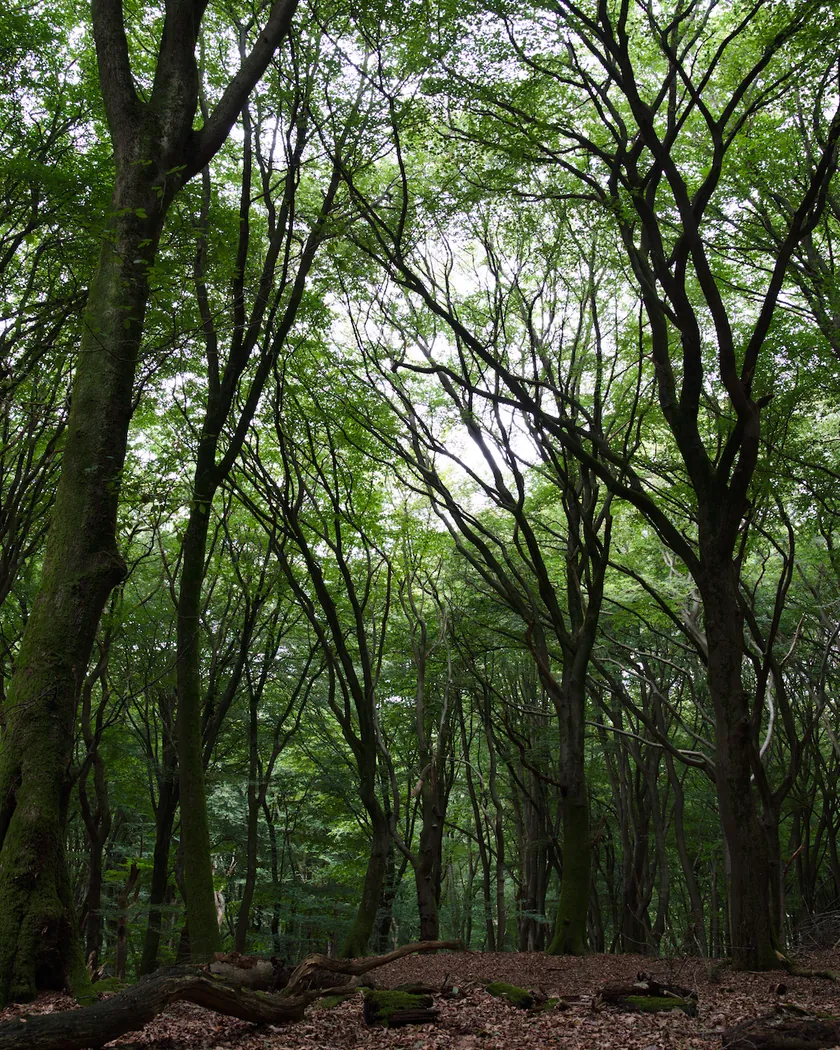
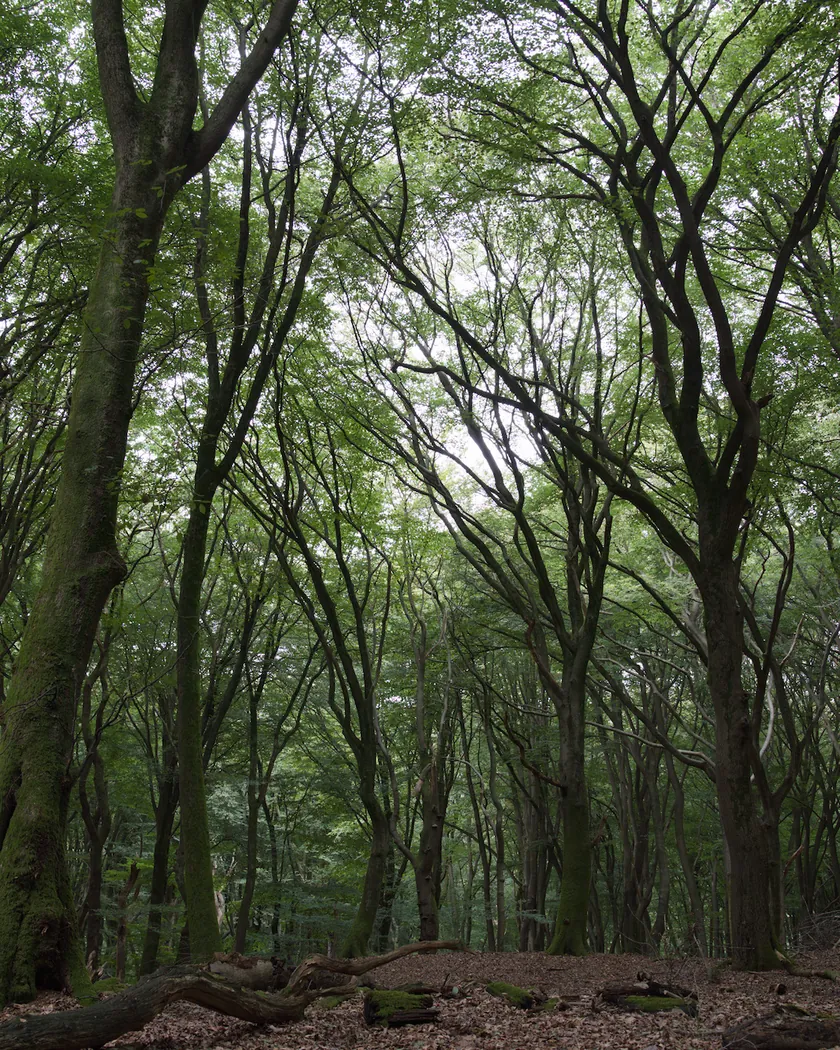
Translation into darktable
| Module | Role | Settings |
|---|---|---|
| rgb primaries | Slightly more vivid reds and greens | Red purity 1.02, green purity 1.02 |
| color balance rgb (instance “film”) | Very slight coolness in the highlights, a bit more saturation | Highlights 255° / 0.006; global saturation +4 %, vibrance +3 % |
| color equalizer | Vivid reds and greens, darker blues | Saturation: red ×1.05, green ×1.08; brightness: blue ×0.88 |
| tone curve (RGB, per channel) | Midtone slope of about 1.4: shadows that block up quickly without a raised floor, highlights that cap out early | Nodes (0, 0) (0.08, 0.04) (0.2, 0.145) (0.35, 0.32) (0.5, 0.51) (0.65, 0.69) (0.78, 0.855) (0.88, 0.95) (0.95, 0.99) (1, 1) |
Measurements
The measurements come from a few test photos of our own, which are not published on this site. The photos shown here are different.
| Photo | Zone | Baseline | Metric | Before | After | Film expectation |
|---|---|---|---|---|---|---|
| 0775 | whole image | Base rendering | Lsd (contrast) | 14.3 | 17.7 | High contrast, short latitude |
| 0775 | whole image | Base rendering | L5 | 29.4 | 22.9 | Deeper shadows |
| 0775 | whole image | Base rendering | L95 | 75.2 | 80.3 | Brighter highlights |
| 0775 | whole image | Base rendering | C (chroma) | 21.4 | 27.8 | Saturated colors |
| 1014 | whole image | Base rendering | Lsd (contrast) | 30.7 | 34.8 | High contrast, short latitude |
| 1014 | whole image | Base rendering | L5 (blacks) | 2.6 | 1.1 | Blocked-up shadows |
| 1014 | whole image | Base rendering | L95 (whites) | 87.9 | 94.8 | Dazzling whites |
| 1014 | whole image | Base rendering | C (chroma) | 8.6 | 9.6 | Saturated colors |
| 0775 | sky | Base rendering | C (chroma) | 27.5 | 35.7 | Saturated colors |
| 0775 | sky | Base rendering | h (hue, °) | 273.6 | 274.6 | Sky hue unchanged |
| 0775 | sea | Base rendering | L | 38.4 | 33.3 | Darkened blues |
| 0775 | sea | Base rendering | C (chroma) | 22.2 | 27.8 | Saturated colors |
| 0775 | sea | Base rendering | h (hue, °) | 270.1 | 271.4 | Hue unchanged |
| 0989 | skin | Base rendering | L | 78.2 | 84.3 | Brighter, contrasty rendering |
| 0989 | skin | Base rendering | C (chroma) | 16.4 | 18.8 | Saturated colors |
| 0989 | skin | Base rendering | h (hue, °) | 44.2 | 47.0 | Neutral, not yellow |
| 1014 | pink T-shirt | Base rendering | C (chroma) | 33.7 | 43.0 | Vivid reds |
| 1014 | pink T-shirt | Base rendering | h (hue, °) | 358.8 | 359.8 | Hue unchanged |
| 0989 | white wall | Base rendering | L95 (whites) | 97.9 | 99.8 | Dazzling white |
| 1014 | white wall | Base rendering | L | 86.2 | 93.3 | Dazzling white |
| 1013 | vault | Base rendering | L | 5.1 | 2.5 | Crushed shadows |
| 1014 | shadow on the ground | Base rendering | L | 11.5 | 7.1 | Crushed shadows |
| 0989 | orange vests | Base rendering | C (chroma) | 37.8 | 46.6 | Vivid reds |
| 0989 | blue shutter | Base rendering | C (chroma) | 33.1 | 41.7 | Saturated colors |
Base rendering: darktable’s default processing of the RAW file, without the preset. Luminance conversion (black and white): the same photo converted with plain luminance weights, to isolate the effect of the film’s spectral sensitivity.
What the style changes
The style sets four darktable modules. It aims at a standard color Instax Mini print, as reviewers describe it on the Fujifilm Instax Mini film page: high contrast, short latitude, saturated but natural color, vivid reds and greens, darker blues, and a near-neutral balance. Fujifilm publishes no datasheet with a characteristic curve for this film, so everything comes from reviews and the style is an interpretation, not a calibration. All figures below come from renders made with darktable-cli 5.6.0 at 1000 px, measured in CIELab.
- High contrast, short latitude. The tone curve has a midtone slope of about 1.4, against about 1.2 in the Polaroid Color style. Shadows block up quickly without a raised floor, and highlights cap out early.
- Contrast (Lsd) rises from 14.3 to 17.7 on the landscape (+24 %) and from 30.7 to 34.8 on the full-sun scene (+13 %).
- Blacks deepen: a dark vault goes from L 5.1 to 2.5 and a shadow on the ground from L 11.5 to 7.1.
- Whites get brighter: a white wall goes from L 86.2 to 93.3, and another wall reaches L95 99.8.
- Saturated, with hues kept. Chroma rises by about 25 to 30 % on the sky (27.5 → 35.7), the sea (22.2 → 27.8) and a pink T-shirt (33.7 → 43.0). The sky hue barely moves (273.6° → 274.6°).
- Vivid reds and greens, darker blues. Orange vests gain 23 % chroma (37.8 → 46.6). The sea goes from L 38.4 to 33.3.
- Near-neutral, slightly cool. Reviews disagree on the cast (see Limits), so the style only adds a very slight coolness in the highlights: a white wall goes from b* 0.0 to −0.7, and skin hue moves from 44.2° to 47.0°, against 58° in the Polaroid Color style.
- No grain. Instant film is a dye-diffusion print with no silver grain, so the style adds none.
What it leaves alone
- Your base development. The style contains no exposure, no sigmoid or filmic, no white balance and no LUT. Those settings stay as you made them.
- Your color balance rgb. The style’s color balance rgb is a separate instance named “film”: it is added next to yours, which stays untouched.
- But not your rgb primaries, color equalizer or tone curve. When you apply a style from the lighttable or the darkroom, each of its modules replaces the instance of the same module with the same name, if the photo has one, and is added otherwise. These modules carry no instance name, so they replace any settings you had already made in them. Your earlier settings remain in the history.
- Your pipeline order. The style file carries no module order list, so it does not impose one on your image.
Exporting with a style, or rendering with darktable-cli, works differently: every module of the style is added as a separate instance. Our measurements were made that way, on darktable’s default rendering. The details are in Install and apply darktable styles.
Limits
- No datasheet with a curve. Every contrast and color value comes from subjective reviews. The style is an interpretation.
- Reviews disagree on the cast. Dan Finnen sees a colder cast, Emulsive warm, brownish blacks. The style stays almost neutral.
- The flash is not simulated. Many “very contrasty” reviews come from photos taken with a camera’s built-in flash. Flash depends on the shooting, so only the curve is simulated.
- Softness is not simulated. darktable’s blurs module imposes a minimum radius, which would weigh very differently depending on the export size.
- The white frame and the 46 × 62 mm format are not simulated.
- Highlights clip quickly. A white wall on one photo comes out almost pure white, which is intended (“dazzling white”) but loses highlight detail. On an already bright photo, detail can disappear.
- The blue shutter gains chroma without getting darker (C 33.1 → 41.7). The blue setting mostly targets deep blues such as sky and sea.
- Batches and generations. No source we consulted compares production batches or film generations, so possible emulsion changes are not accounted for.
- Variants are not covered. Monochrome, Rainbow and colored-frame variants are not targeted. Wide and Square use the same film family, but no source we consulted treats them separately.
Tips
- For a colder or warmer print, adjust the white balance by hand; the sources disagree on the direction.
- Underexpose slightly if the highlights clip too much on a bright scene: the curve caps highlights early.
- Crop to 46 × 62 mm proportions if you want the print’s aspect ratio.
- Apply it early. If you plan to fine-tune the tone curve, rgb primaries or color equalizer yourself, apply the style first: it would replace those settings if you made them before.
- Installation: see Install and apply darktable styles.
Get the preset
GA — 065 / P · darktable preset
Instax Mini
for darktable